For small business
Asset tracking without enterprise software.
Photograph the equipment or import the invoice, and each asset gets a record with its serial number, purchase date, and receipt. Rooms, shelves, and vans are containers, so the record says where it is. The team works from the same inventory, each person from their own account.
- Serial numbers, purchase dates, and warranties on the record
- The invoice attached to the items it bought
- One inventory for the whole team
- Filtered lists to print, share, or export
From the invoice to the count
Log the equipment, know where it is, and count it when you have to.
The record is built as things come in. Finding, sharing, and counting all read from that same record.
01 · Log the equipment
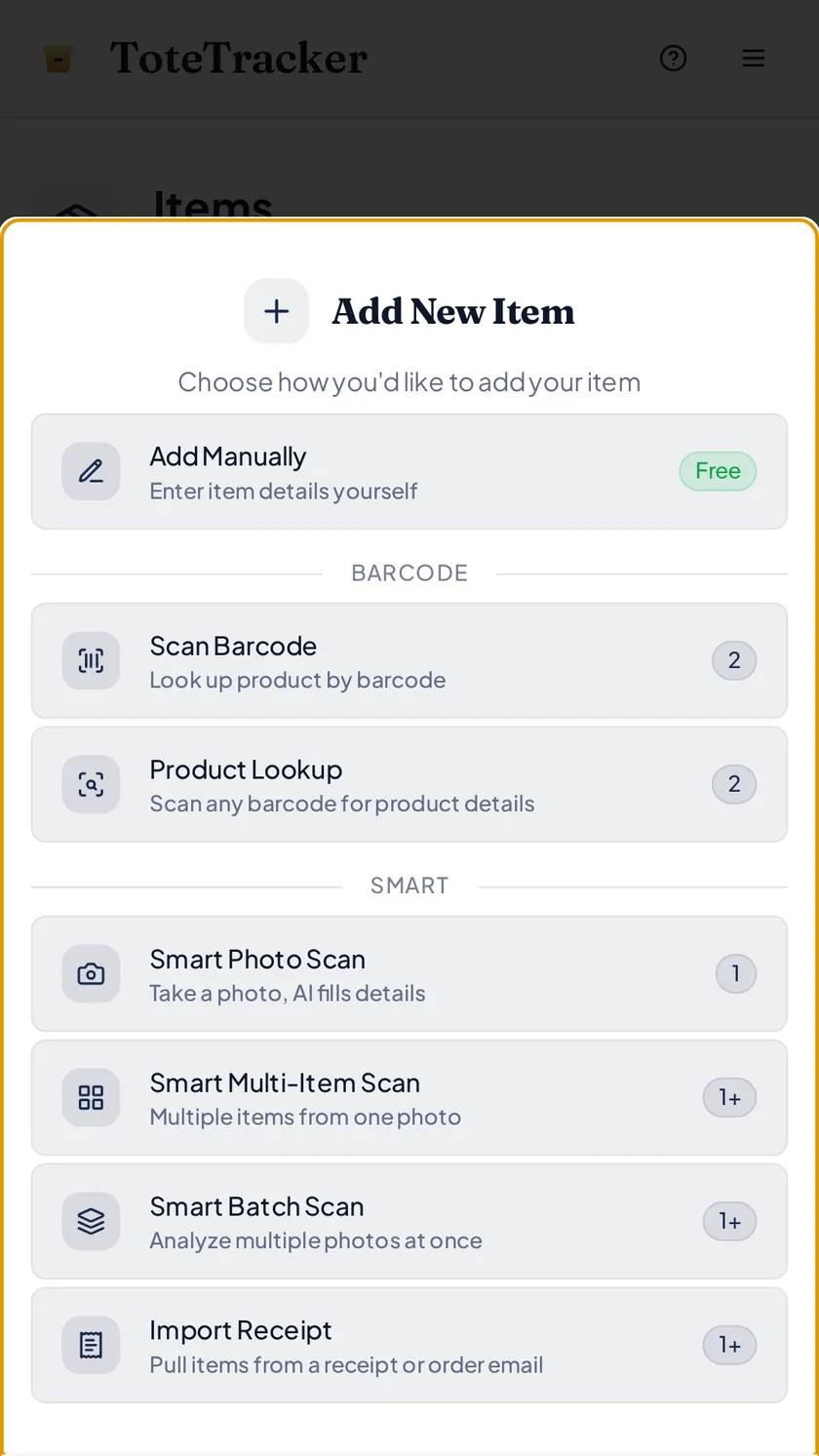
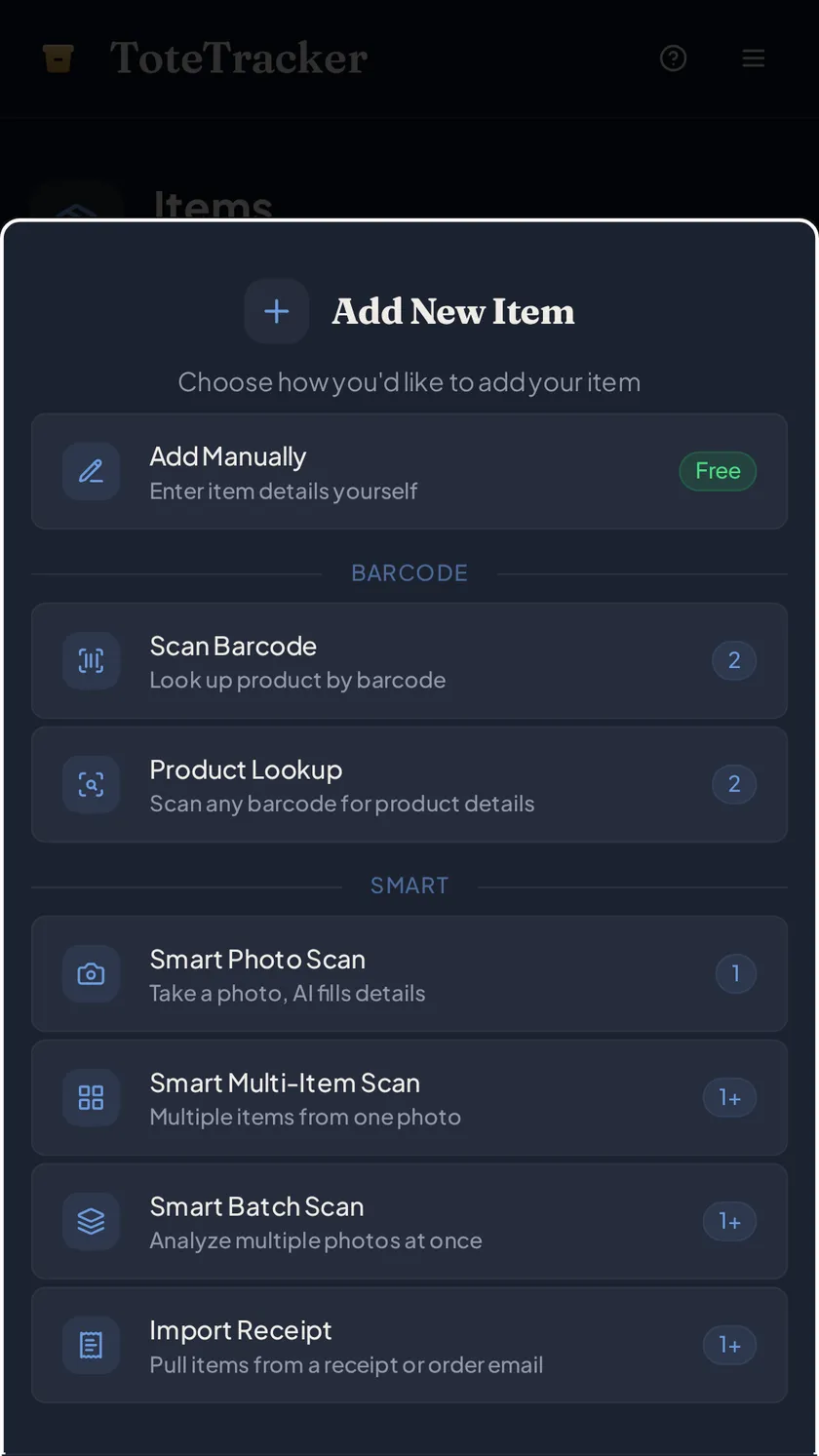
Log each asset from a photo, an invoice, or a barcode.
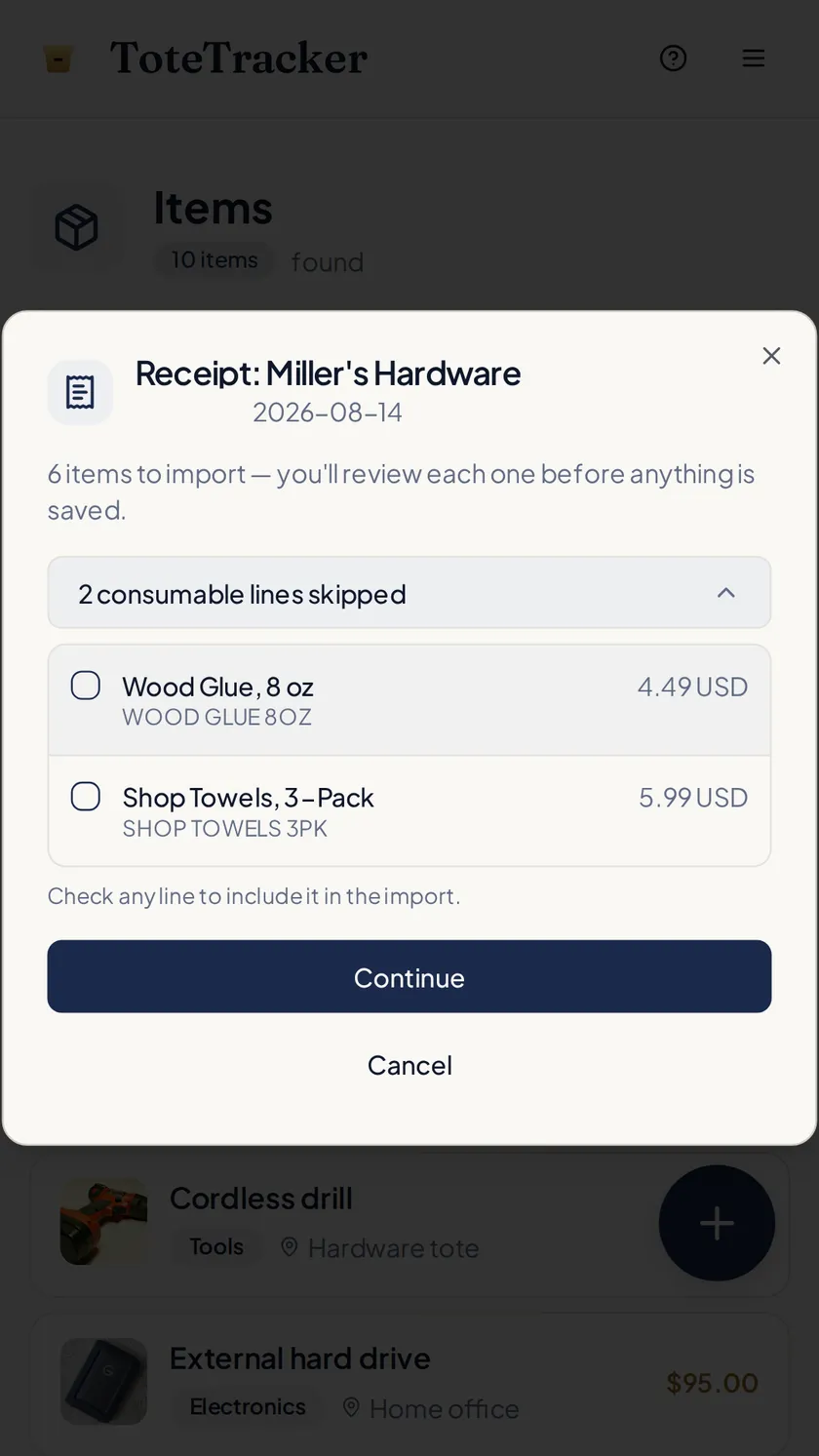
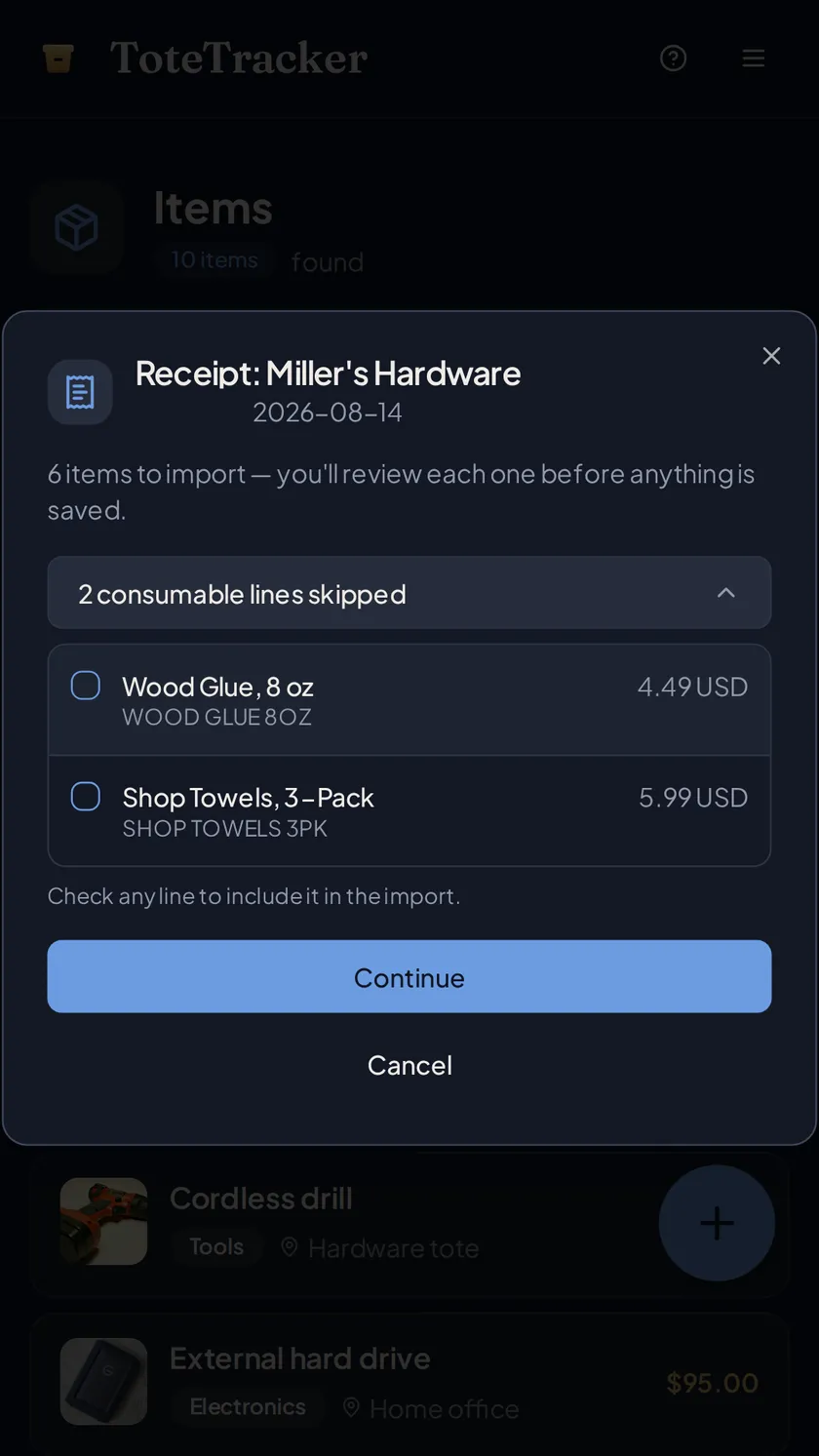
Photograph the printer, the ladder, the espresso machine, and the scan drafts a name, a category, and an estimated value. Import the supplier invoice and each line becomes a draft with the invoice attached and the purchase date and price filled in. Serial numbers, model numbers, and warranty dates go on the same record, with custom fields for whatever else you track: an asset tag, a cost center.
- Paper receipts, screenshots, and PDF invoices, each line reviewed before anything is saved
- Read the serial number off the plate from a photo
- Custom fields for an asset tag, a cost center, or a department
02 · Know where it is
Give every room, shelf, and van a container.
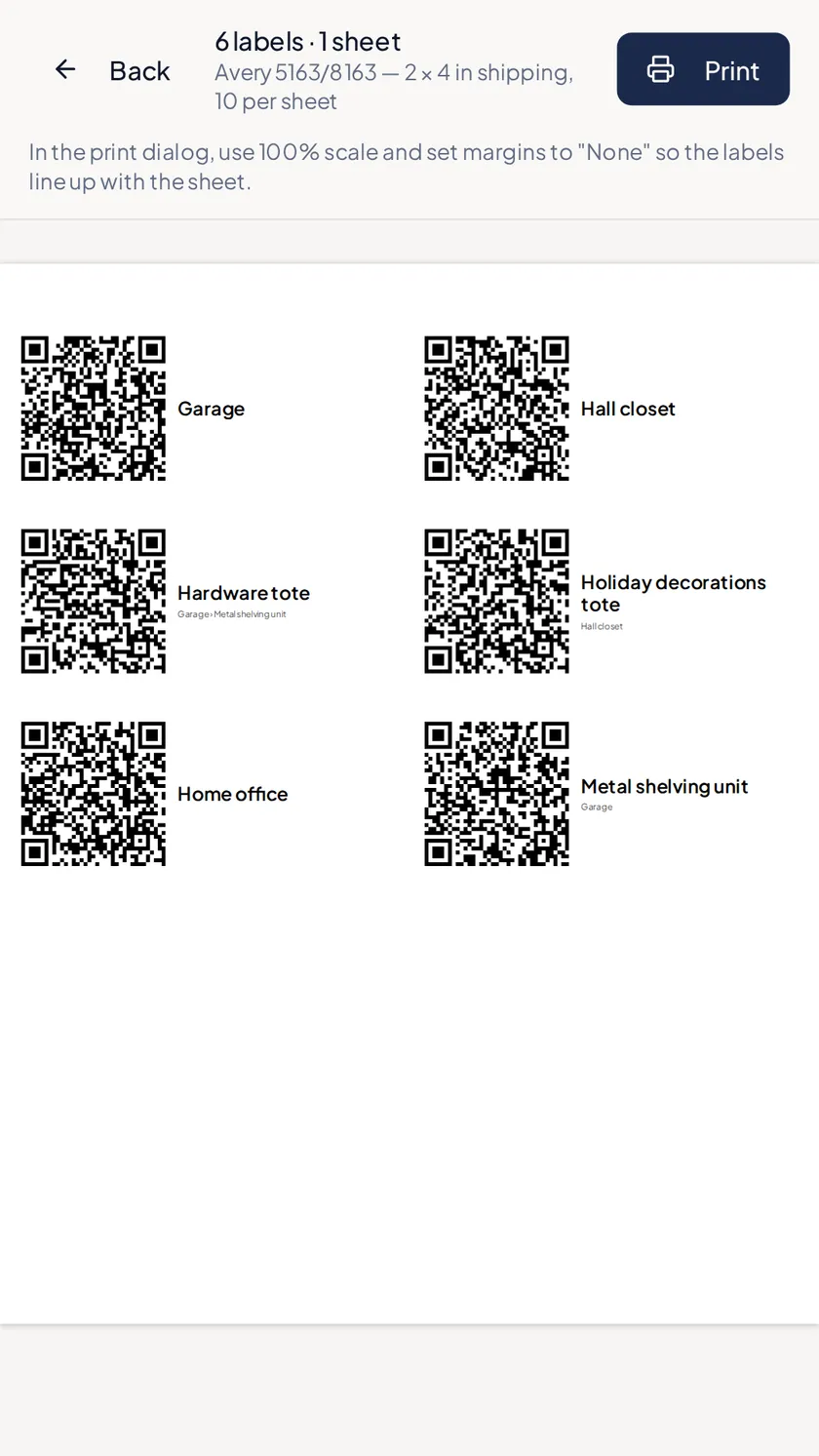
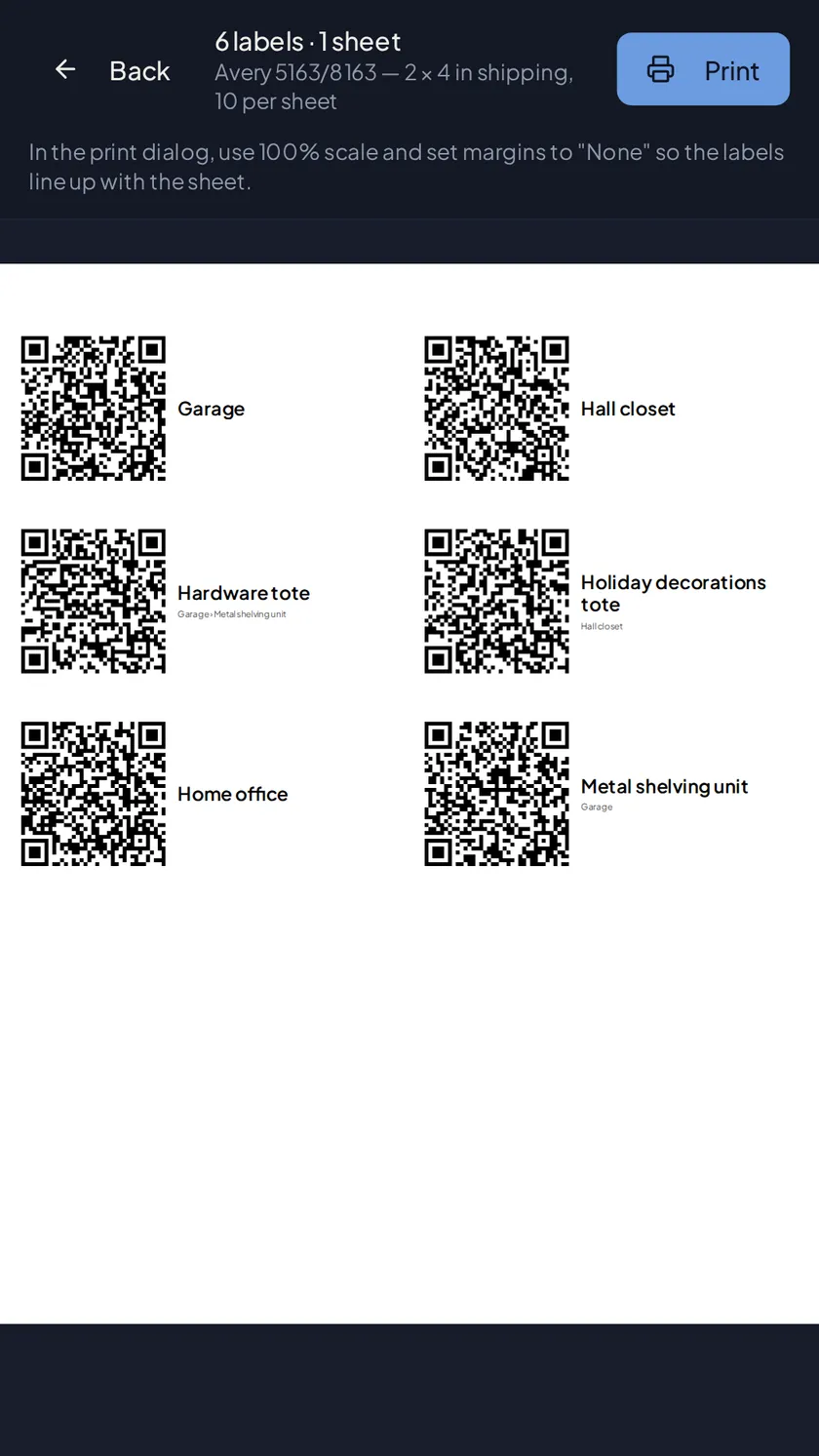
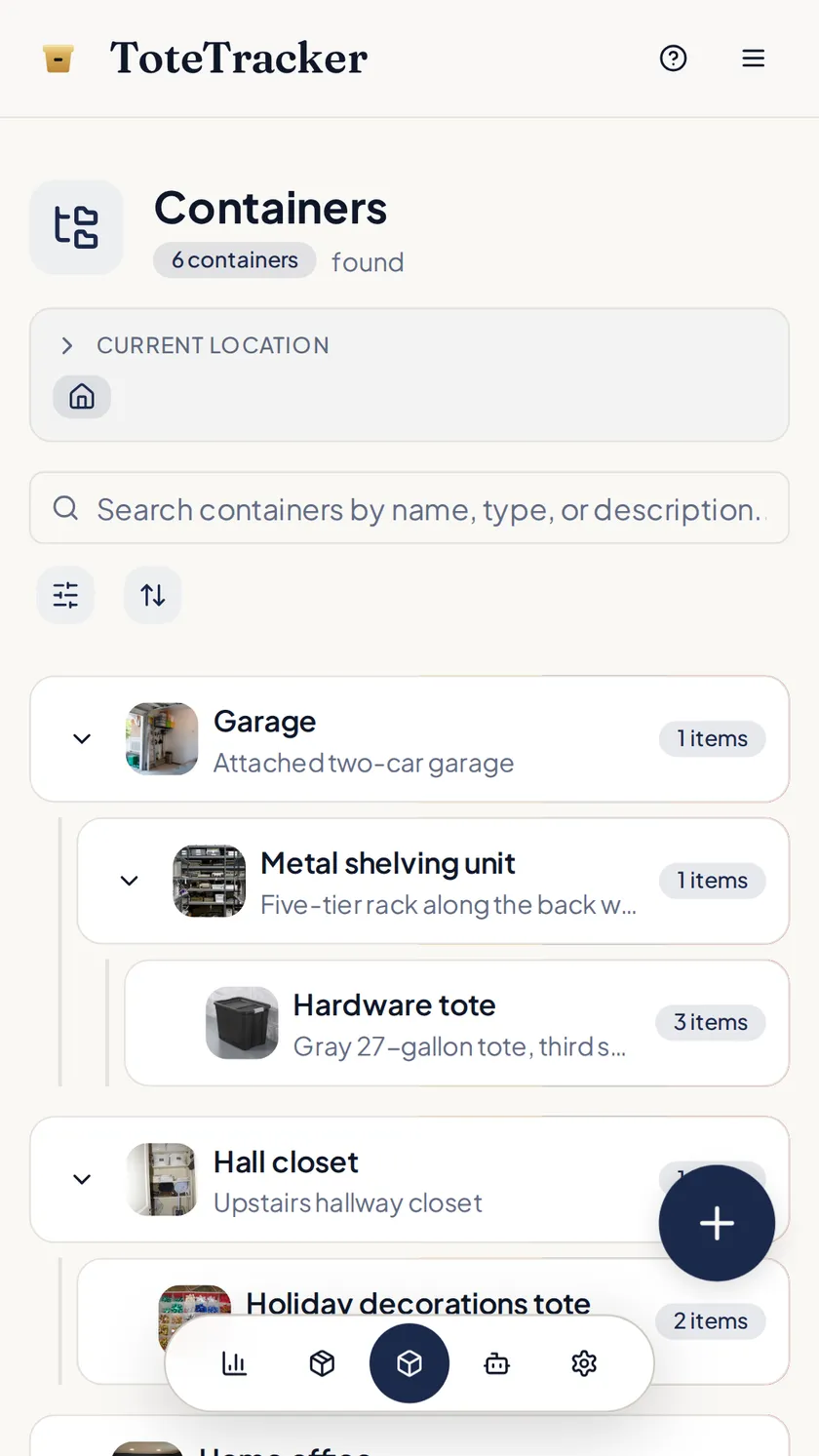
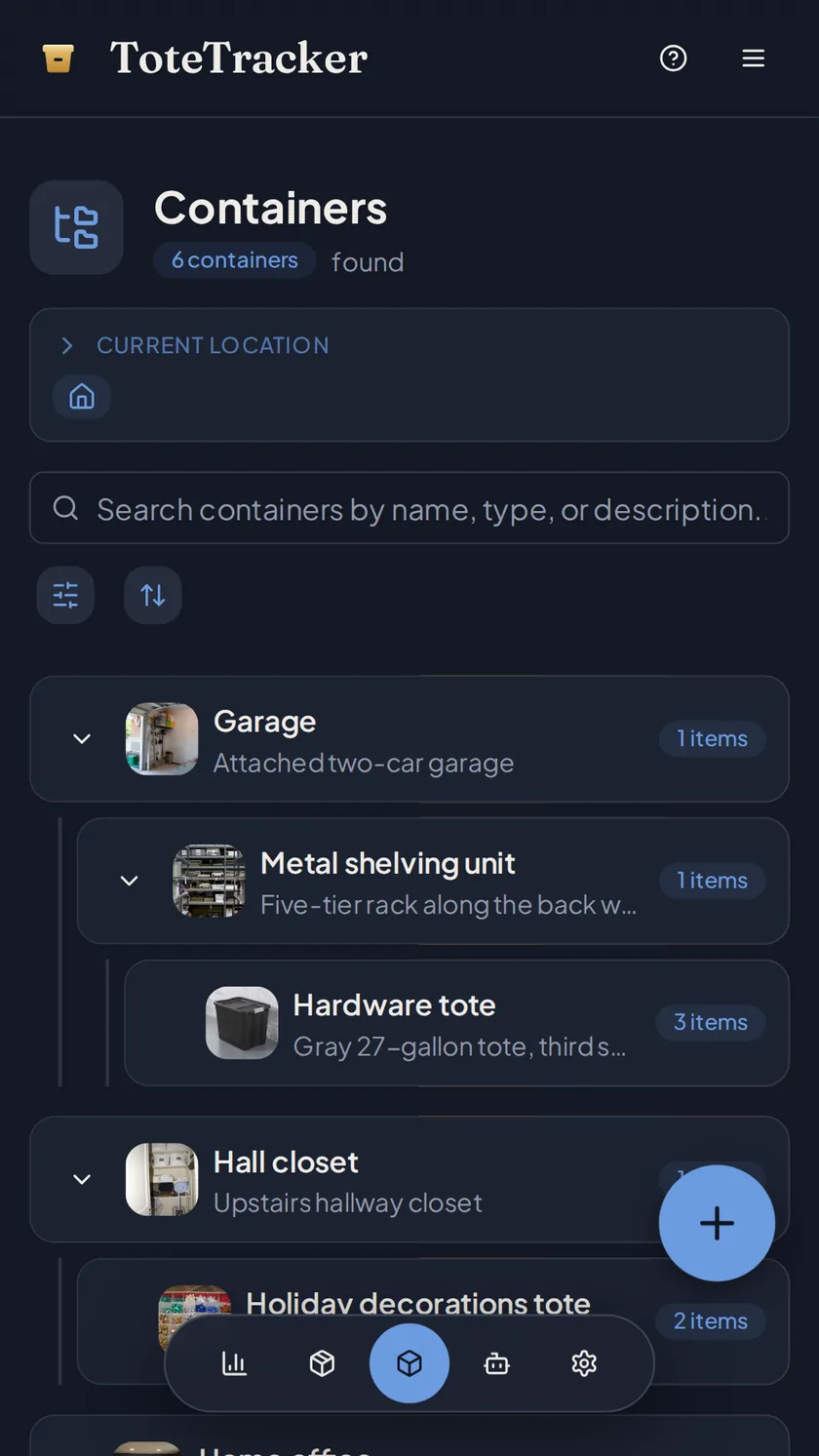
Containers nest the way the business is laid out: the shop, the racks inside it, the tote on the third rack, the van. Each asset lives in one, so its record says where it is. Print QR labels for the shelves and totes, and scanning one with any phone camera opens what's inside. When the projector goes out for a client demo, mark it in use with a note on who has it.
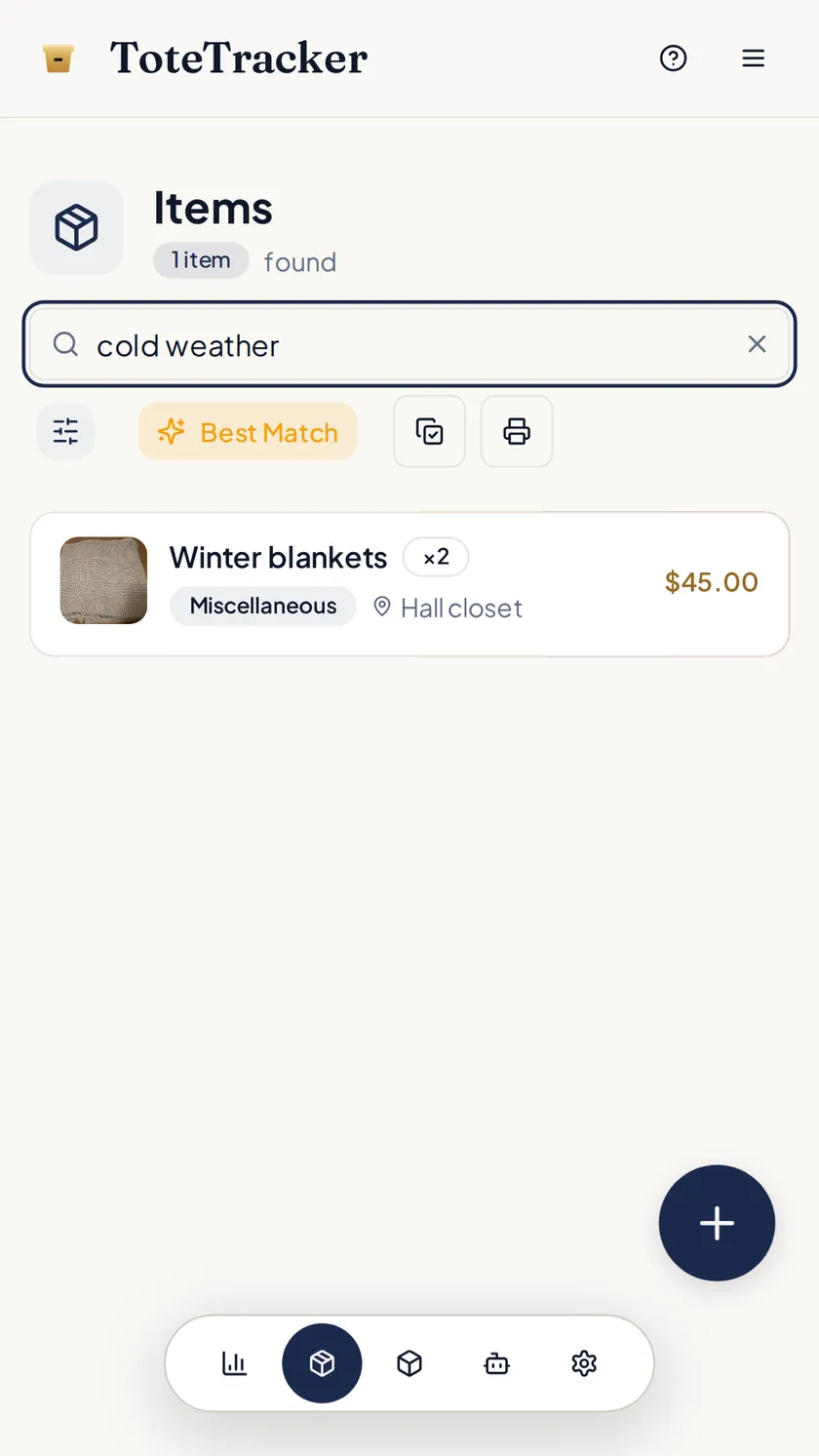
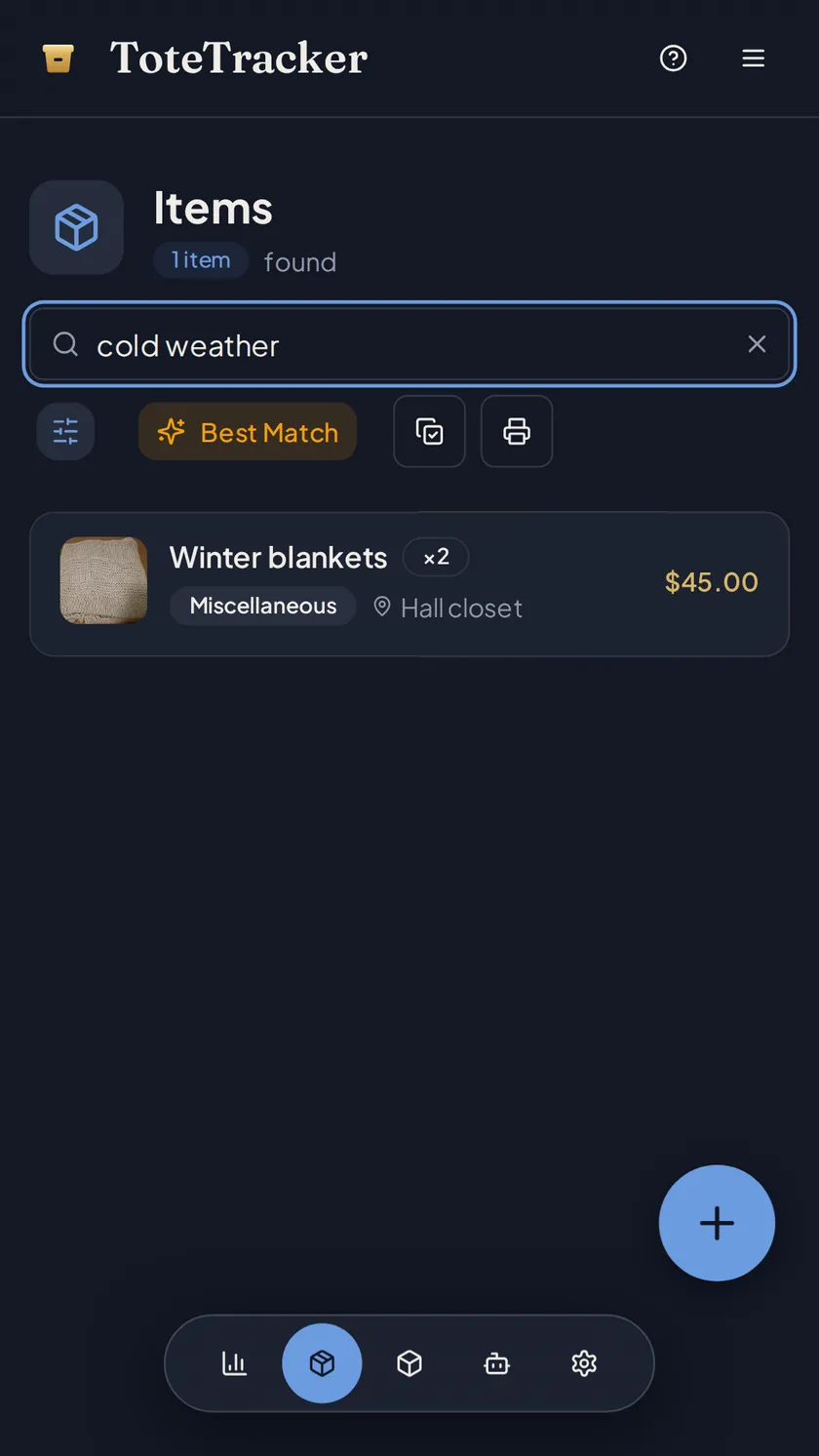
- Search by description or by serial number
- QR labels on Avery sheets; any phone camera opens the container
- Mark an item in use, with a note on who took it and when it's due back
03 · Work from one inventory
Everyone on the team works from the same inventory.
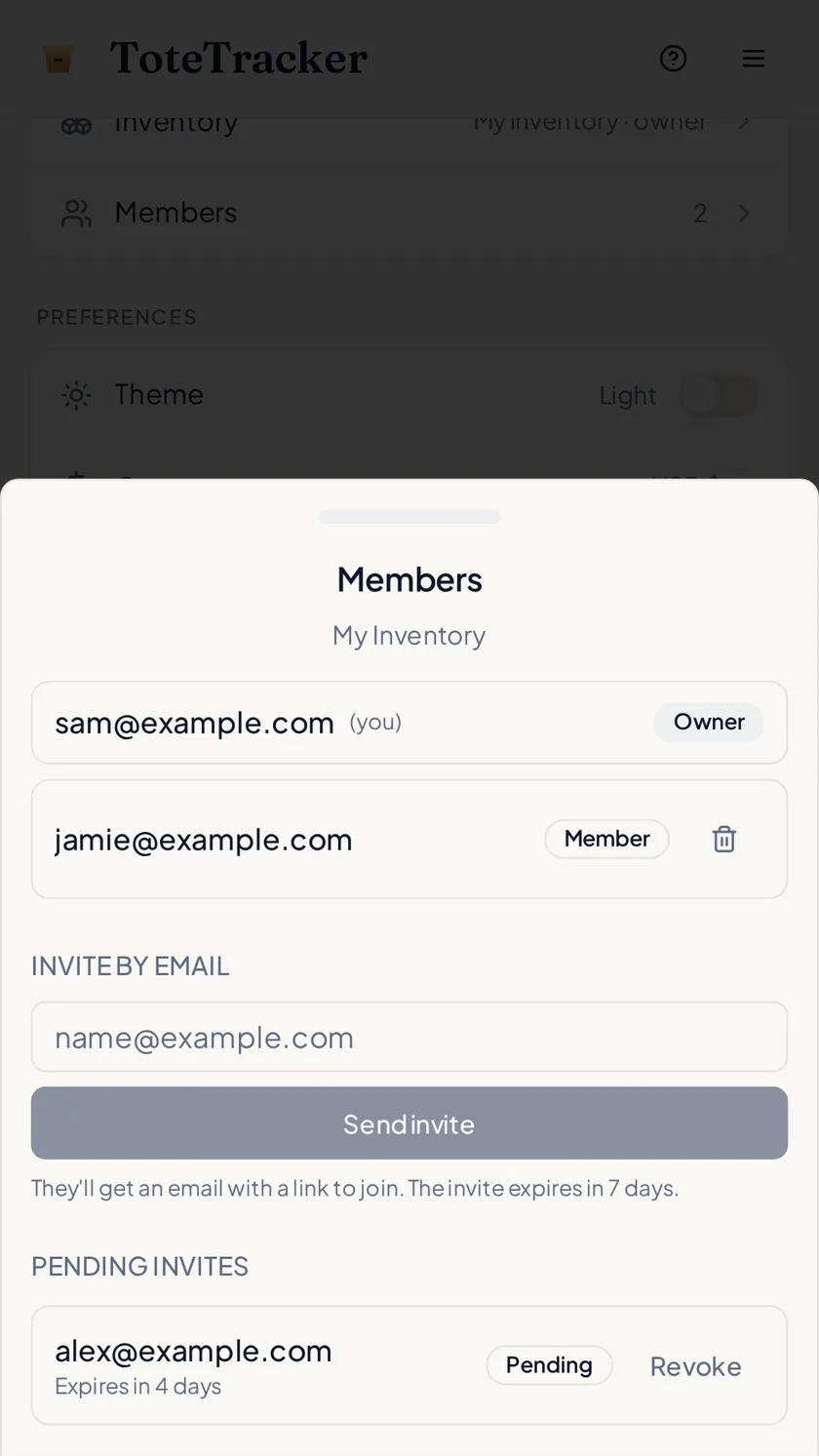
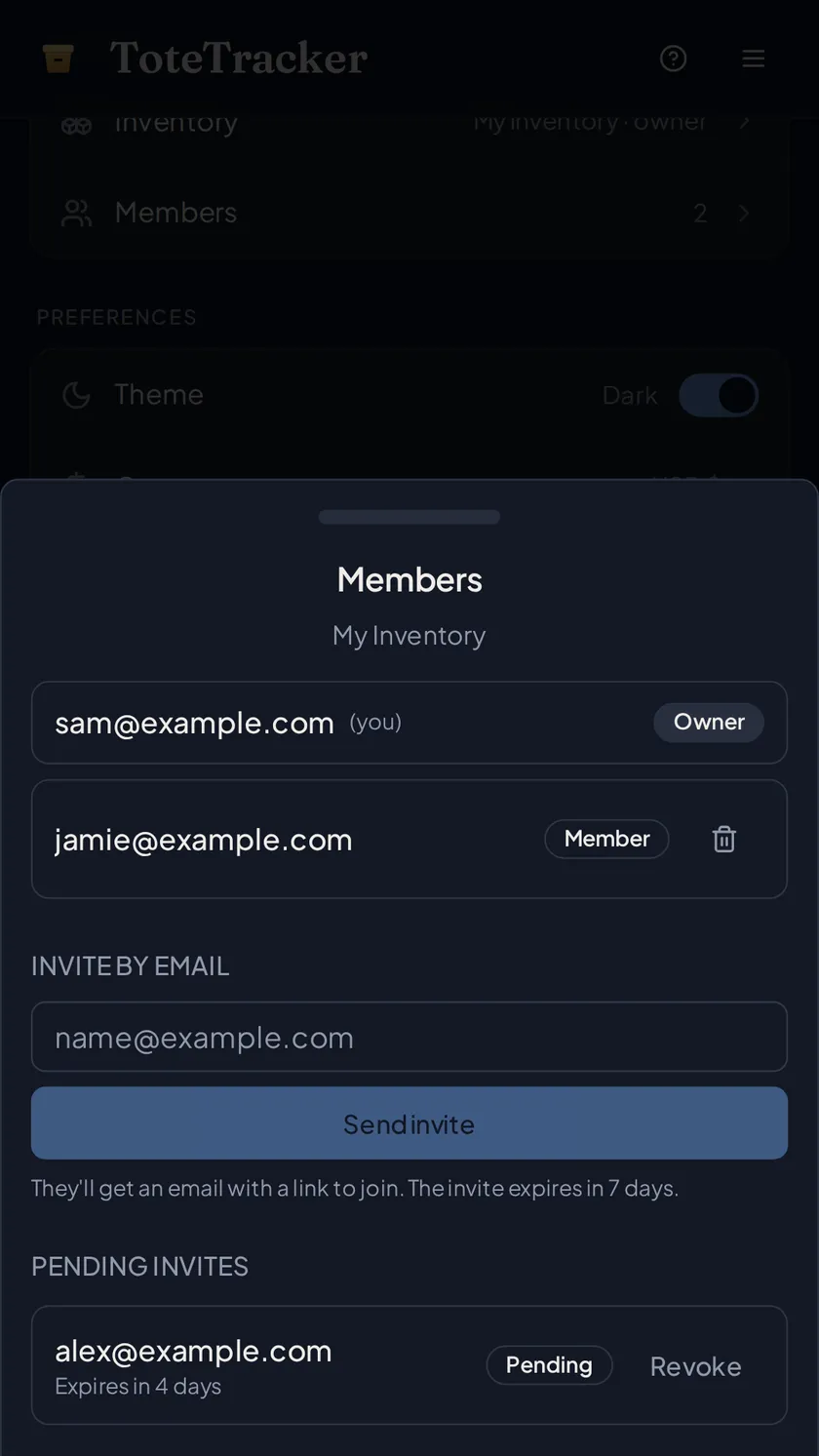
Invite people by email and they see the same containers and items from their own account, on their own phone. Whoever unloads the delivery logs it; whoever borrows the drill marks it in use; the edits sync to everyone. The inventory owner needs Plus; everyone they invite can be on any plan, and Smart Actions are counted against the person who used them.
- Invite by email; the owner manages members, everyone else adds and edits
- Each person signs in to their own account; only the owner needs Plus
- Works offline in the storage unit and syncs when you're back on Wi-Fi
04 · Count it
Count the equipment with the list open.
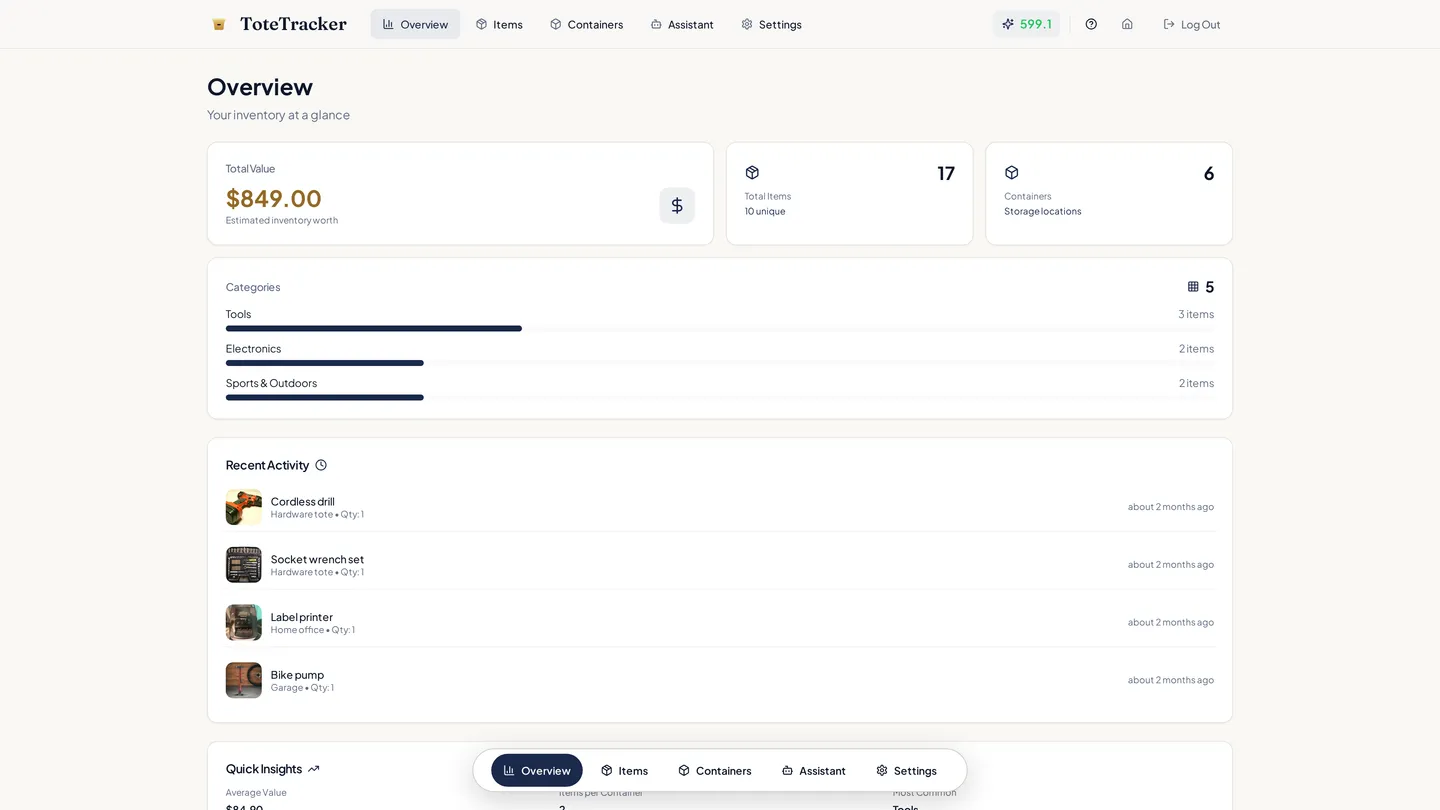
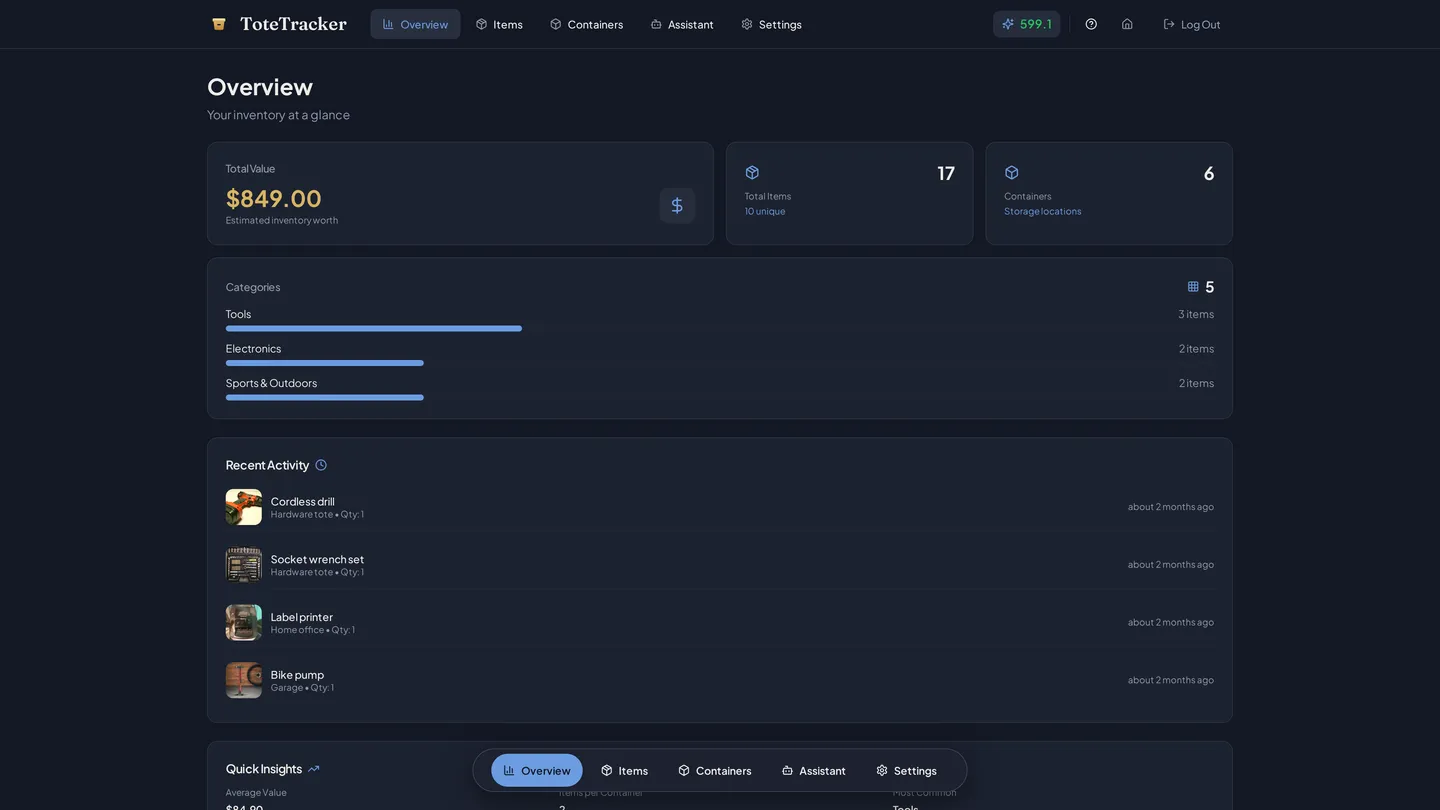
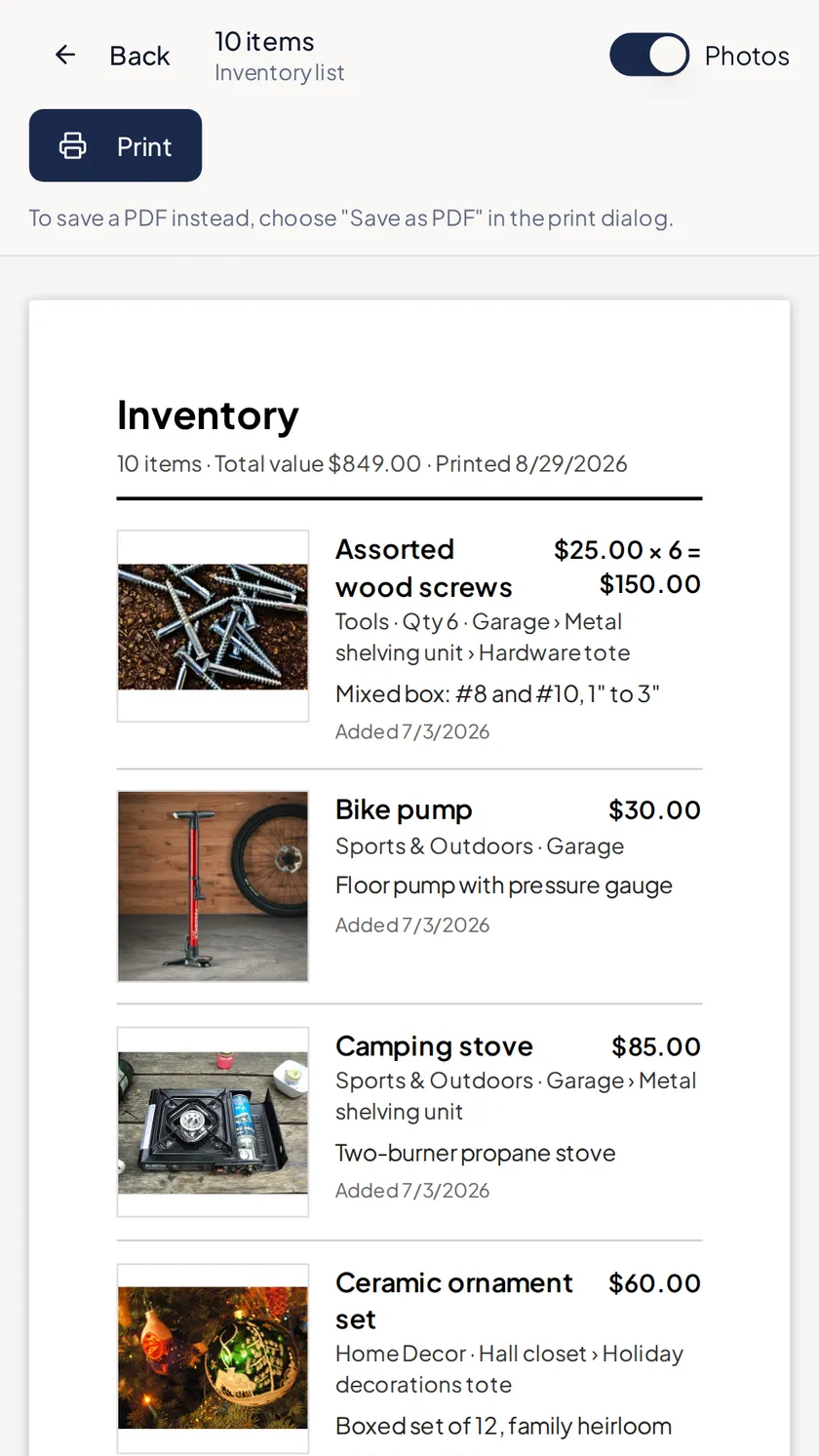
Filter the list to one room or one category and walk it, scanning each shelf's label to open what should be there. Print that filtered list from a browser with photos, serial numbers, and purchase dates, or send it as a link that opens without an account. For the accountant or the insurer, export everything, receipts included. The overview shows the total value and any warranties ending in the next 30 days.
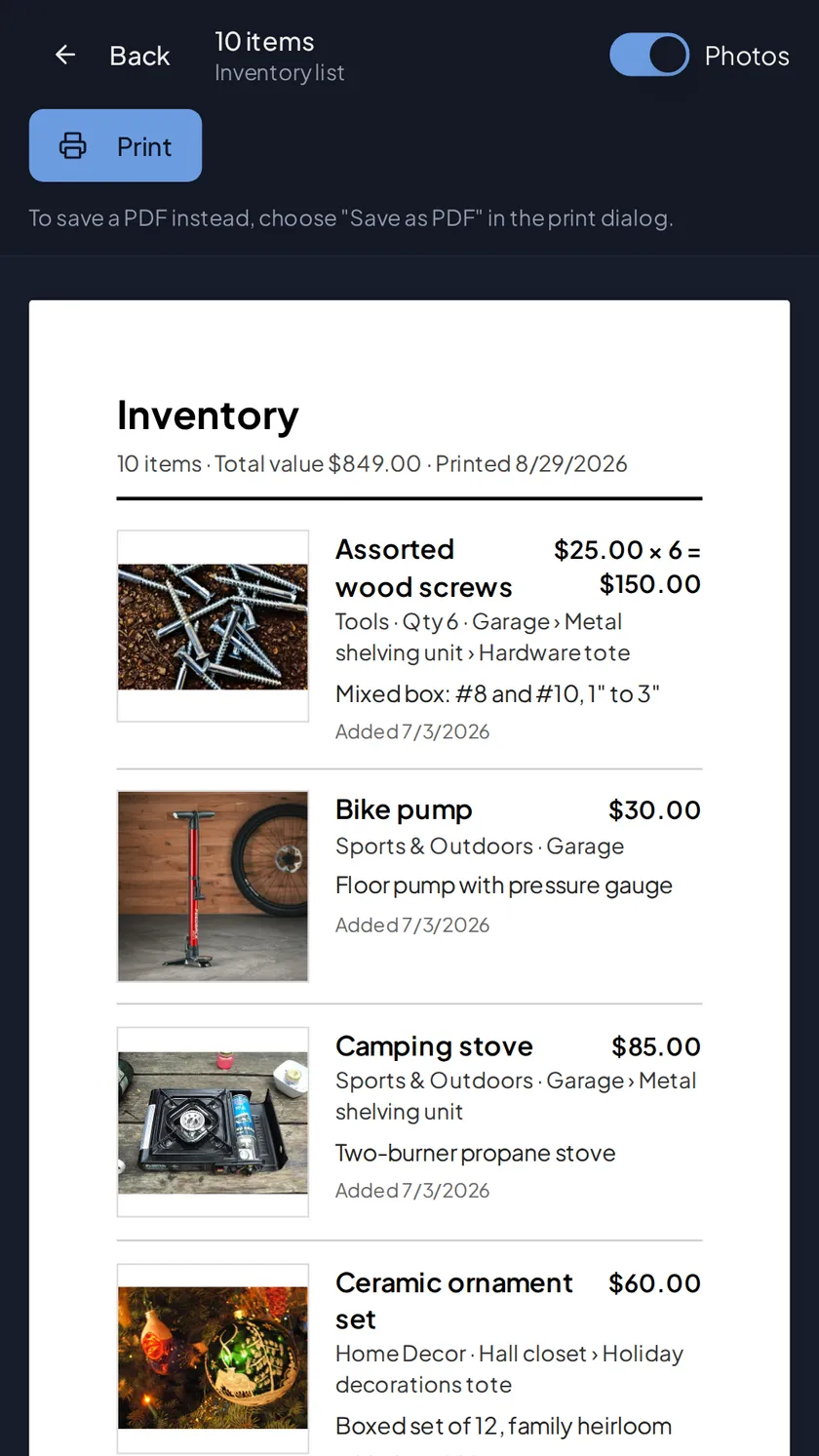
- Printable list with photos, values, serial numbers, and dates added
- Share a filtered list as a link that needs no account
- Export everything, receipts included, any time
Start the equipment list with the next invoice.
Free for up to 50 items. Plus adds 100 Smart Actions a month, Smart Search, and sharing from $3.33/month.
7-day free trial · Cancel anytime · Export your data anytime