For insurance
Document your stuff while you still have it.
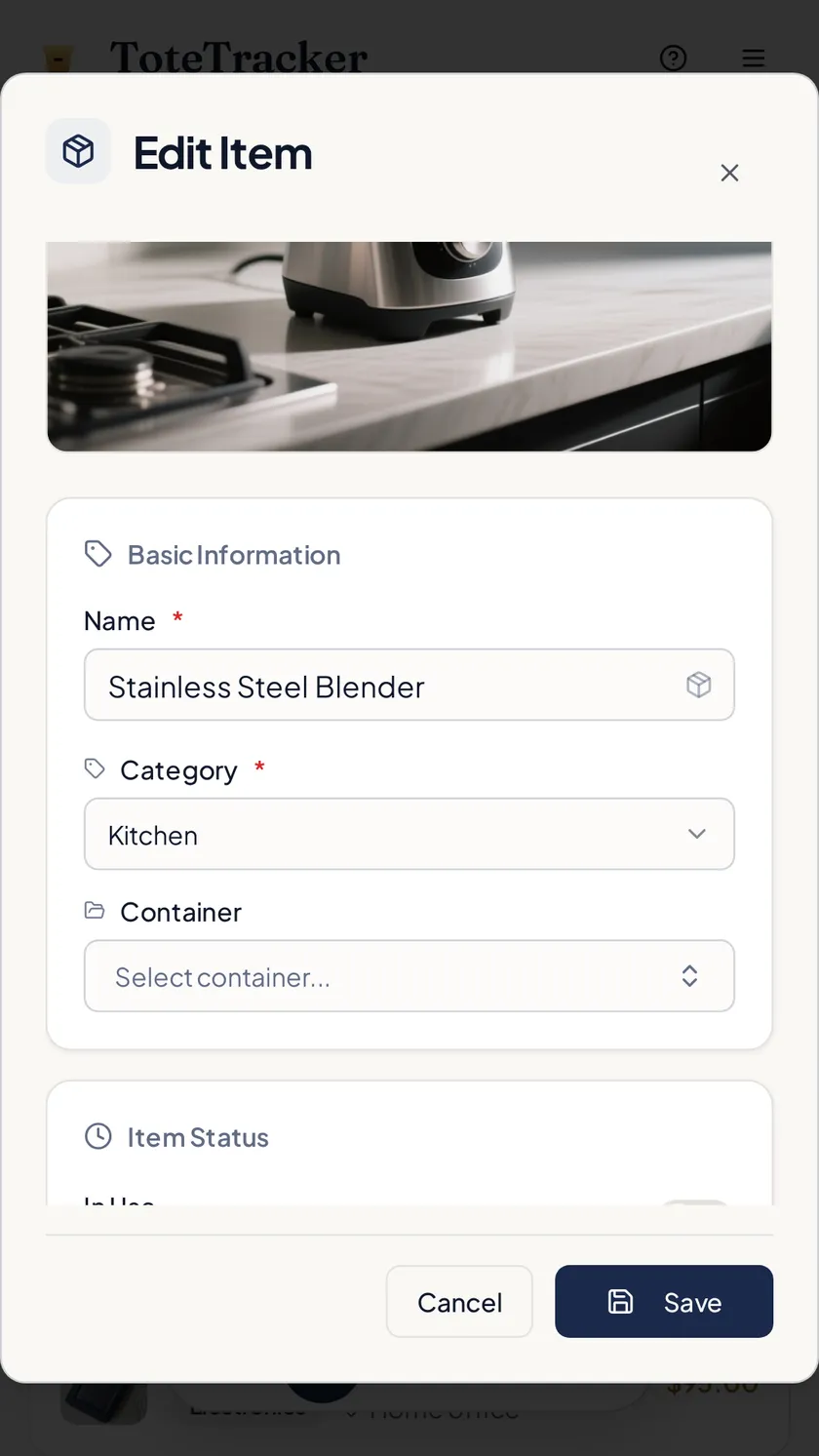
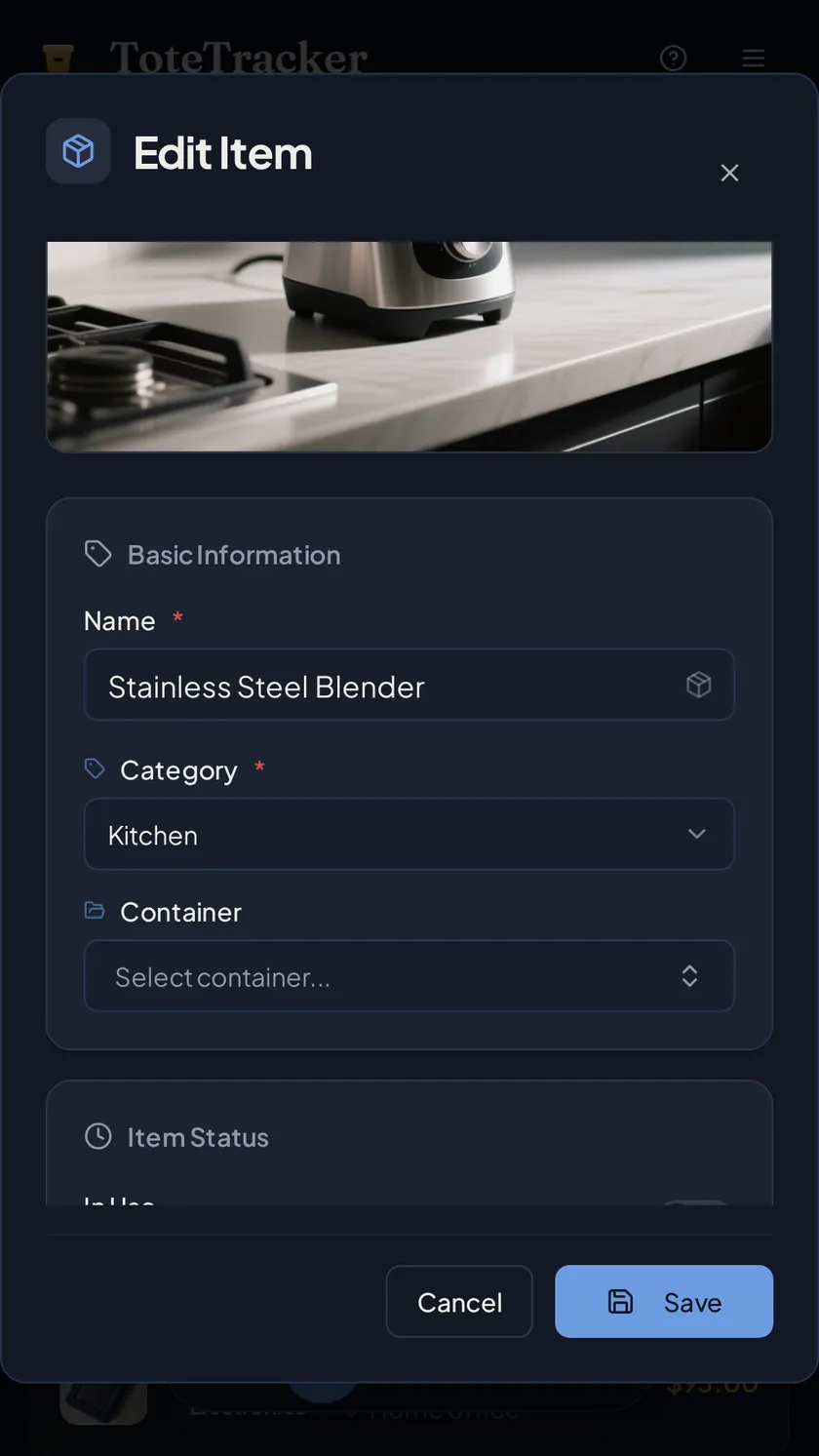
Photograph what you own and the scan drafts each item with a name and an estimated value. Receipts and serial numbers go on the same record, stored away from the house. If you ever file a claim, the list already exists.
- Photos with the date added
- Receipts and serial numbers on the record
- Stored off-site, in the cloud
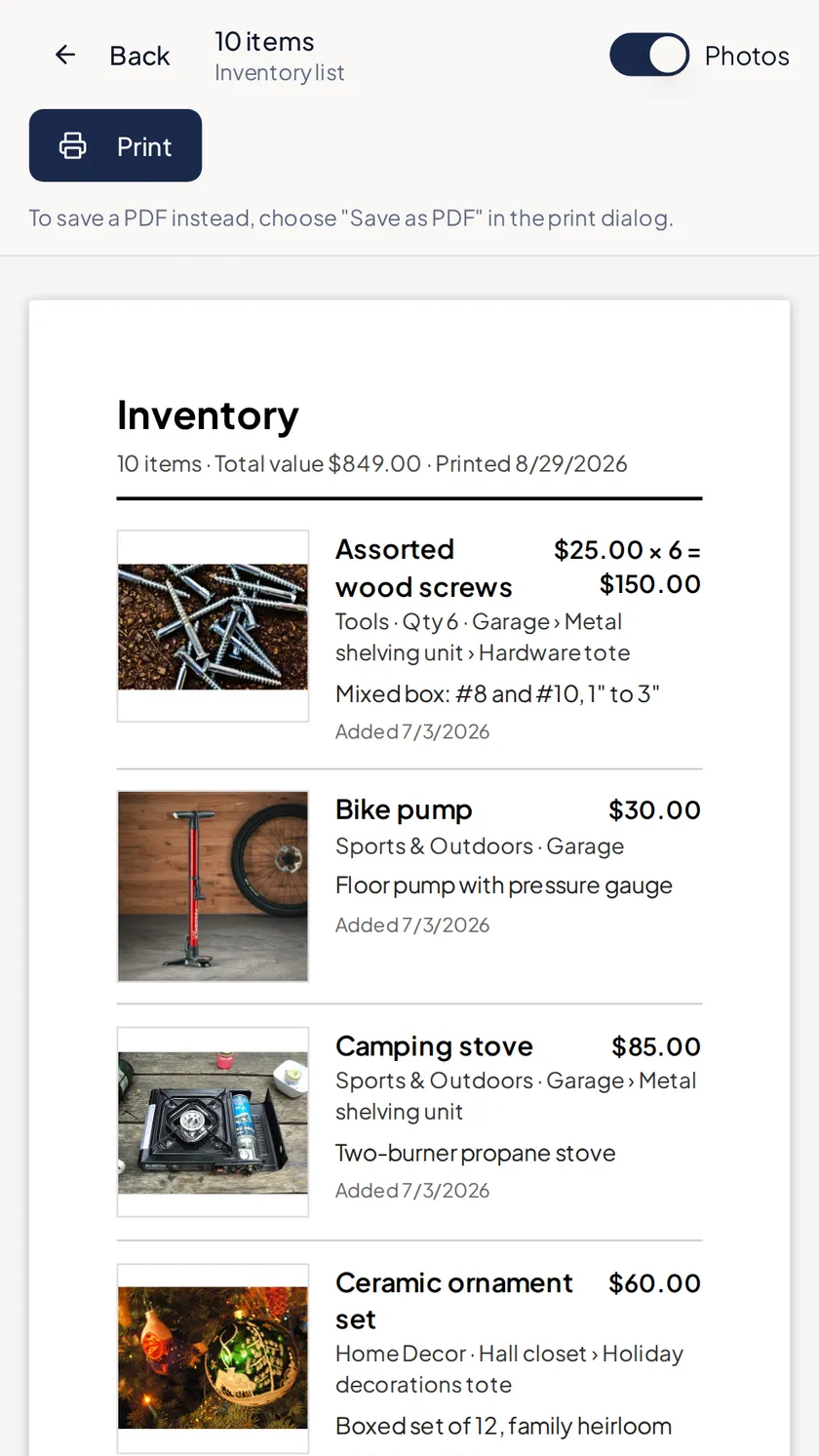
- Print or export for the adjuster
Before a loss, and after
Three things to do now. One you may never need.
The work happens while everything is still on the shelf. A claim is reading the record back.
01 · Photograph
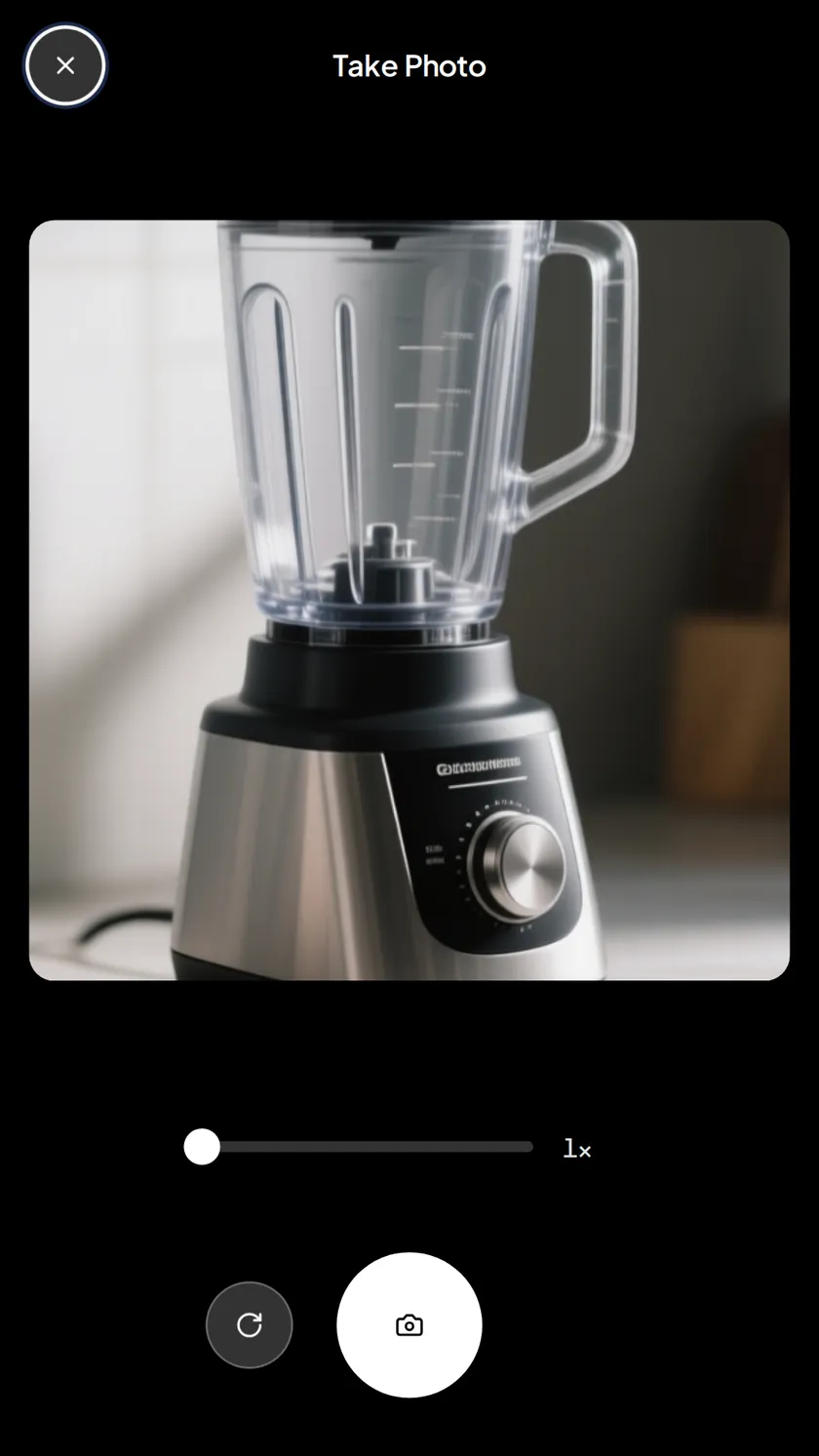
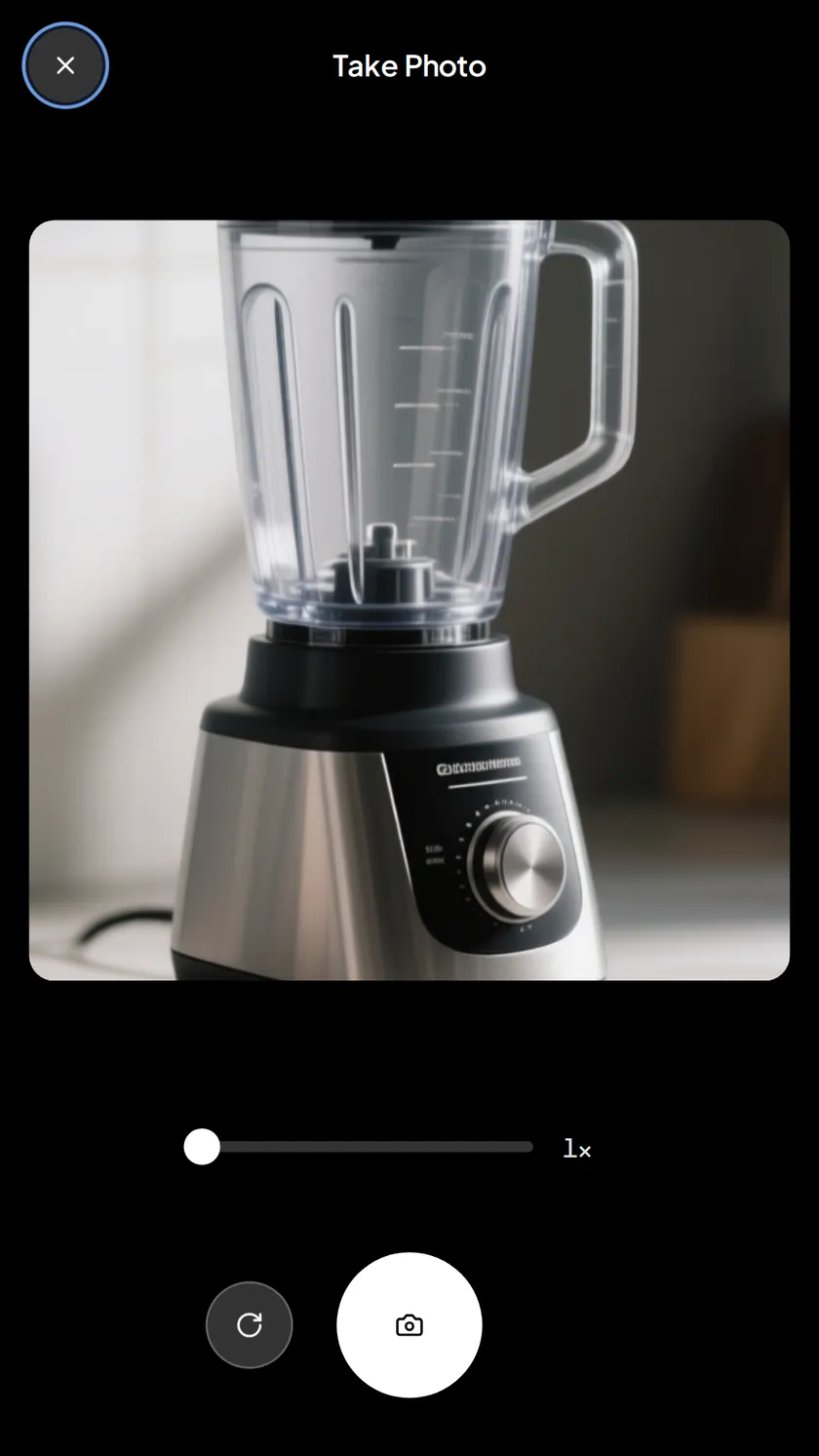
One photo of the shelf documents everything on it.
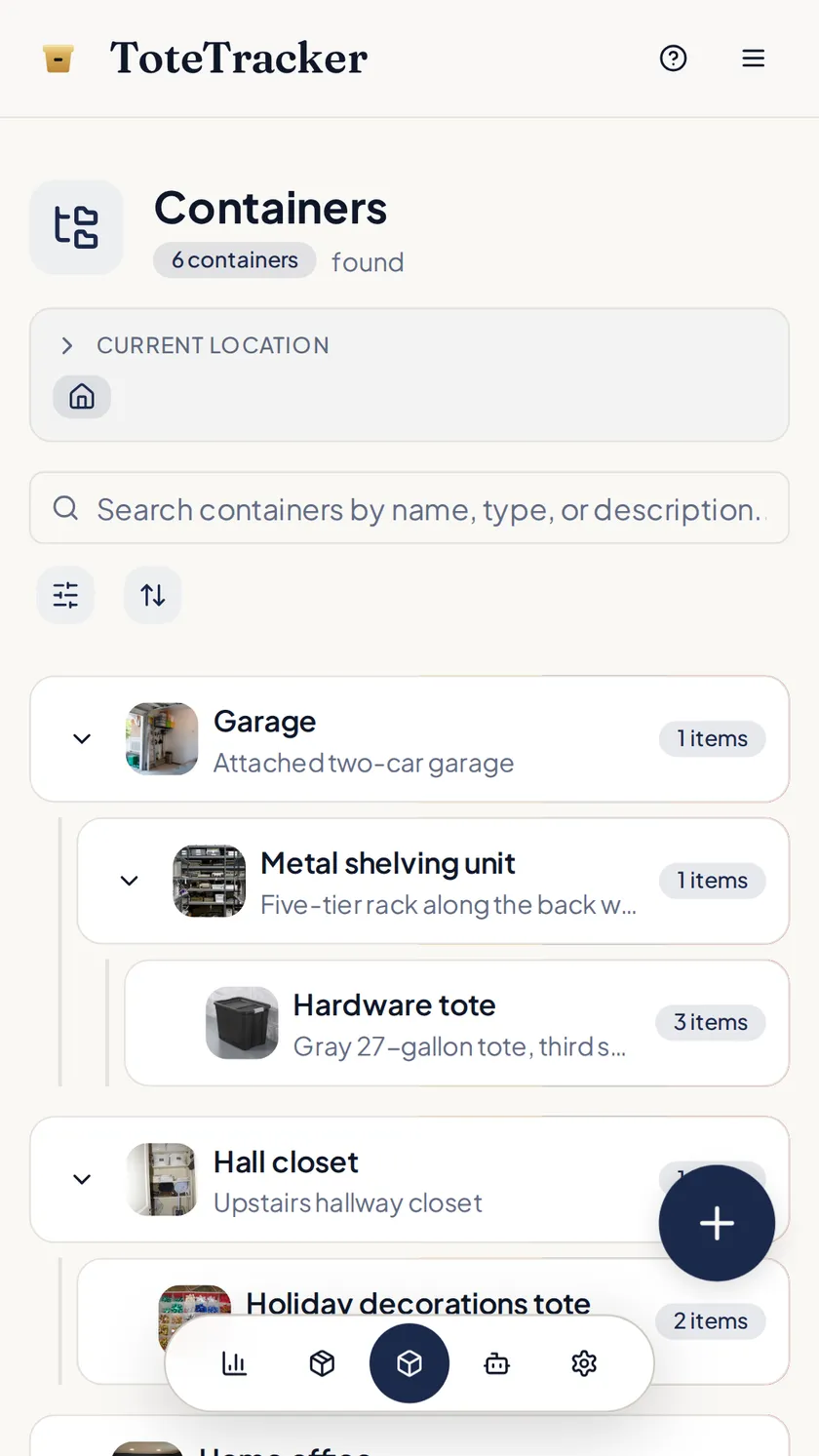
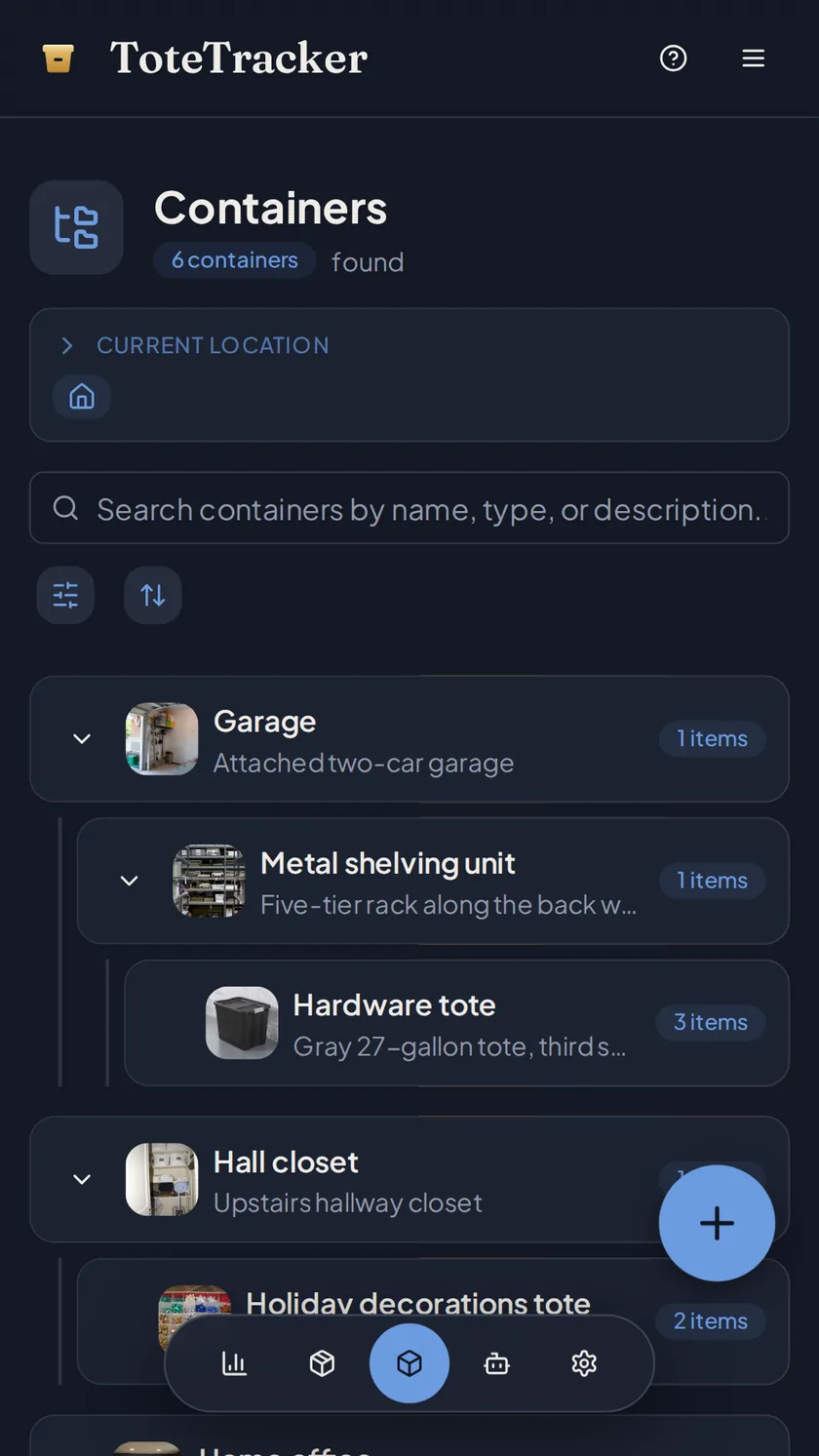
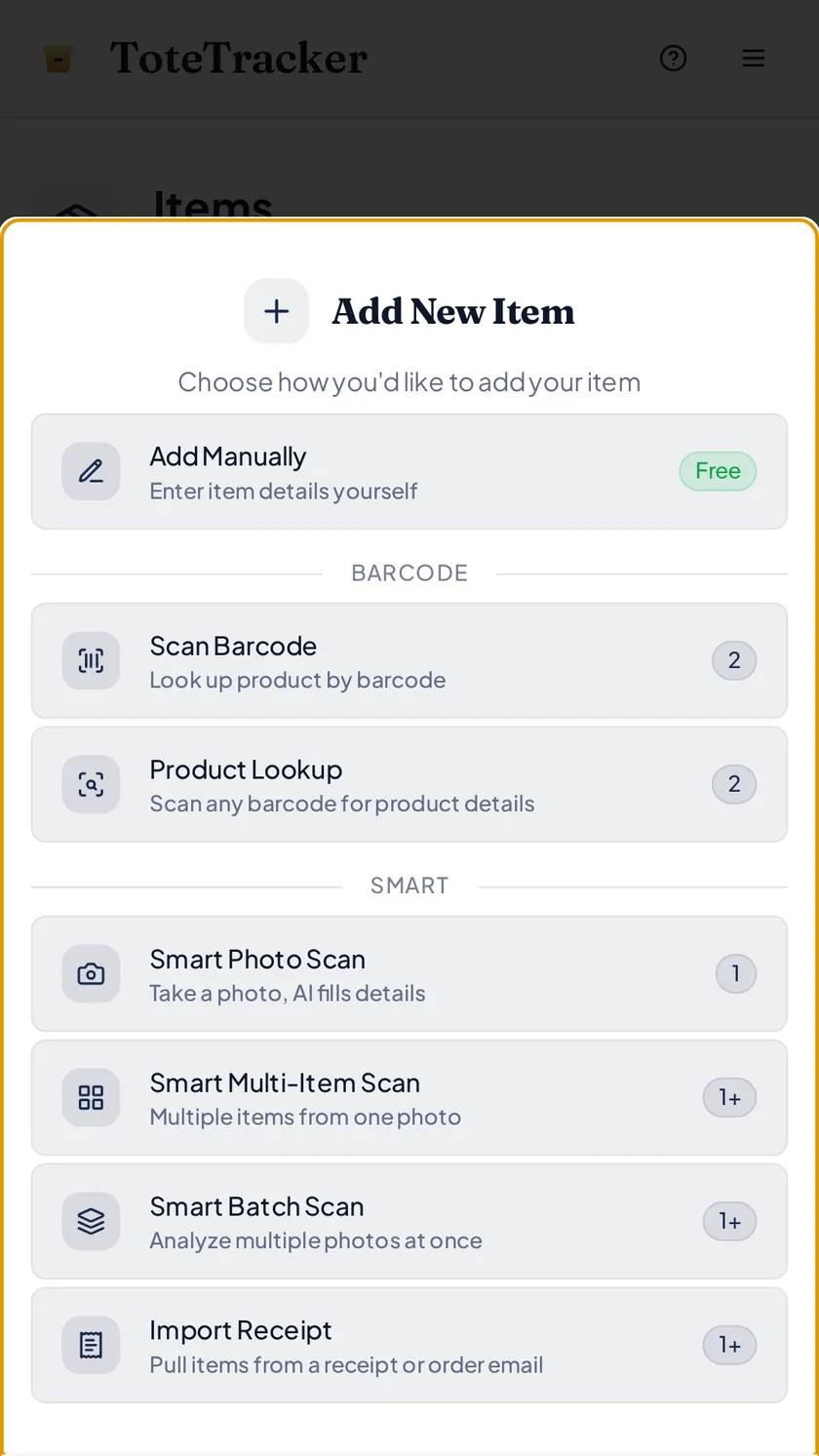
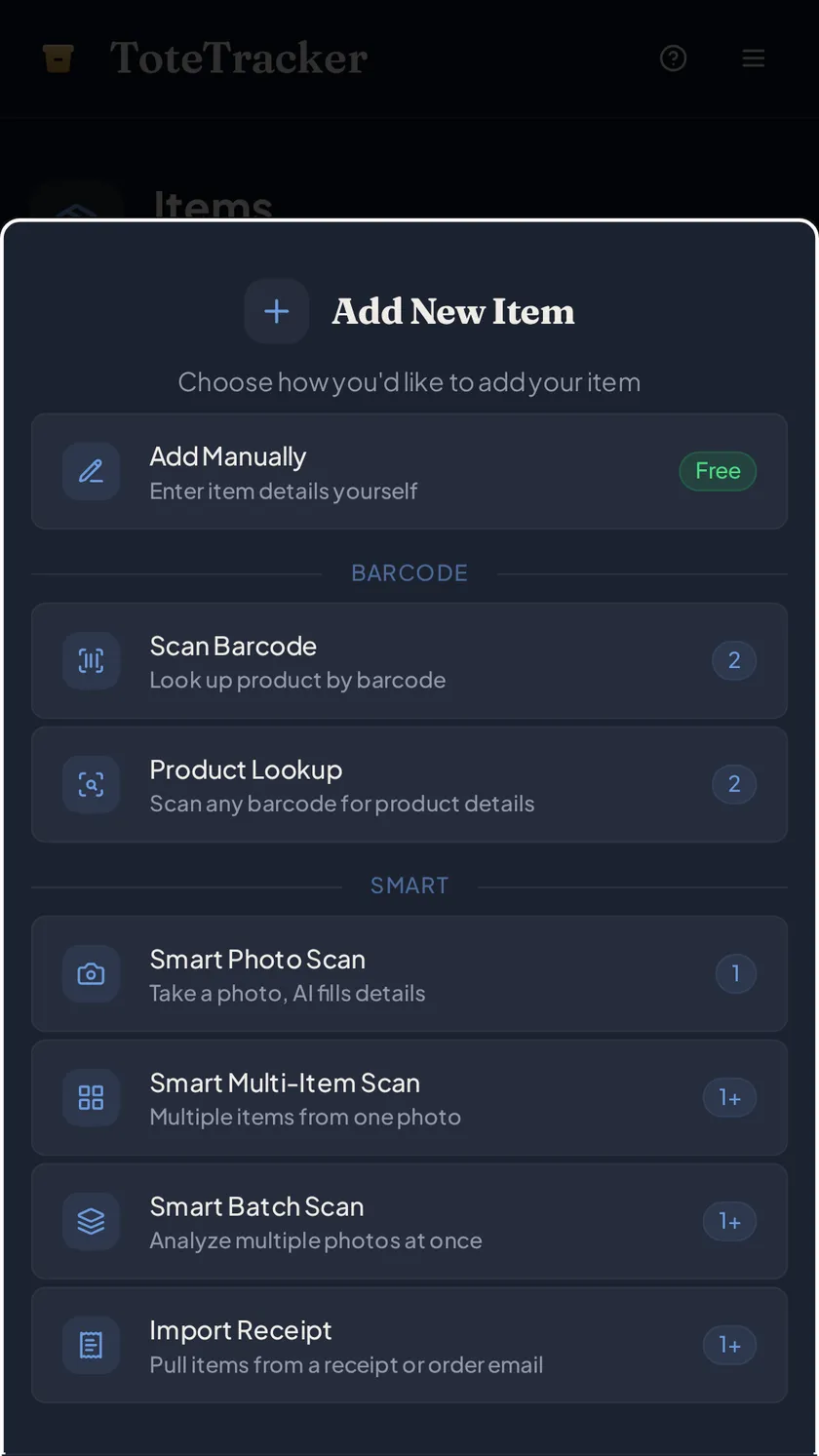
Point the camera at a bookshelf, a closet, the garage wall. The scan drafts each item it can see with a name, a category, and an estimated value; you check the list and save. Items file under the room they were photographed in, so "what was in the basement?" has an answer.
- Several items from one photo, nothing saved until you've looked it over
- Estimated market value on every draft
- Rooms, closets, and shelves as nested containers, the way the house is laid out
02 · Attach the paper
Receipts and serial numbers live on the item's record.
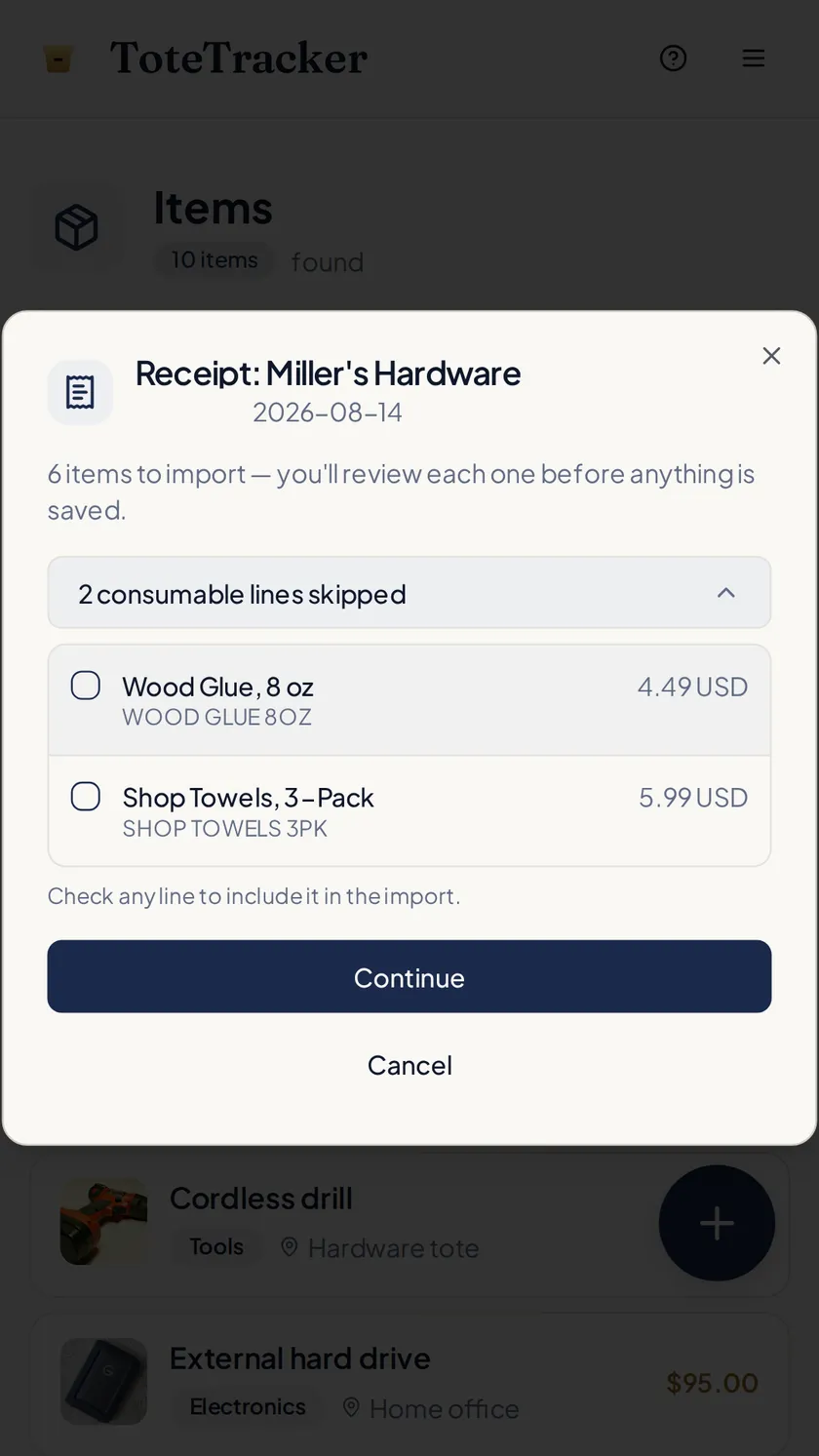
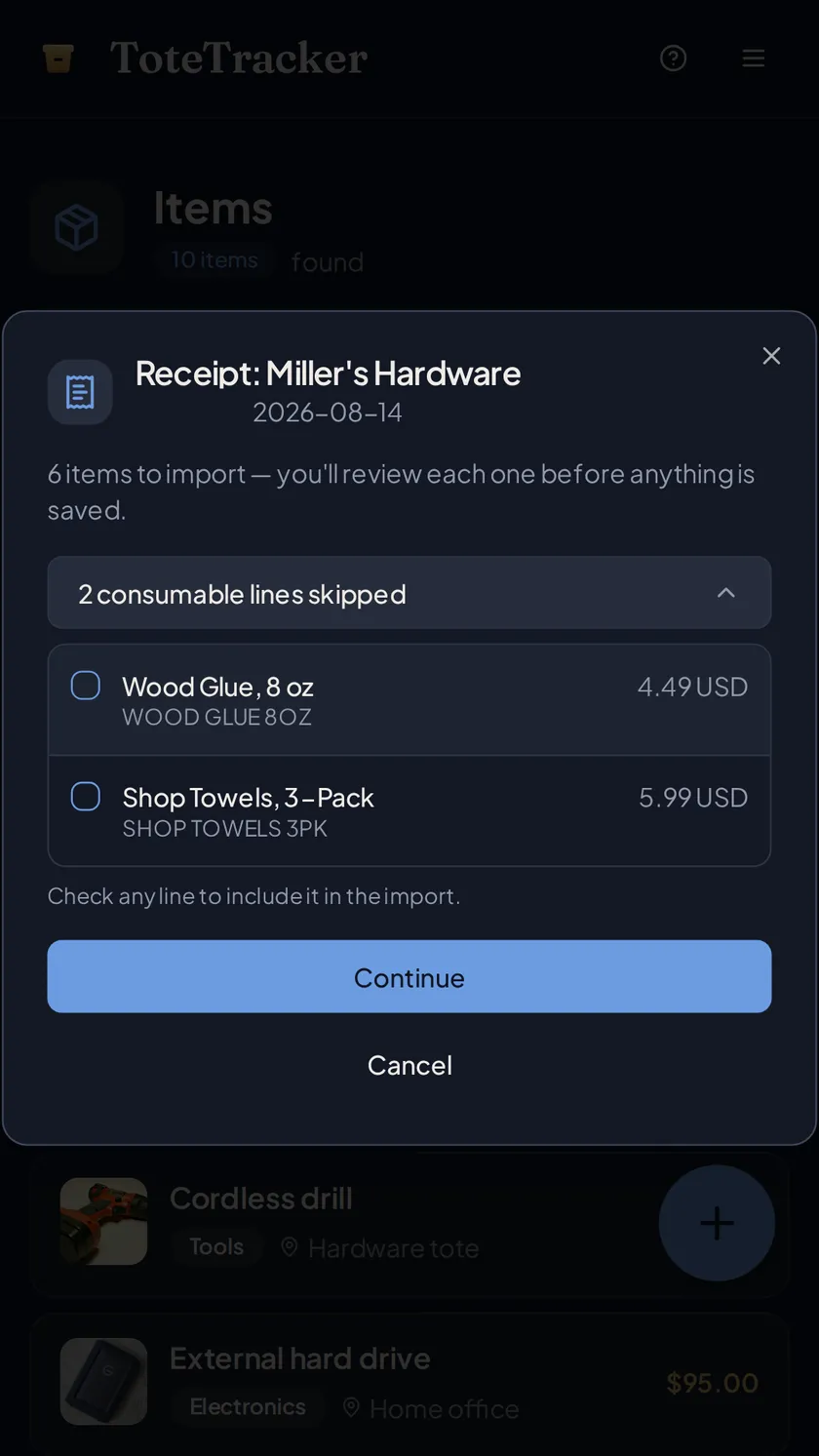
Each item's details hold the receipt, serial number, purchase date, and warranty. Import a receipt and its line items become drafts with the receipt attached; scan a barcode and the product details fill in. The proof of purchase sits next to the photo.
- Paper receipts, screenshots, and PDFs of order confirmations
- Barcode lookup fills in brand and product details for electronics and appliances
- Every item shows the date it was added
03 · Keep it current
Keep the record current as things come in.
A record from three years ago describes a three-year-old house. New TV, holiday gifts, a replaced laptop: photograph them as they arrive or import the order confirmation, and review the drafts. A current inventory supports a full claim; a stale one supports a partial one.
- Import the order email as a PDF or a screenshot
- Hands full unboxing? Tell Iris what arrived and where it went
- Everyone in the house adds to the same inventory from their own account
04 · File the claim
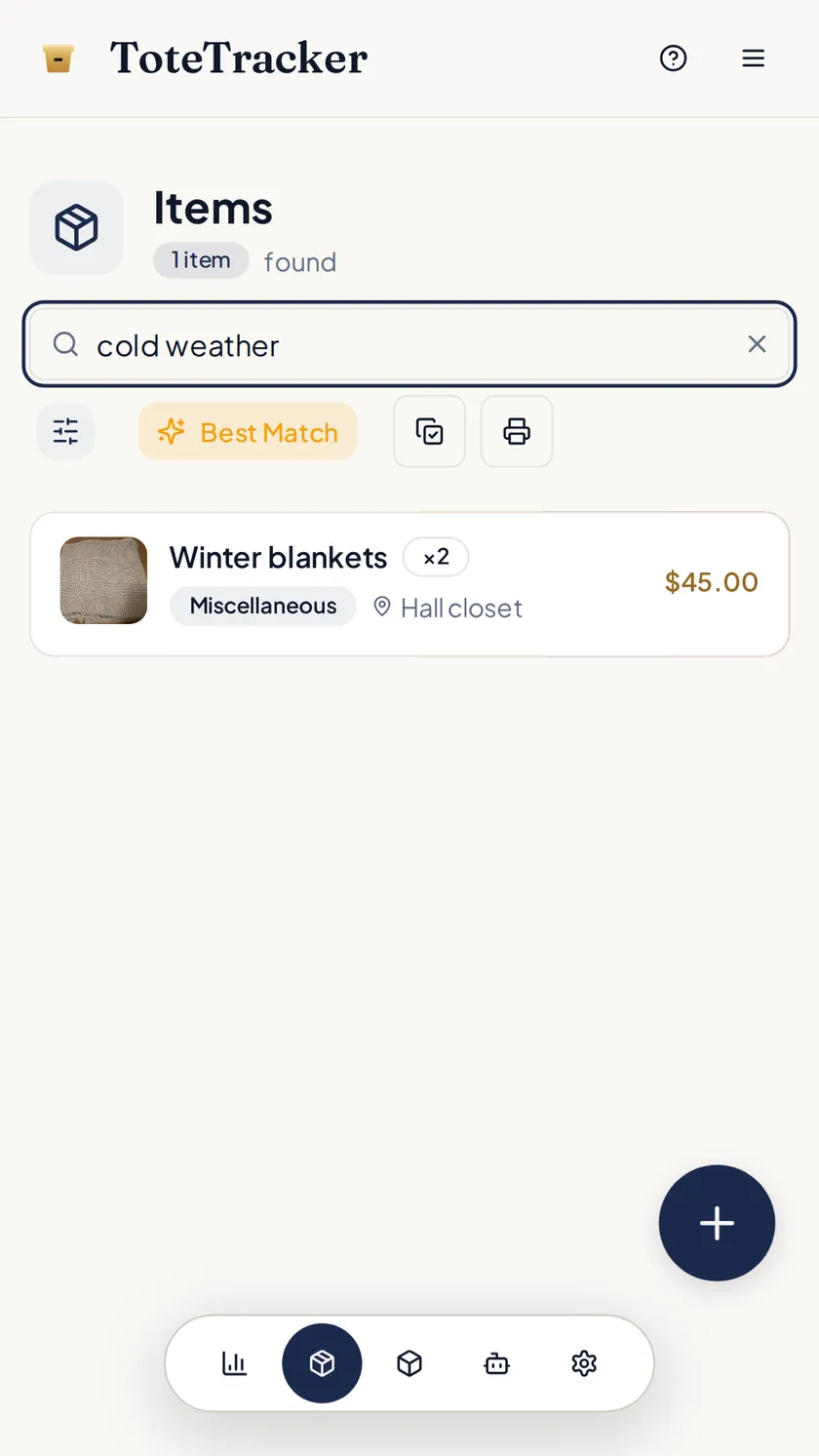
Pull up the affected room and print the list.
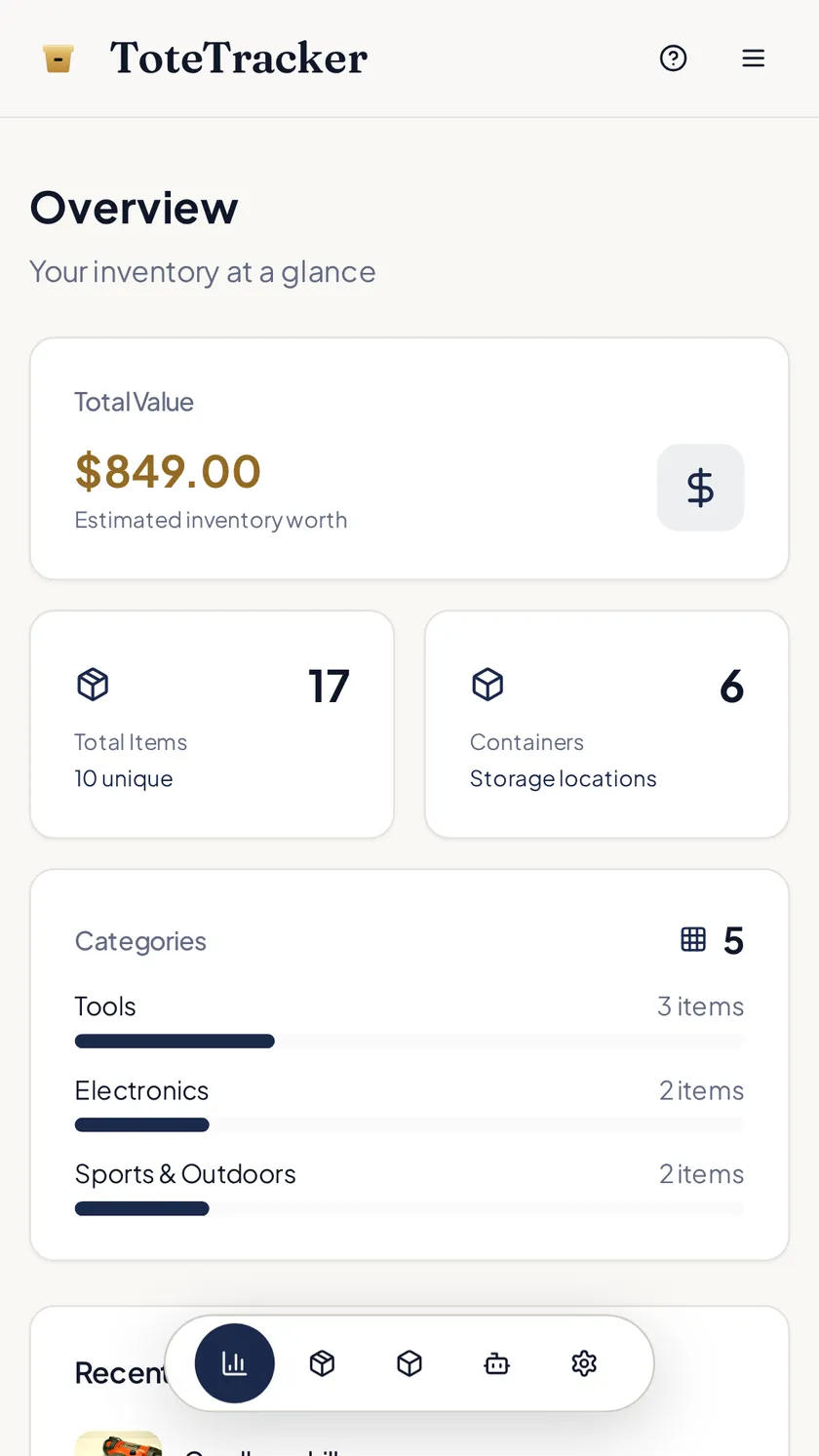
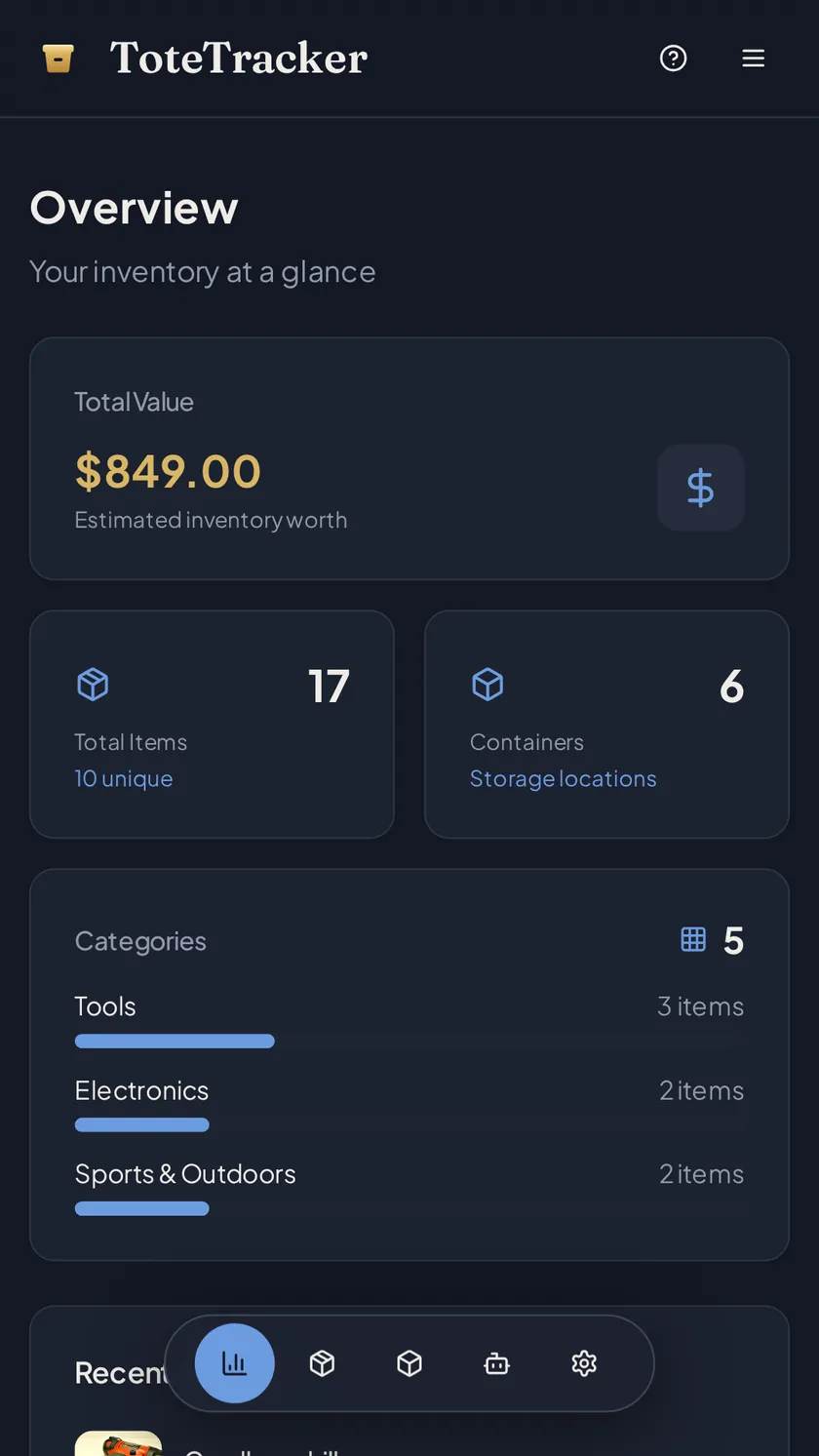
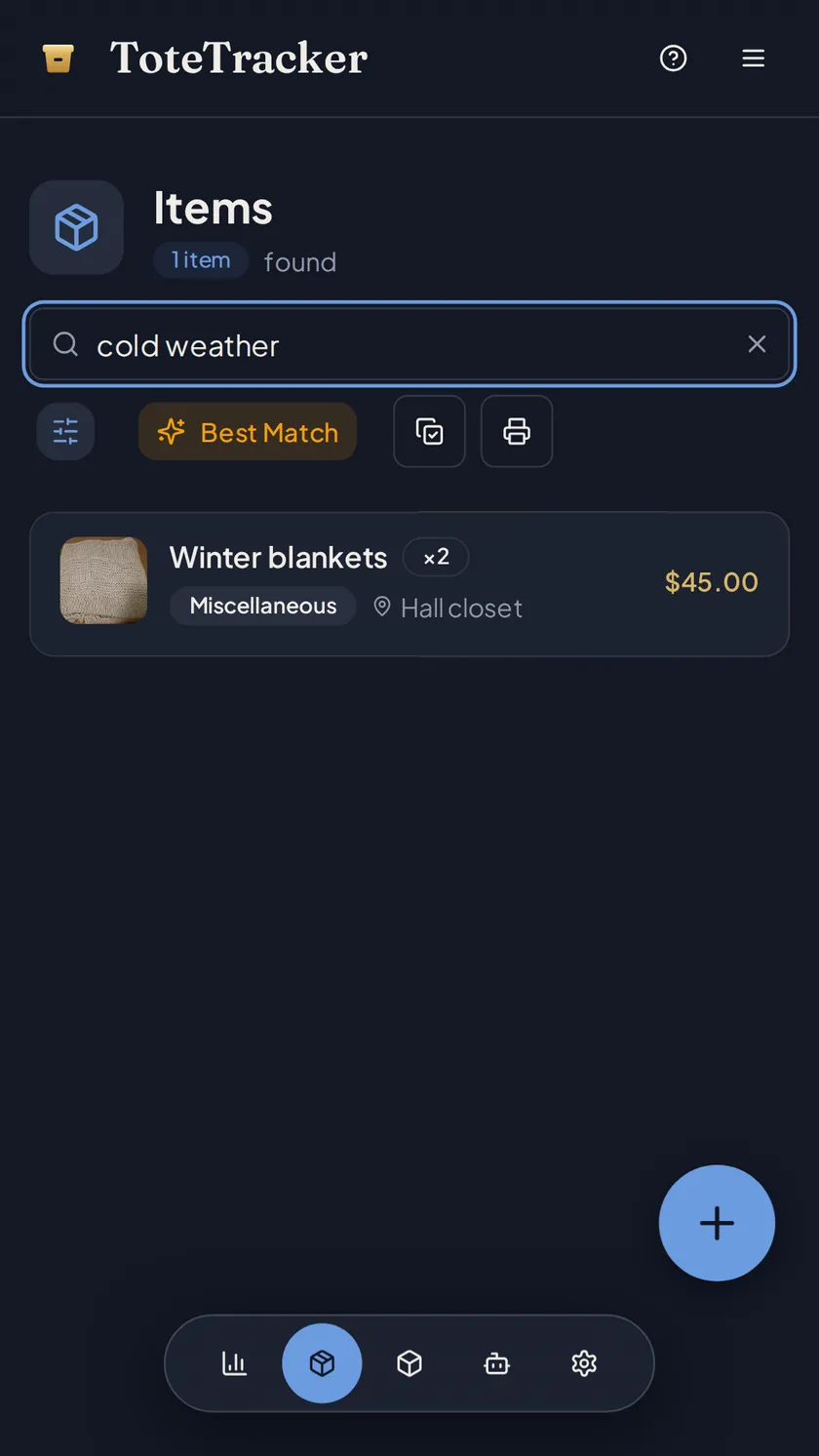
Search "basement" or "electronics" to bring up the affected items, then print that filtered list with photos, values, and the date each was added, or export everything with the receipts. The records were never in the house, so they are still there.
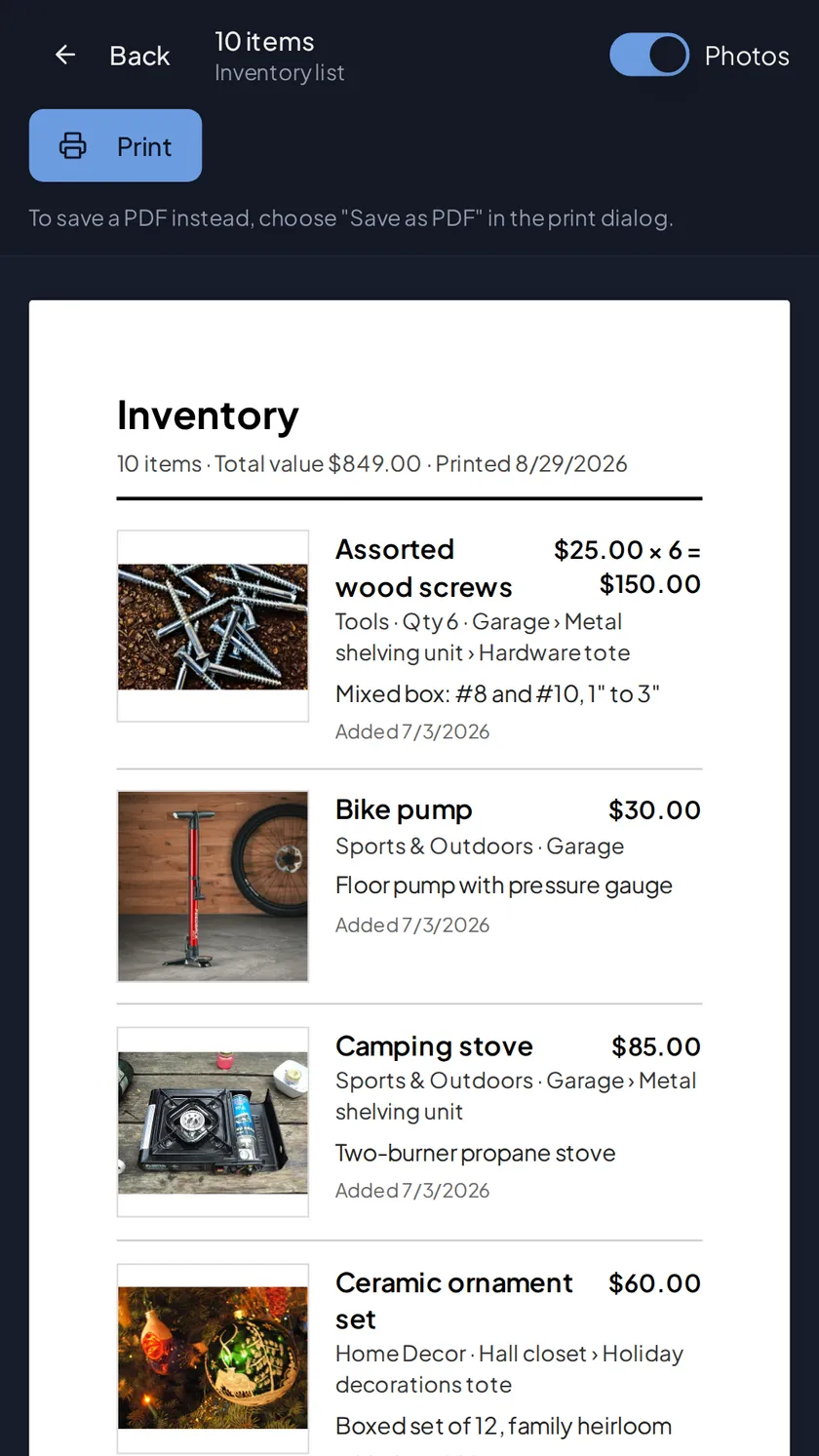
- Printable list with photos, values, and dates added, filtered by room or category
- Export everything, receipts included, any time
- Cloud sync, so the record is on every device you sign in from
Start the record while everything is still on the shelf.
Free for up to 50 items. Plus adds 100 Smart Actions a month, Smart Search, and sharing from $3.33/month.
7-day free trial · Cancel anytime · Export your data anytime