For collectors
Every piece, photographed and valued.
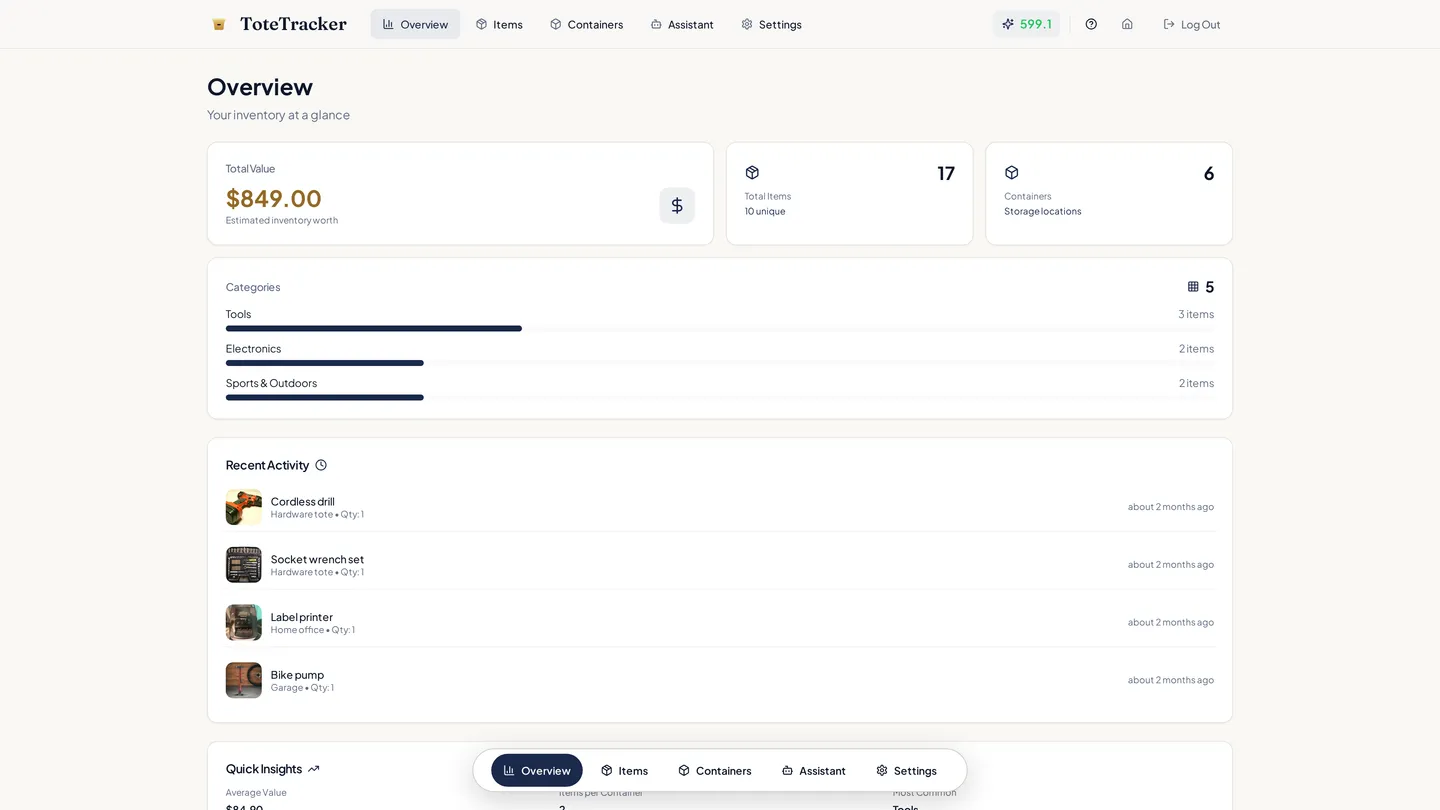
Photograph each piece and the scan drafts a name, a category, and an estimated value. Condition, what you paid, and your own fields go on the same record. Nest cases, shelves, and bins the way the collection is arranged, and the overview shows what it all adds up to.
- Condition, purchase price, and notes on every record
- Custom fields for edition, year, or set number
- Barcode lookup for sealed and boxed pieces
- The collection's total on the overview
From the new piece to the total
Acquire, organize, and know what it's worth.
Each piece gets its record on the way in. Arranging the collection and reading its total come from those same records.
01 · Acquire
Catalog the new piece before it reaches the shelf.
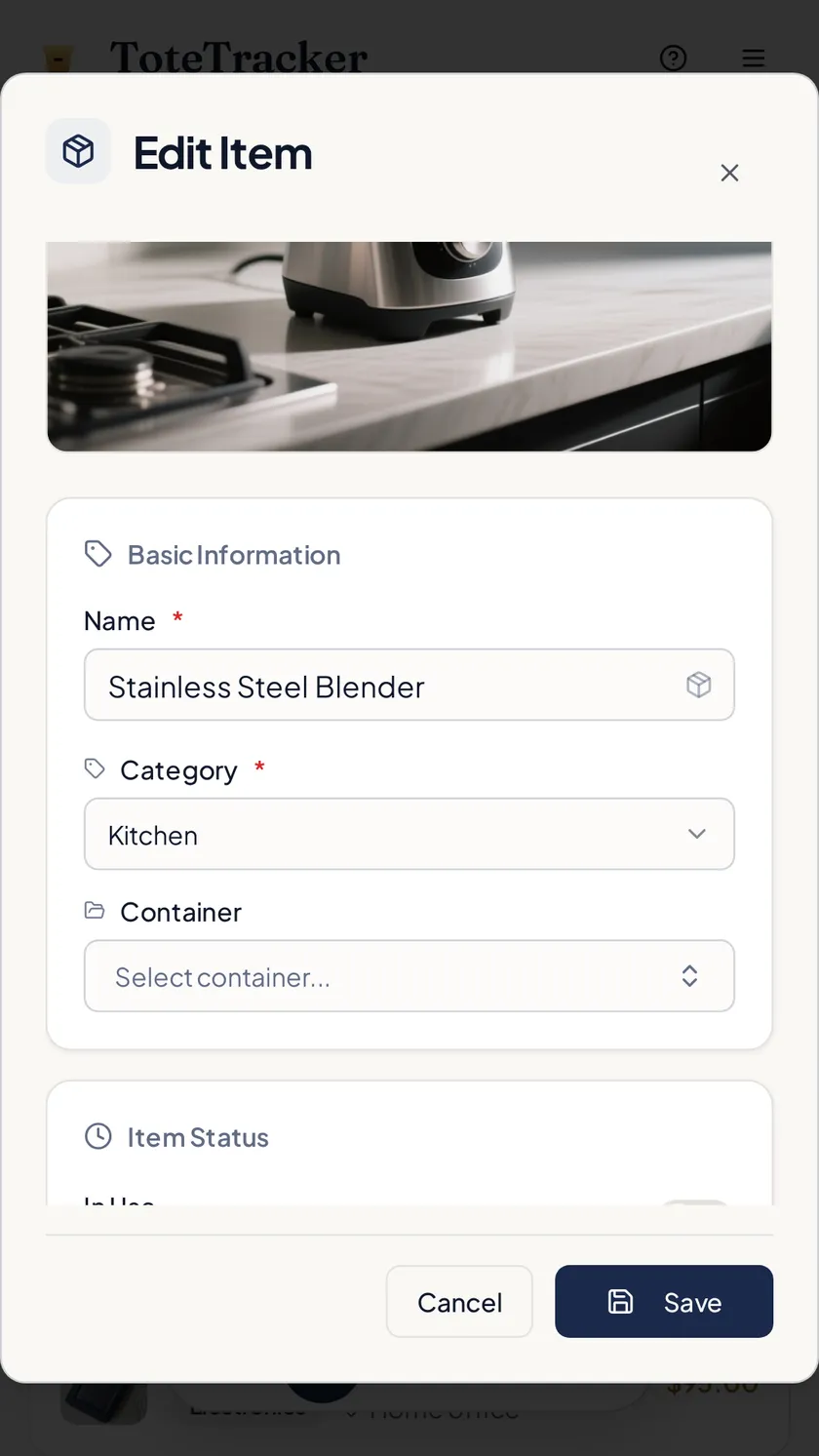
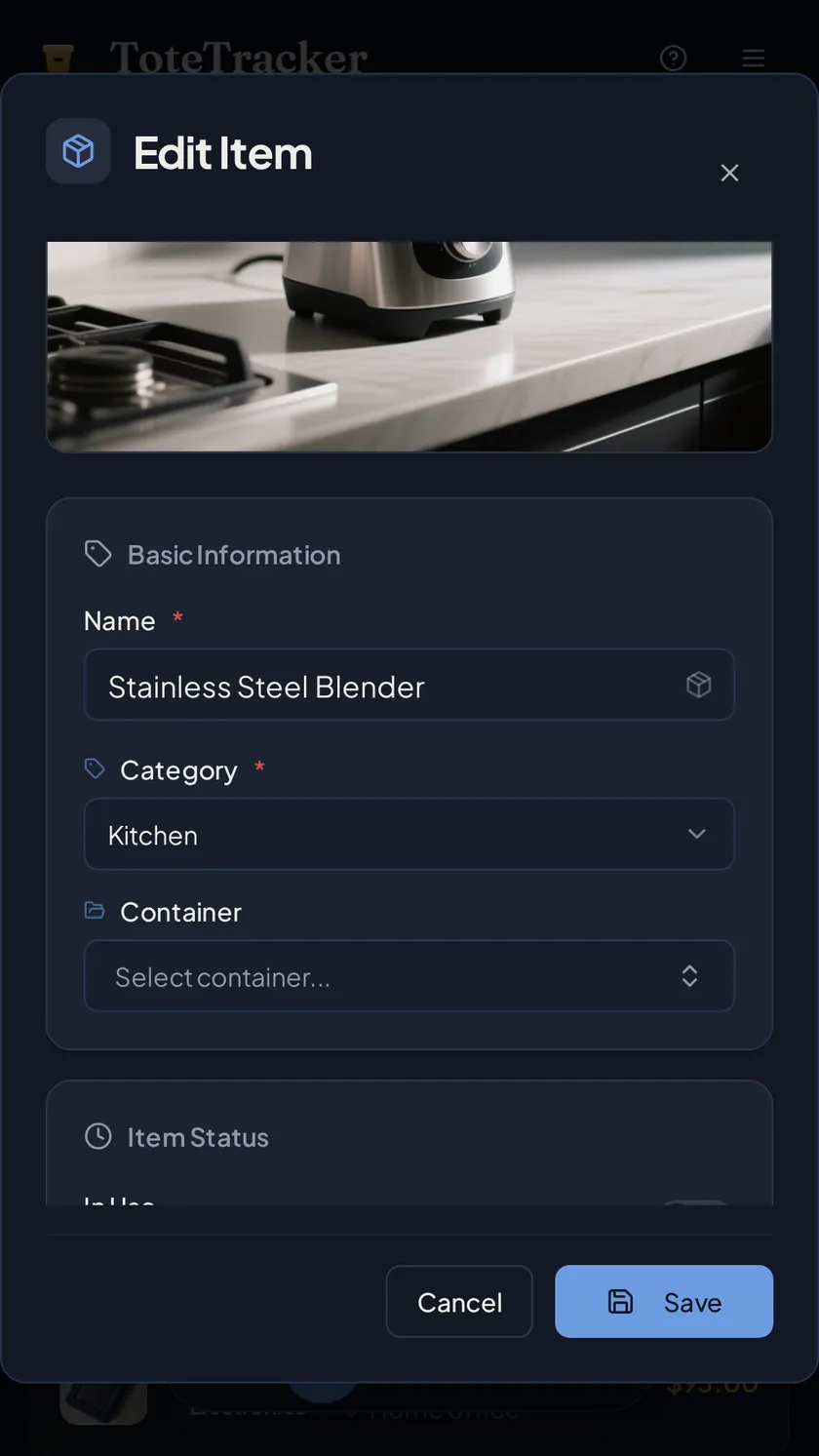
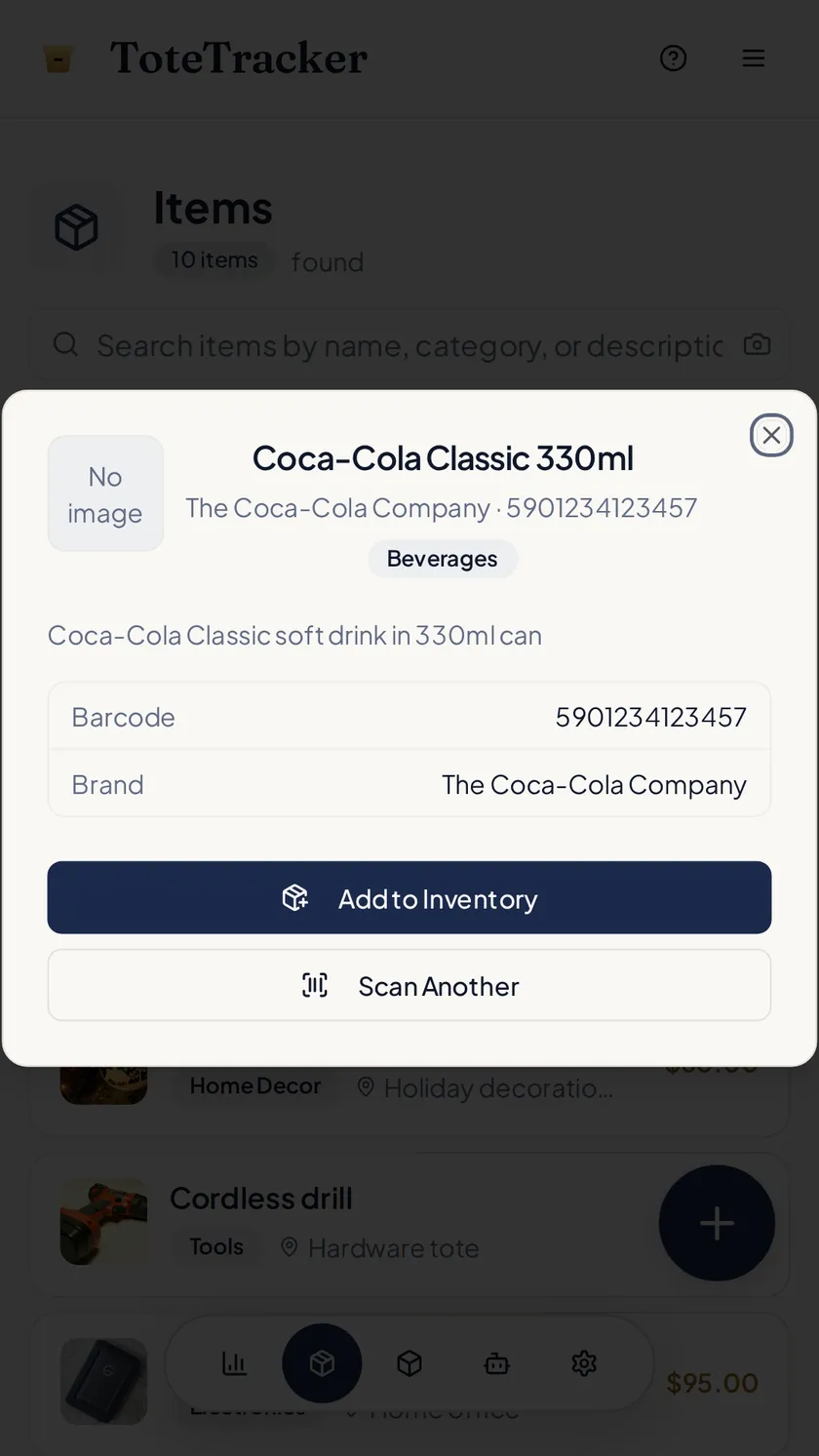
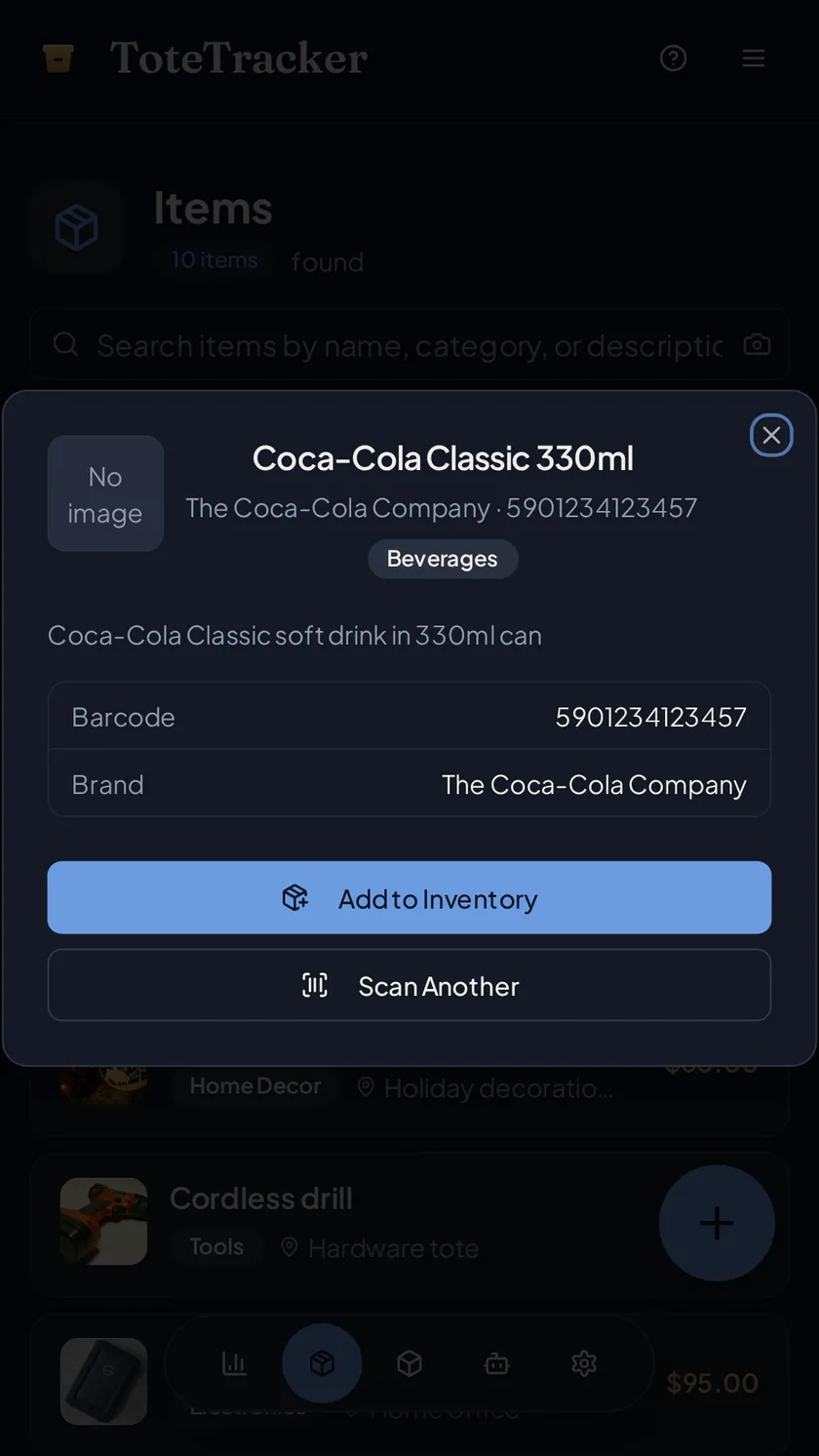
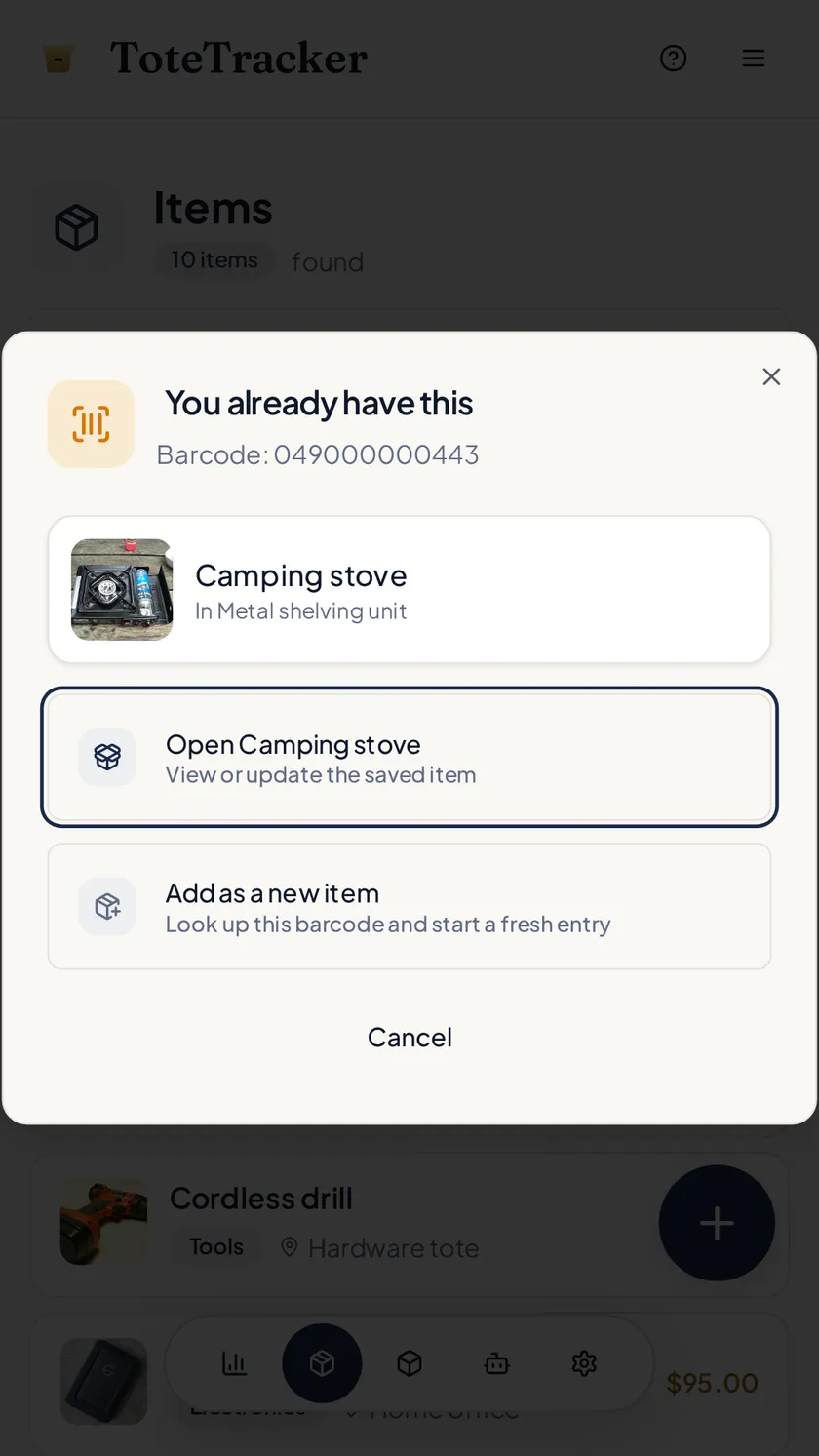
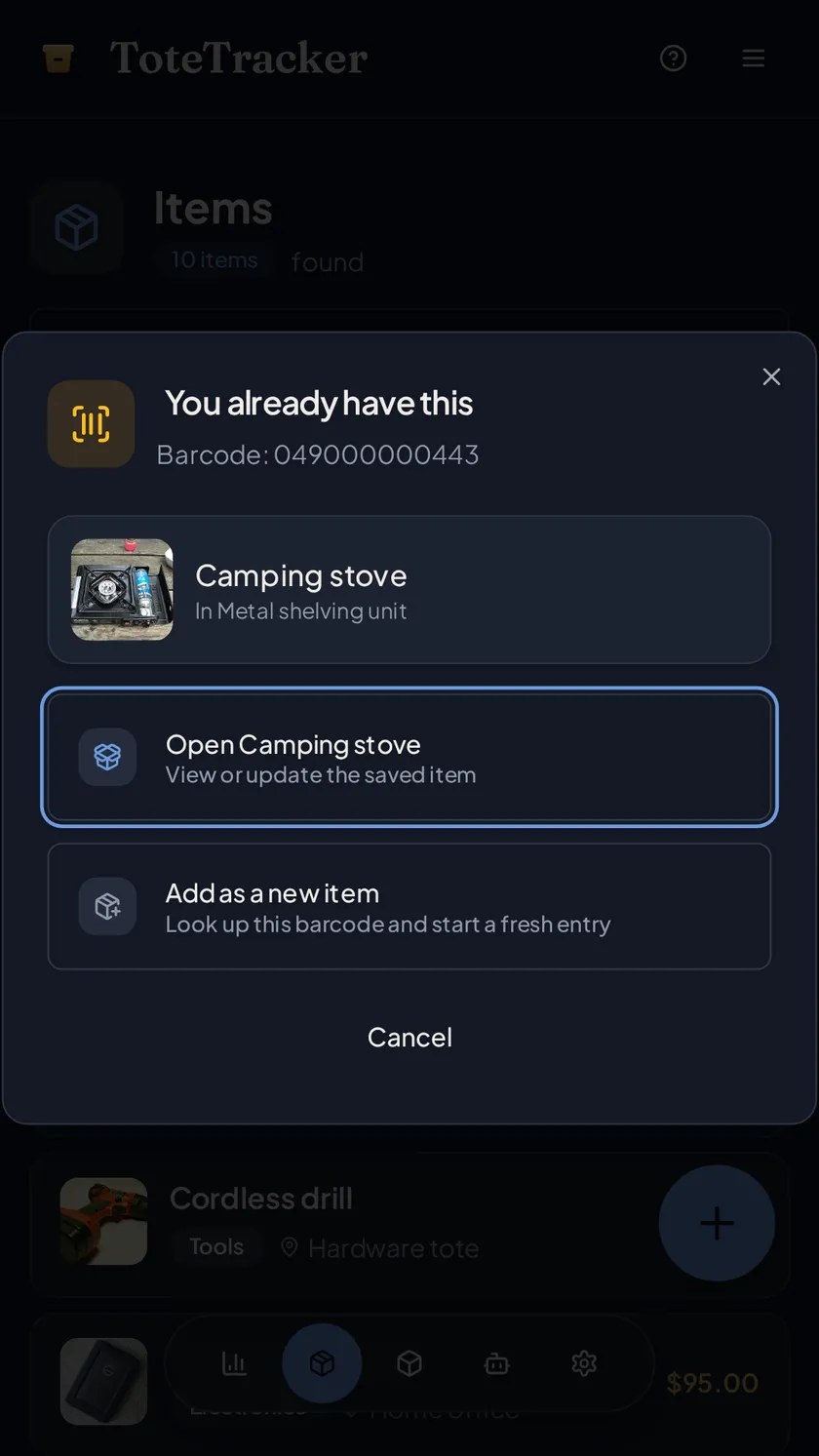
Photograph it and the scan drafts a name, a category, and an estimated value. For anything sealed, boxed, or printed with a barcode, scan the code and the product details fill in from a database of millions of products. If that barcode is already in the collection, the saved piece opens instead, so you find out in the shop rather than at home.
- Barcode lookup for sealed boxes, records, books, and games
- "You already have this" when a scanned barcode is in the collection
- Import the order confirmation, or tell Iris what arrived while your hands are full
02 · Record the details
Condition, purchase price, and your own fields on every record.
A piece's details hold its condition, what you paid and where, the purchase date, serial and model numbers, and notes. Add custom fields for whatever the collection tracks: edition, year, grade, or set number. Receipts, certificates, and appraisals attach to the same record.
- Condition from new to poor, with a replacement cost beside the estimated value
- Custom fields you name yourself
- Attachments for receipts, certificates, and appraisals
03 · Organize
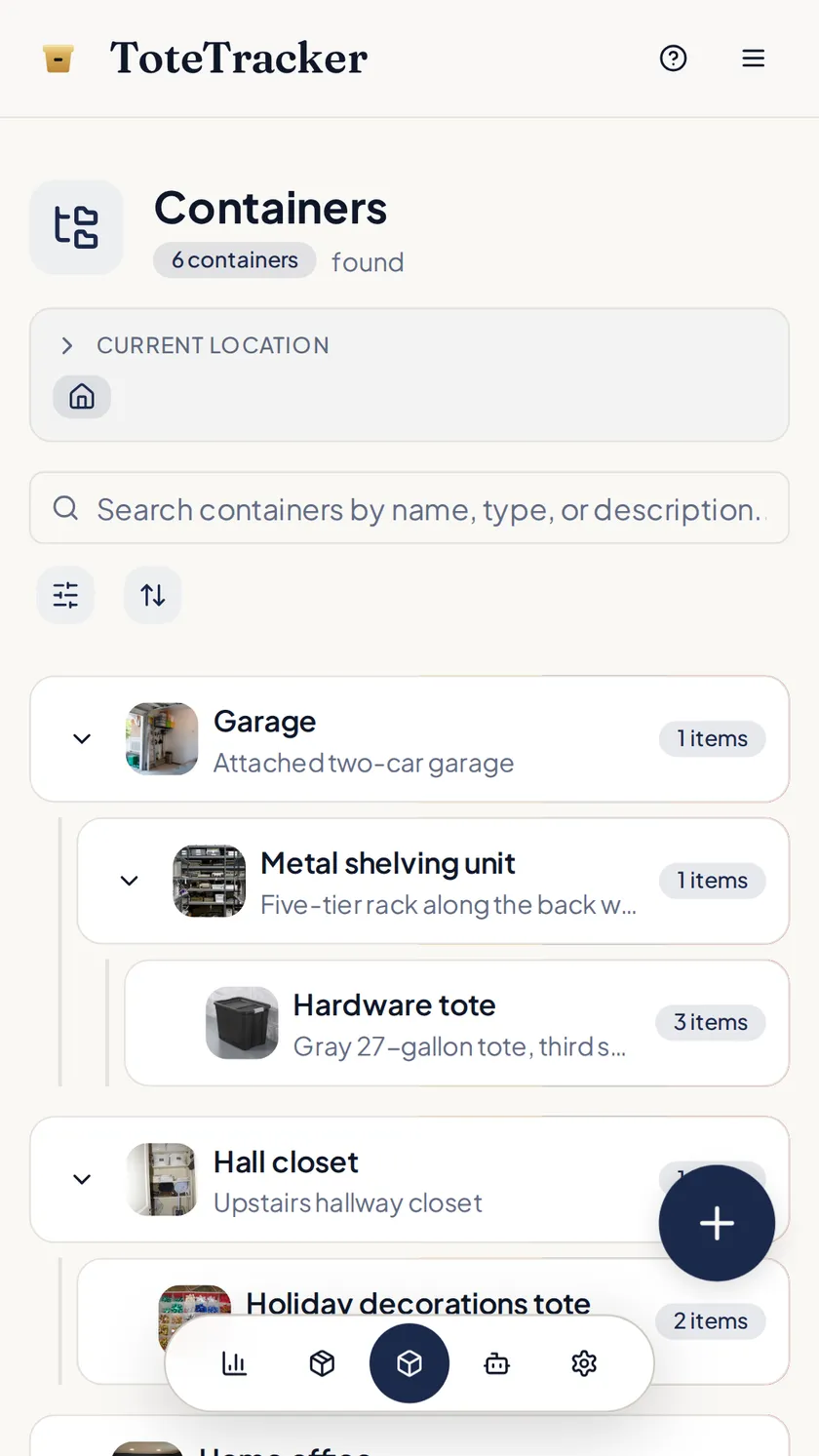
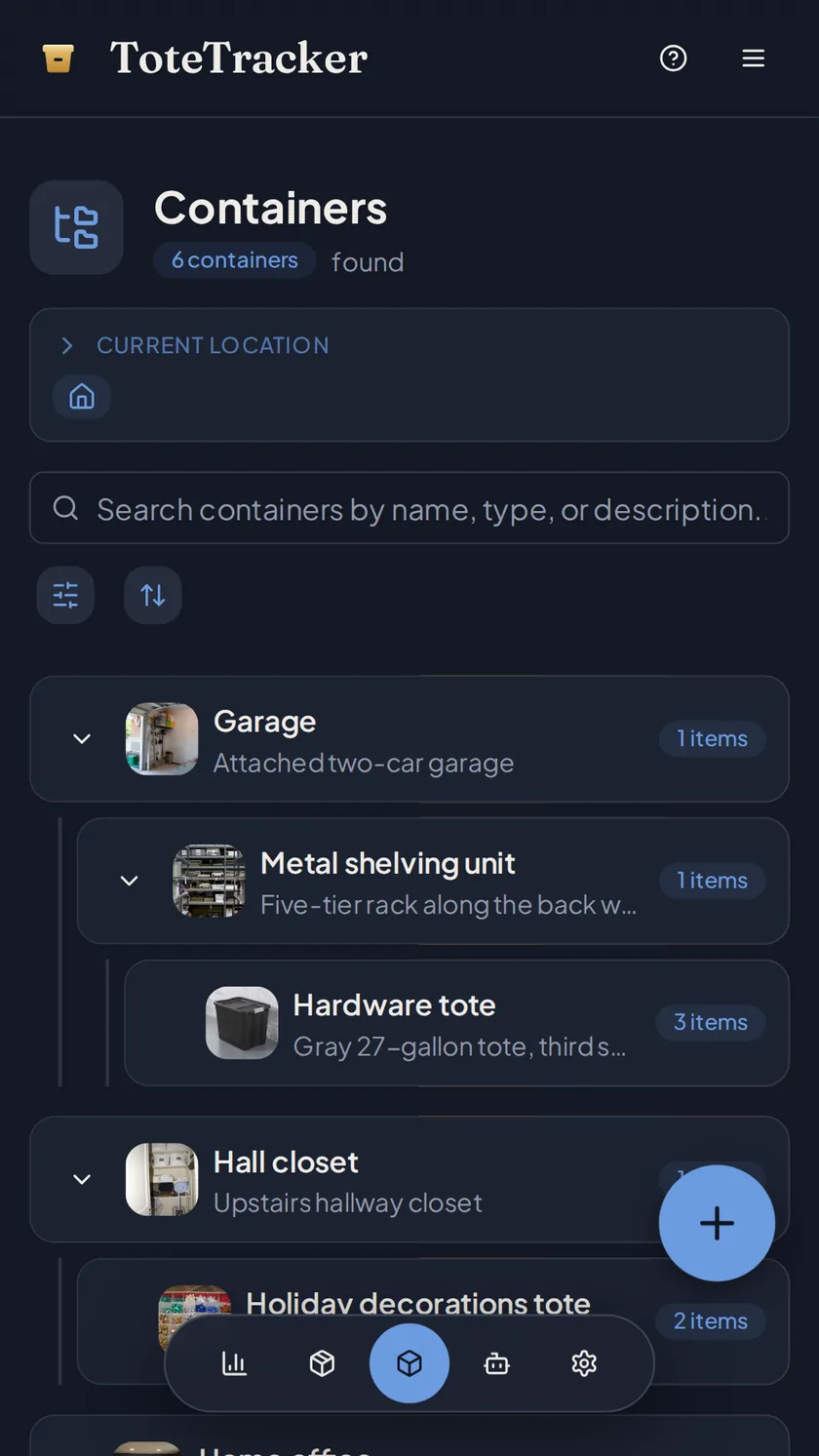
Nest containers to match how the collection is arranged.
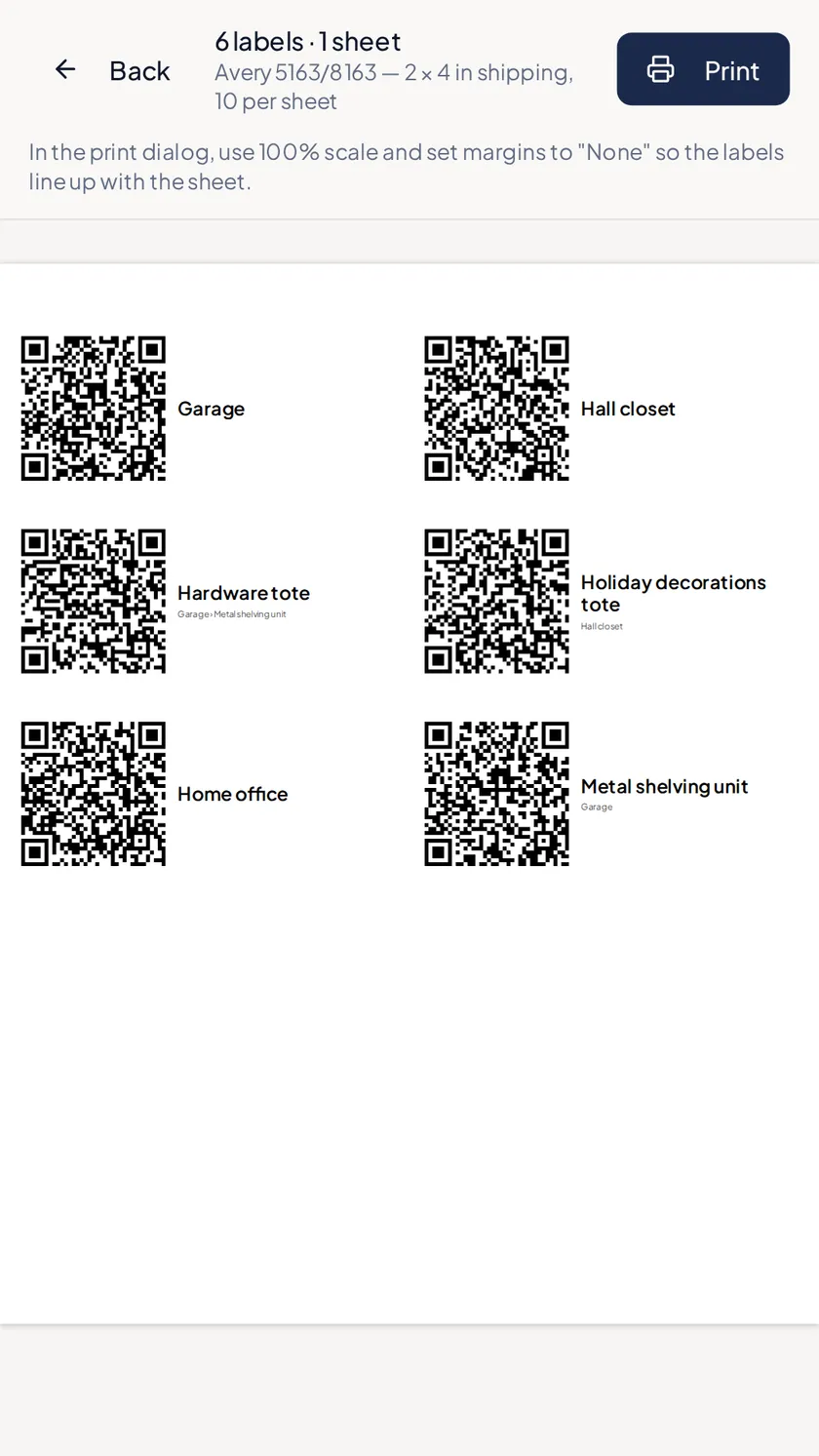
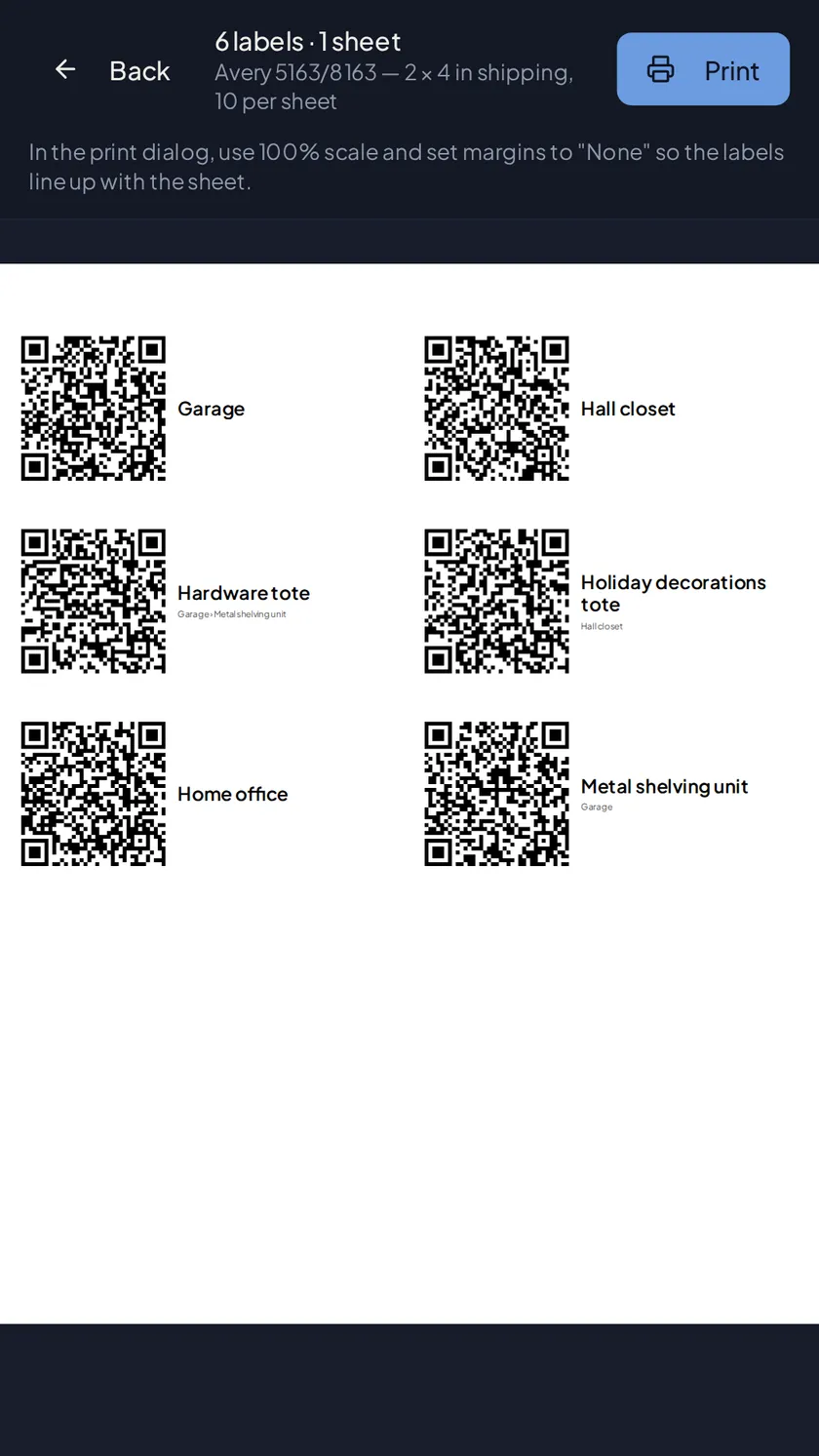
A cabinet with three shelves, a closet of numbered bins, a binder per year: containers nest as deep as the collection does, and each piece lives in one. Tags cut across containers, so "first editions" or "1970s" gathers pieces from every shelf. QR labels on the bins open their contents without lifting the lid.
- Containers within containers, as deep as the collection goes
- Tags for series, year, or set, across every container
- Printable QR labels for the bins in storage
04 · Know what it's worth
See what the collection adds up to.
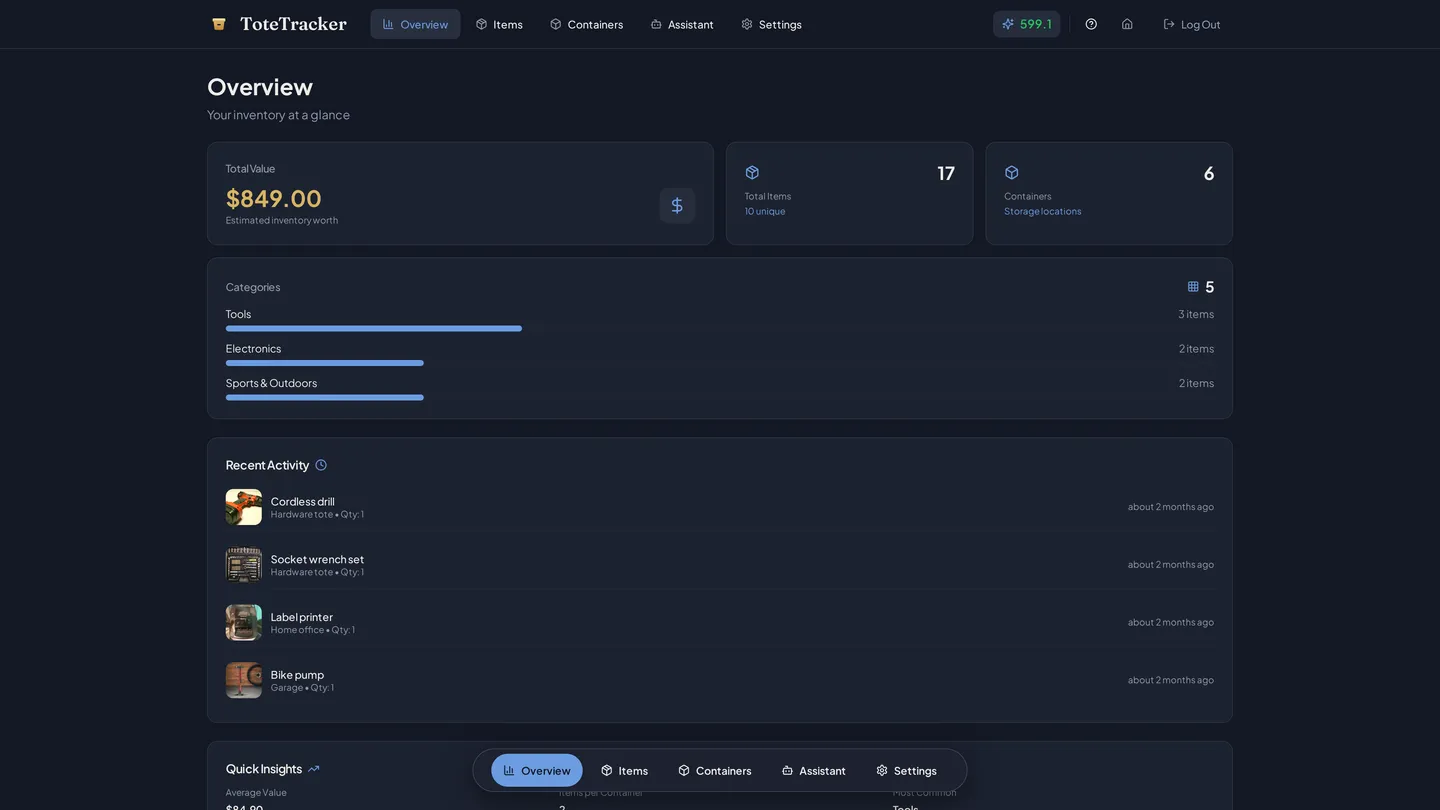
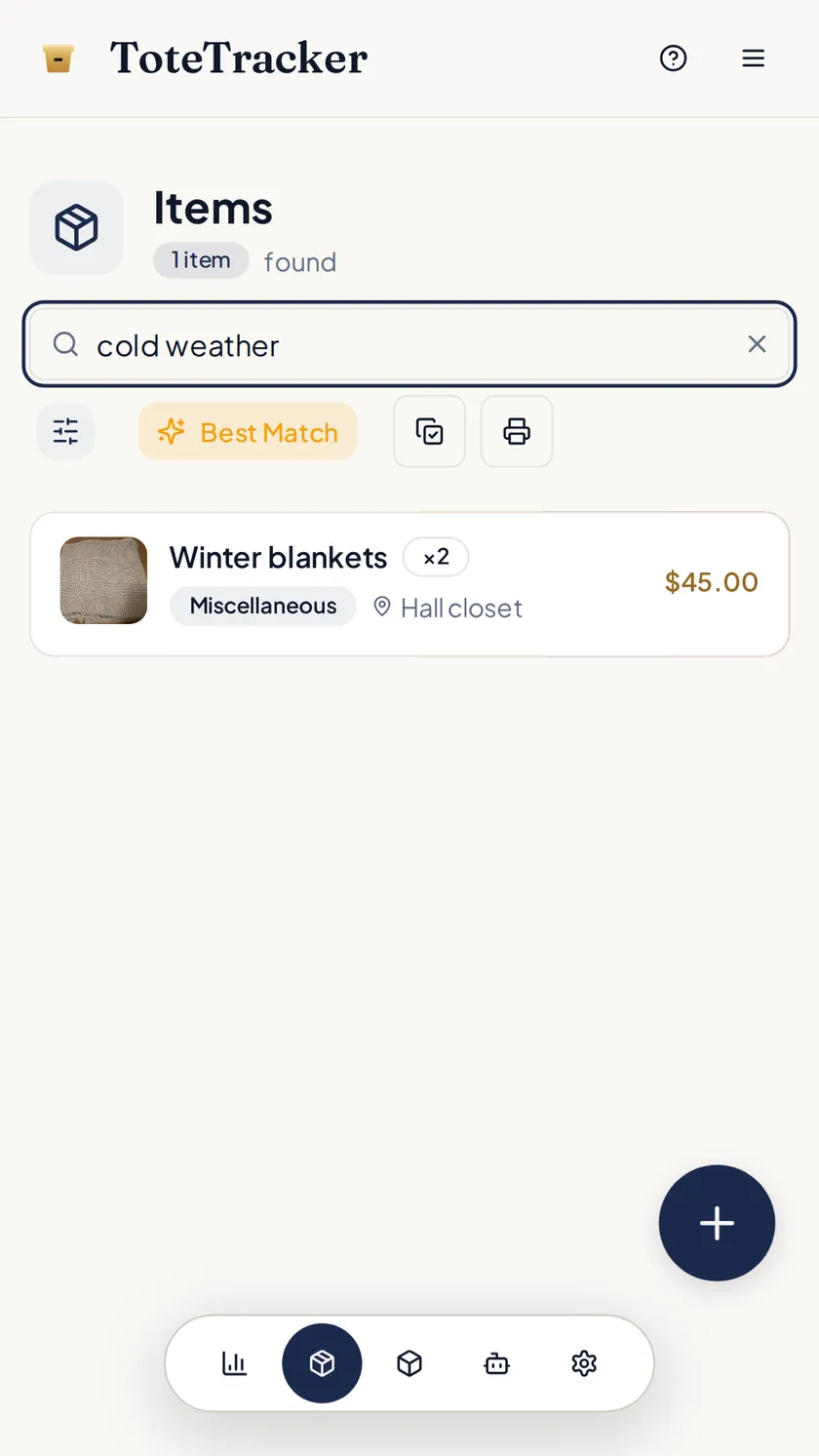
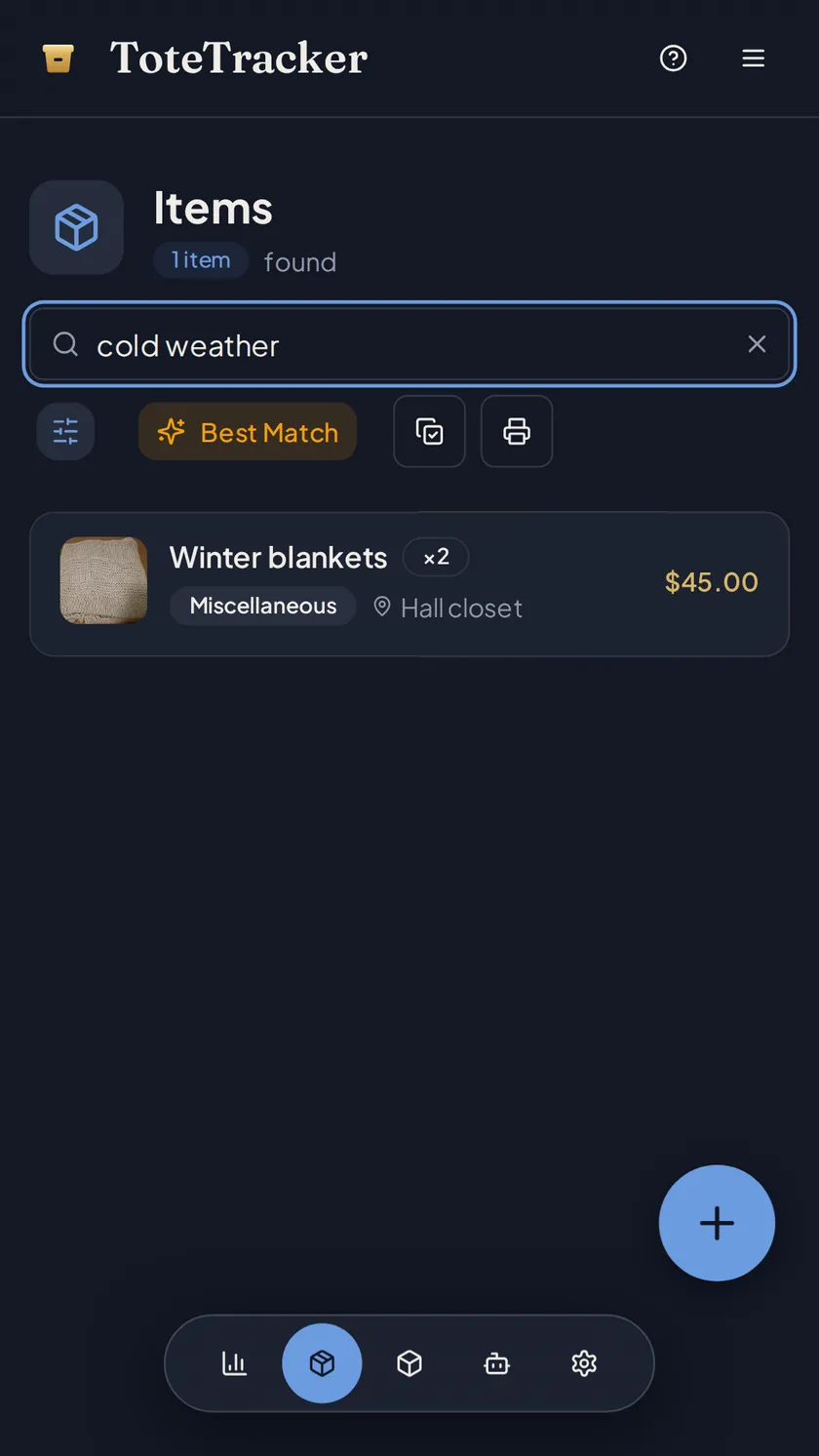
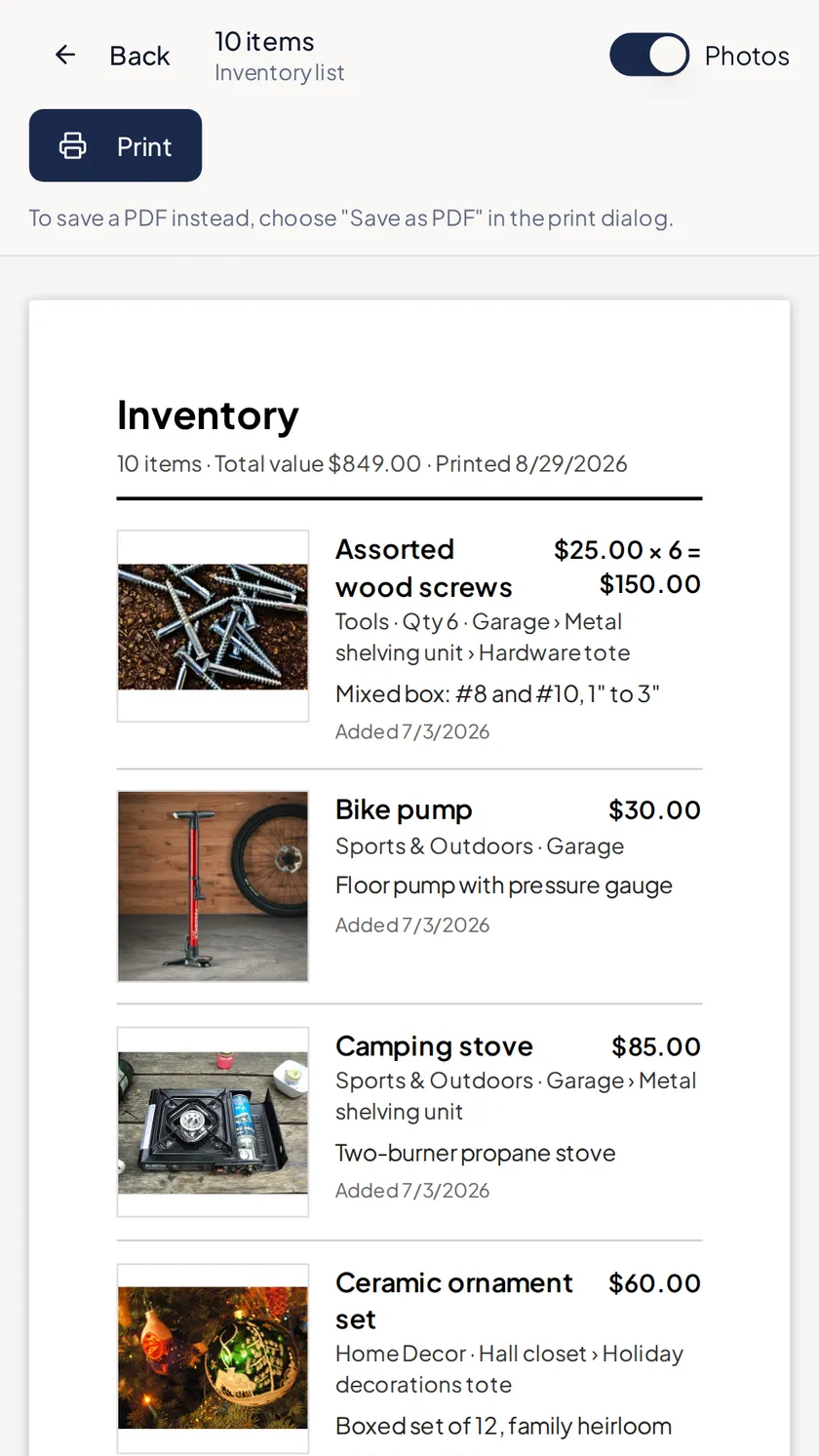
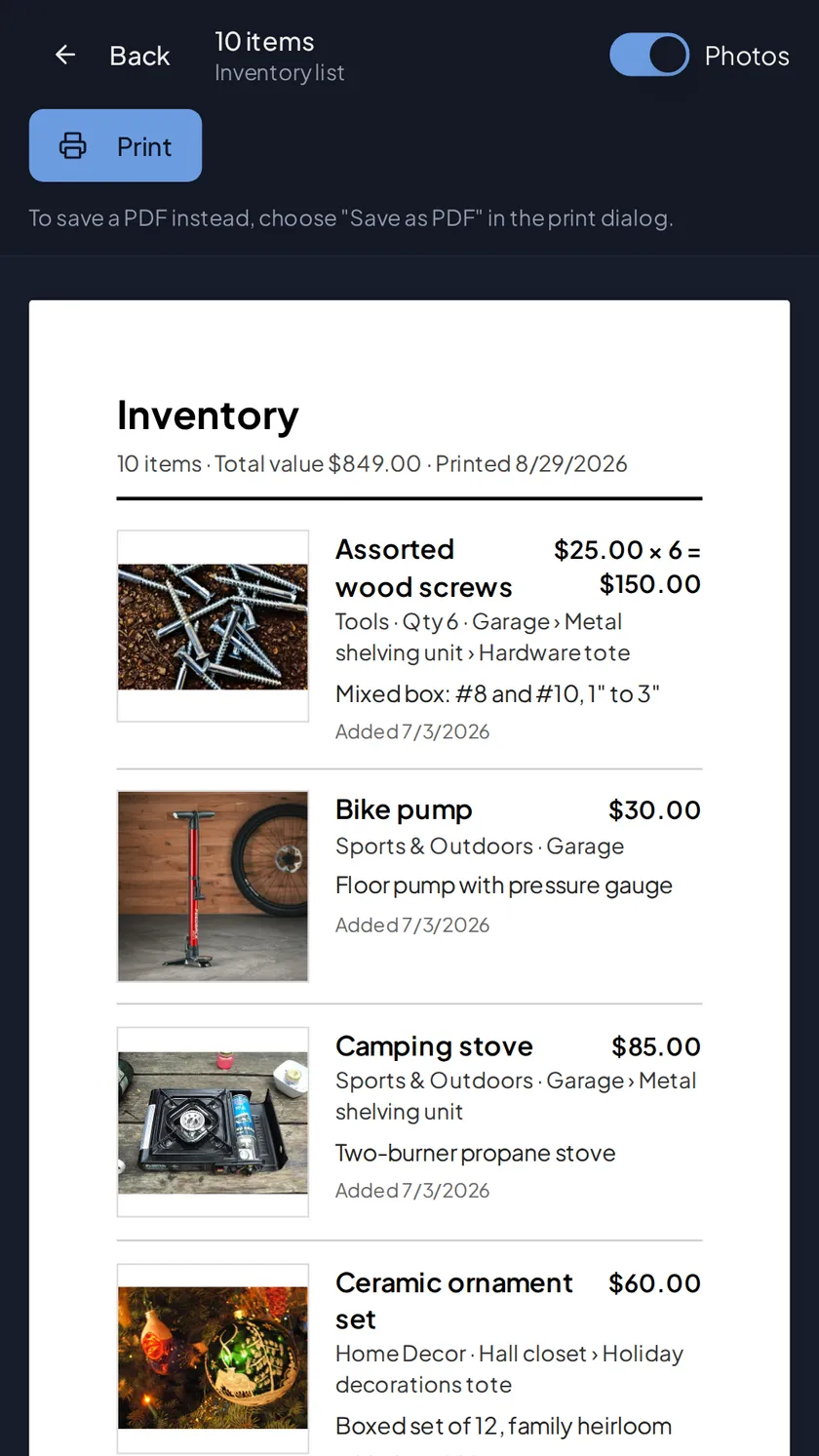
The overview shows the collection's total value and how it splits by category. A filtered list prints with its own total, so one cabinet or one series has a number too. Search "rangefinder cameras" to pull up every piece, displayed or boxed, and export everything, photos and receipts included, for an appraisal or an insurance rider.
- Total value on the overview, and a replacement-cost total once you've recorded one
- Photo search: point at a piece to find the look-alikes you already own
- Export everything, receipts included, any time
Start the catalog with the next piece you bring home.
Free for up to 50 items. Plus adds 100 Smart Actions a month, Smart Search, and sharing from $3.33/month.
7-day free trial · Cancel anytime · Export your data anytime