Features
Cataloging that doesn't feel like data entry.
Photograph a shelf, import a receipt, scan a barcode, or tell Iris what you're putting away — then review the drafts and save.
- Free plan to start
- Smart Scan
- Receipt import
- Barcode lookup
- Smart Search
- Shared inventory
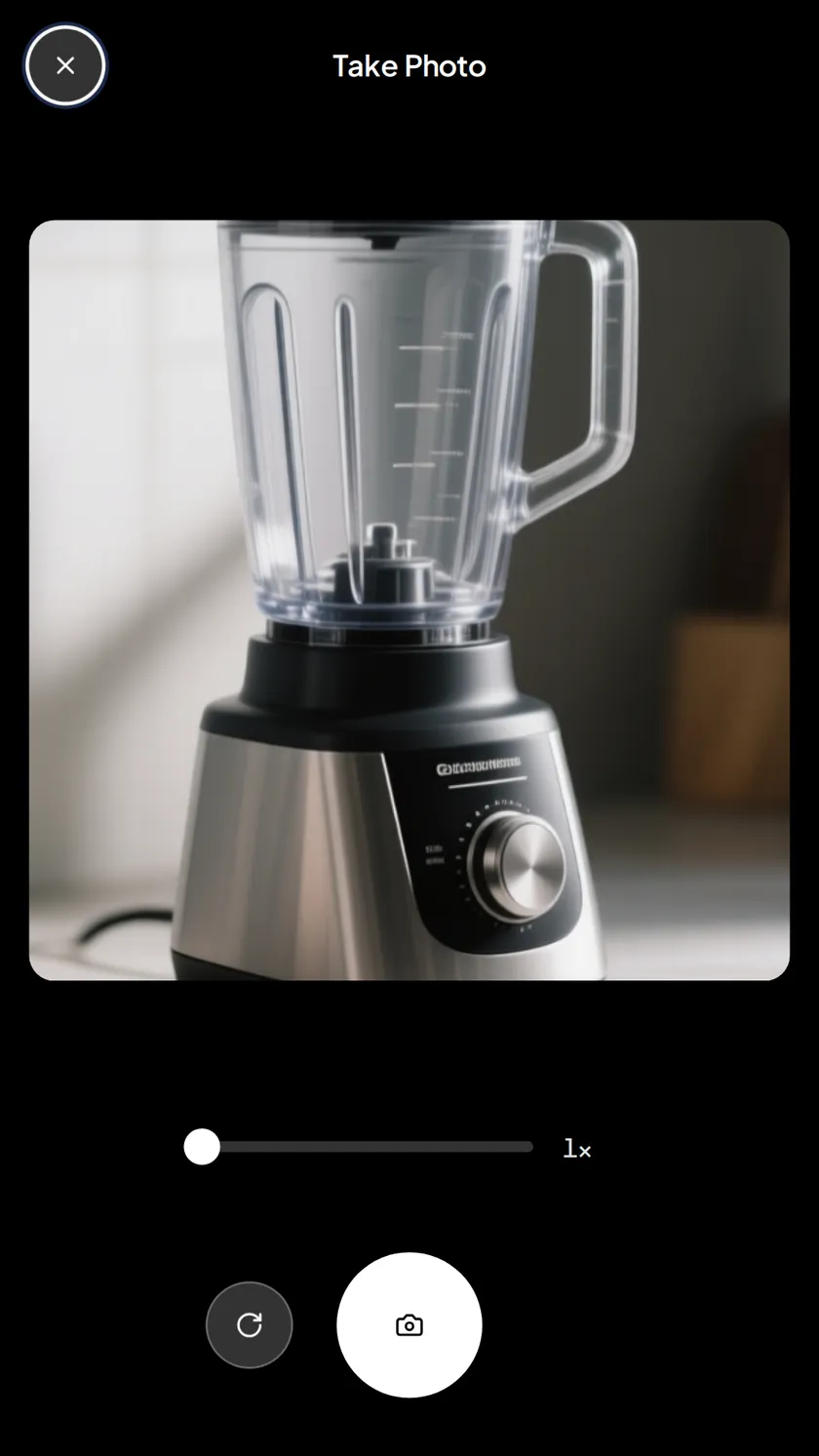
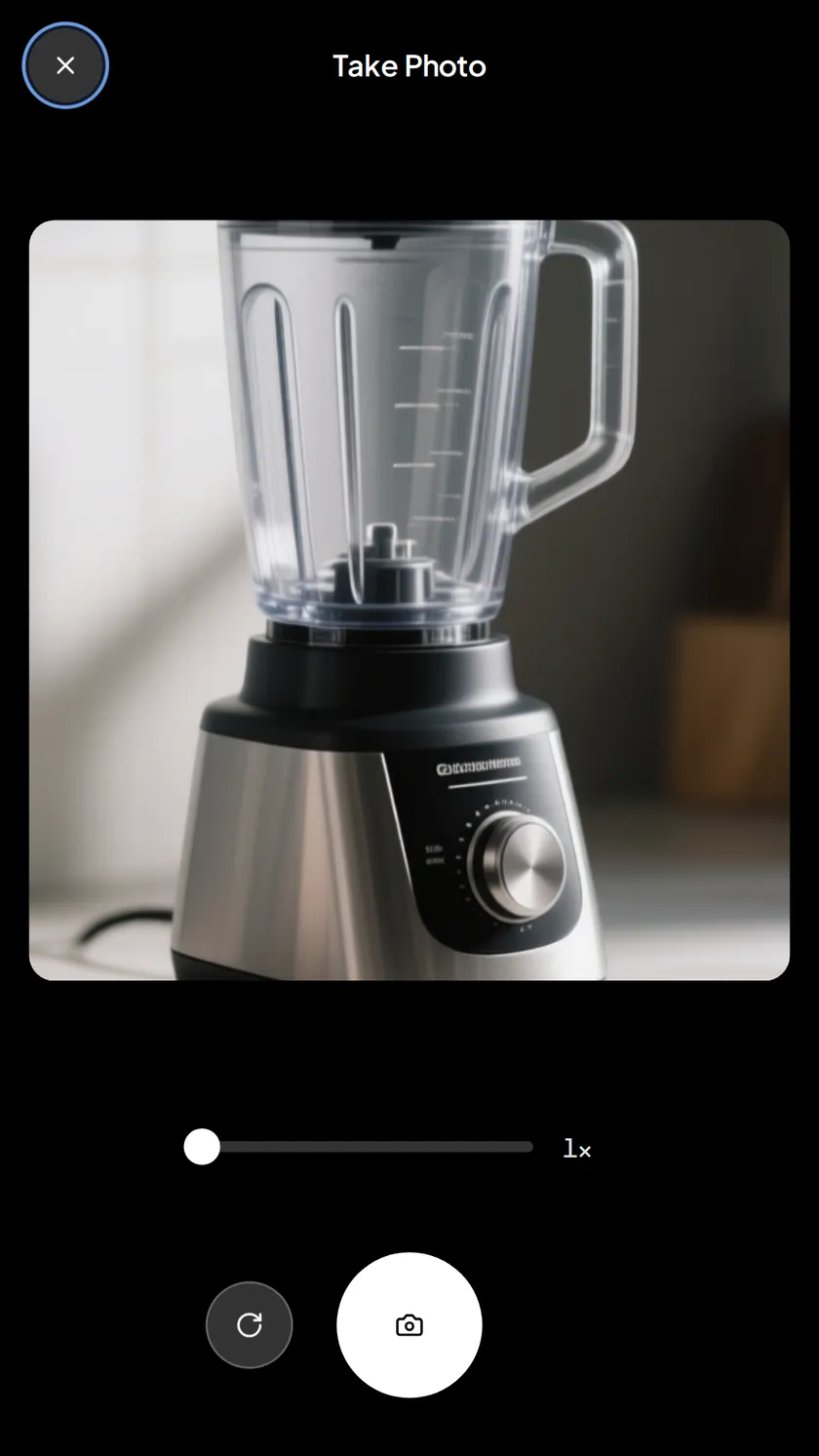
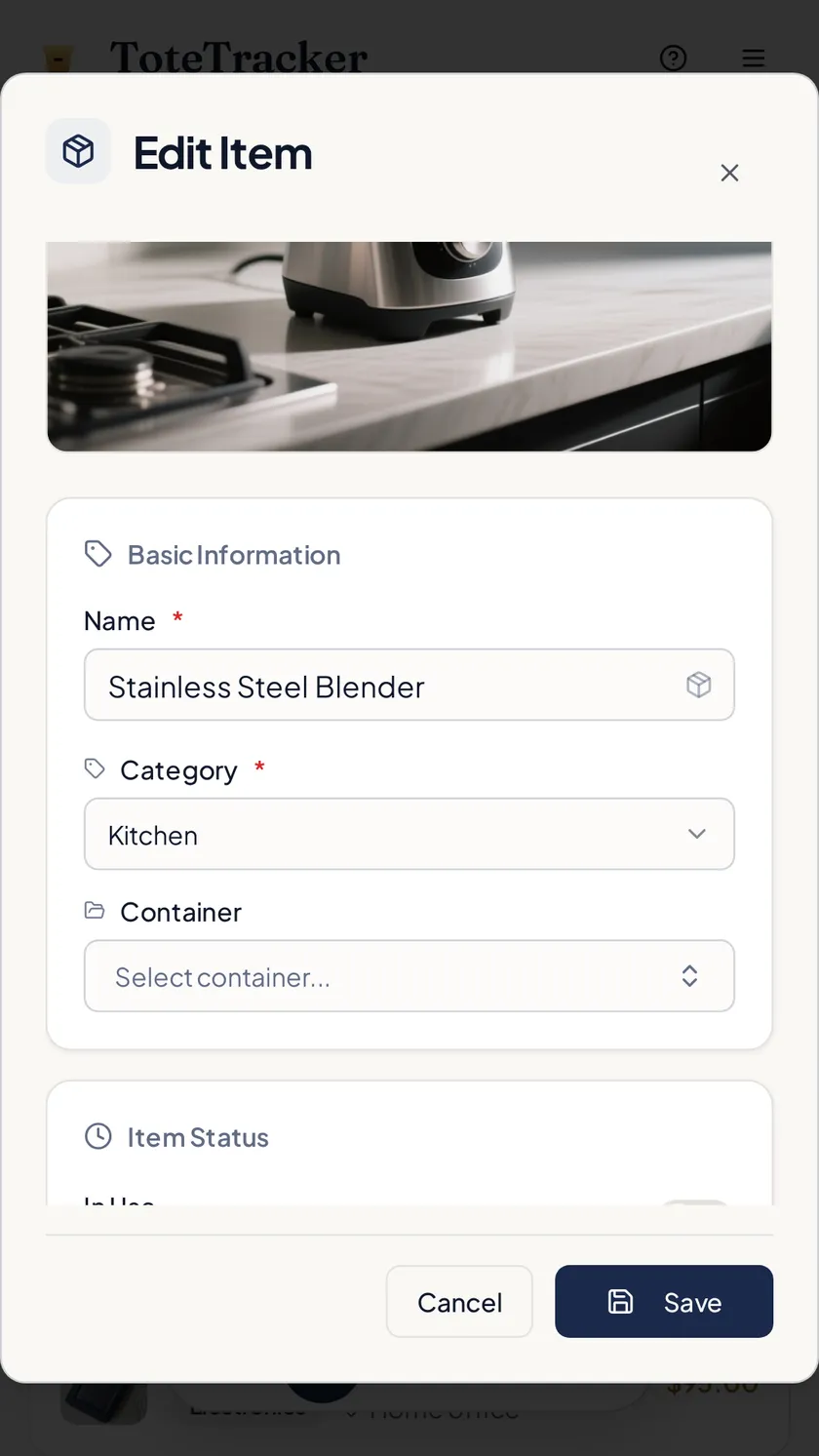
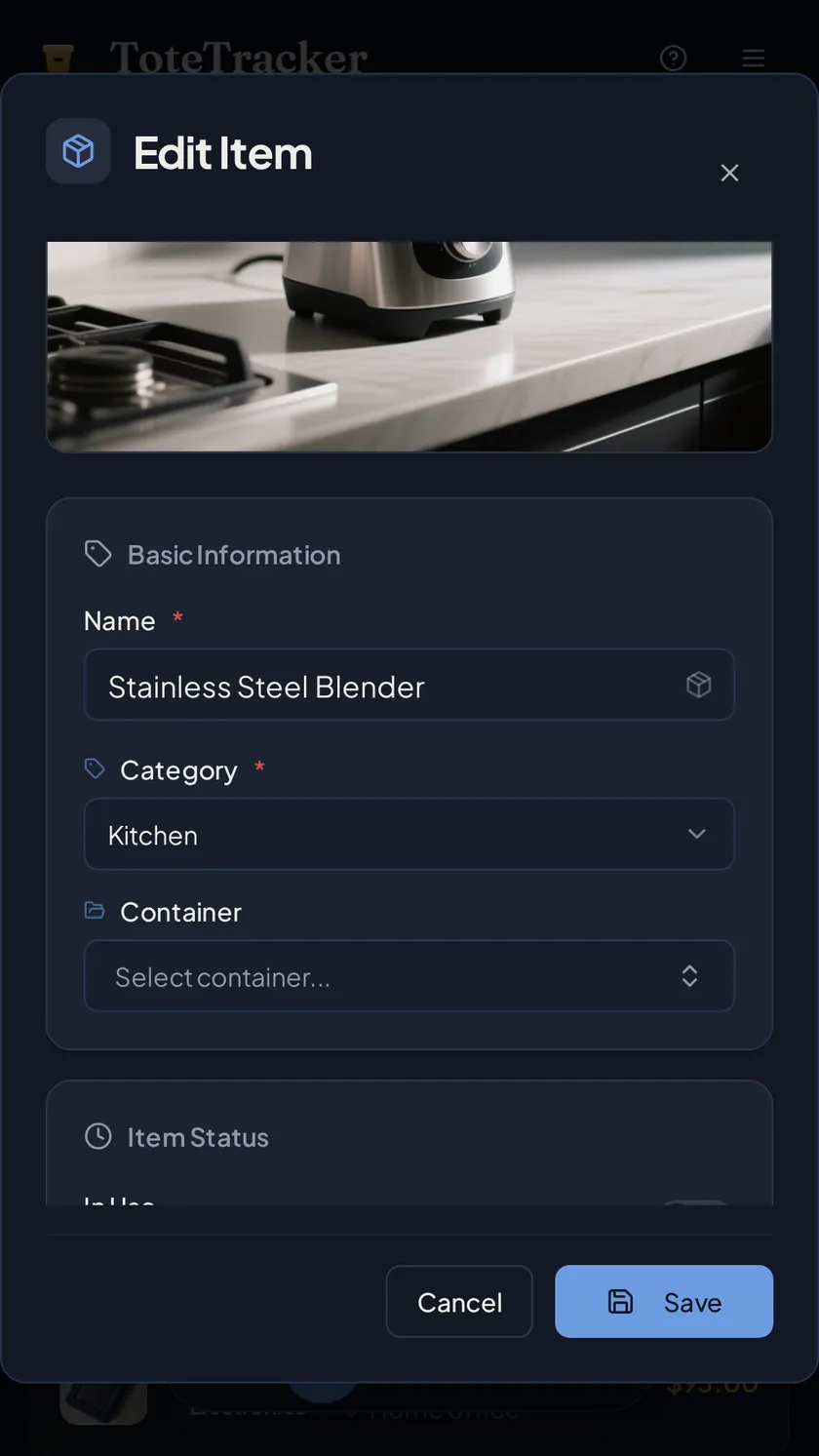
Smart Scan
One photo does the data entry.
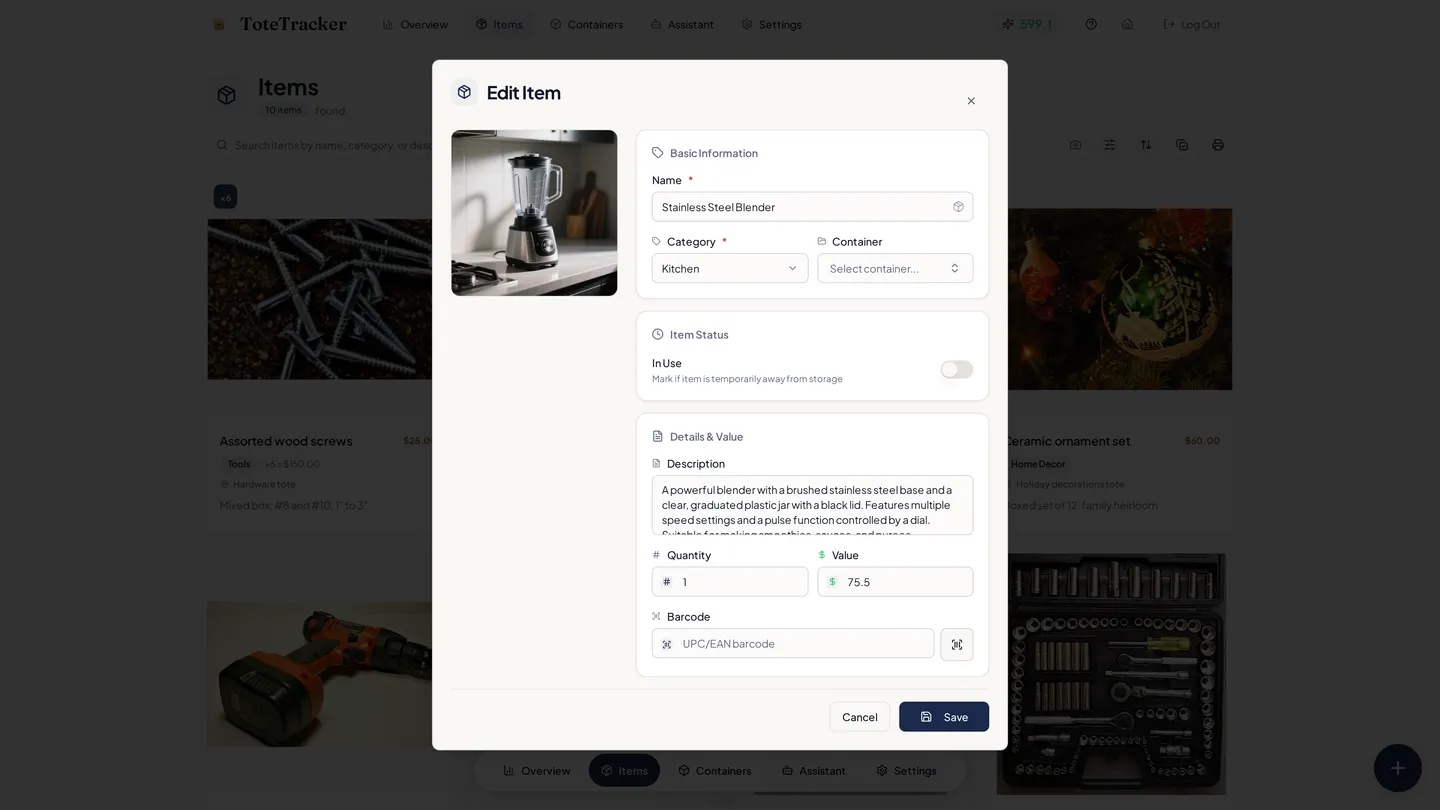
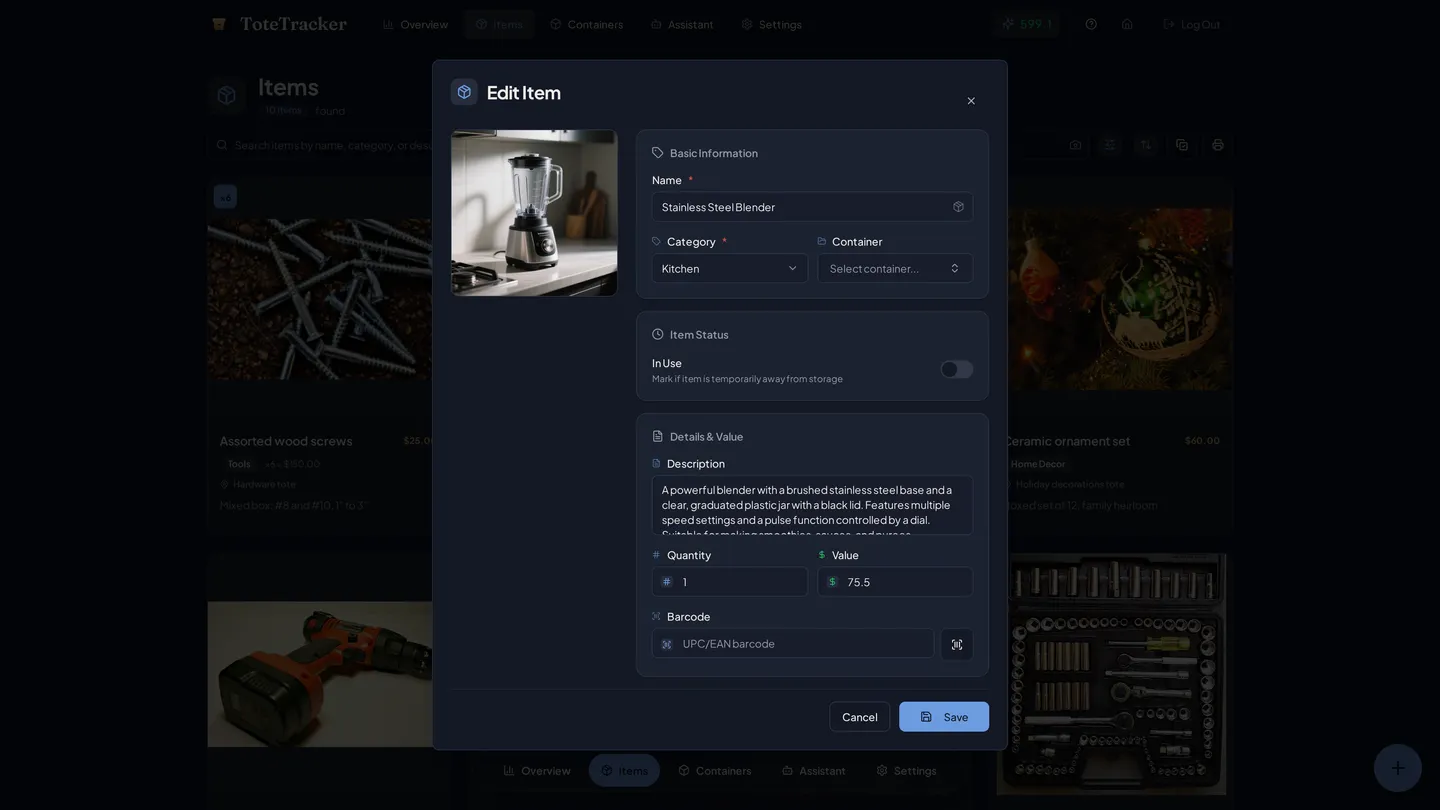
Photograph one item, a whole shelf, or an open box. The scan drafts every item it finds with a name, category, description, and estimated value. Nothing saves until you've looked it over.
- Detects and crops each item in a shelf photo
- Batch mode handles several photos together
- Estimated market value on every draft
- You review every draft before it saves
Receipt import
Import items from any receipt.
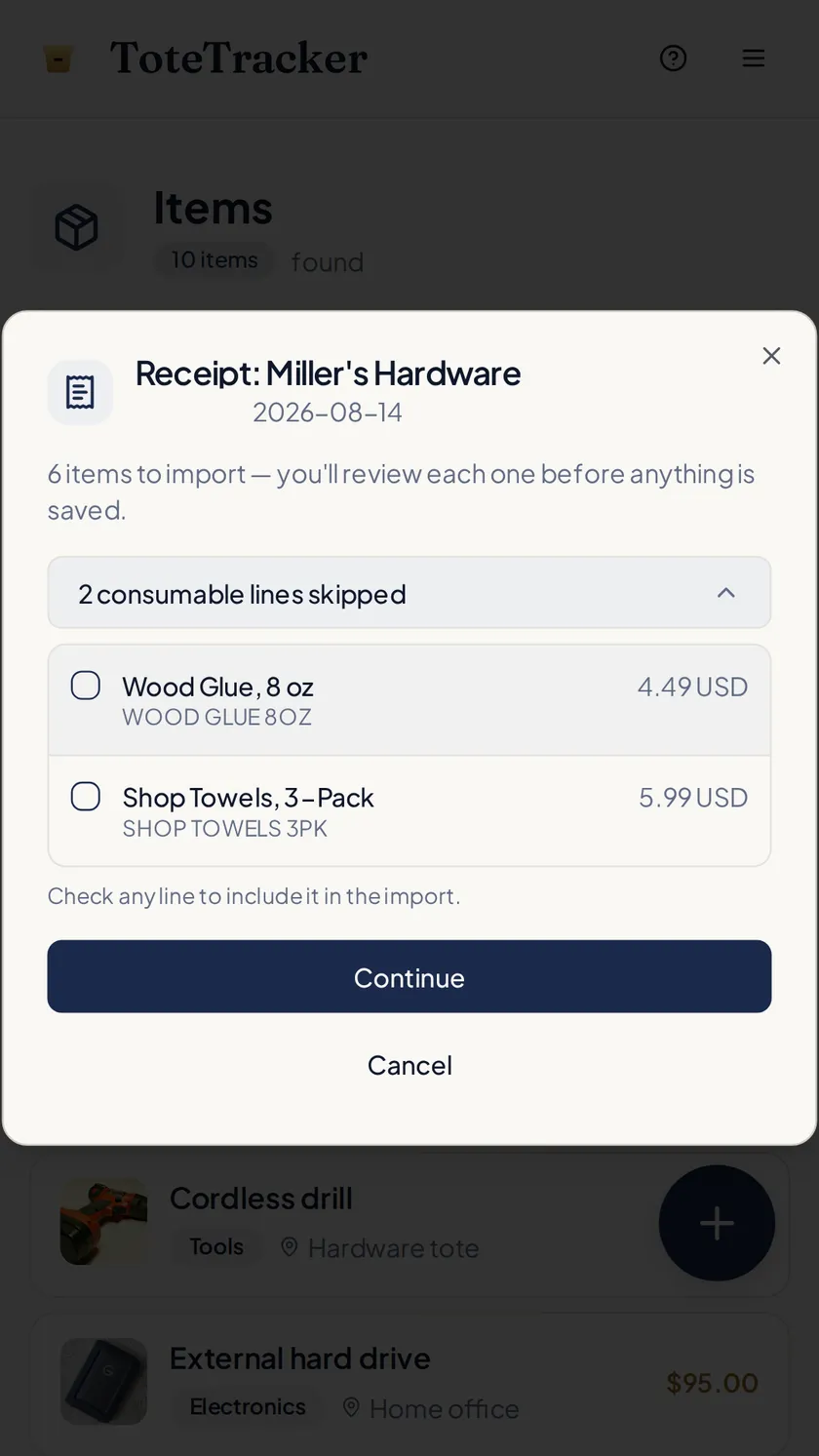
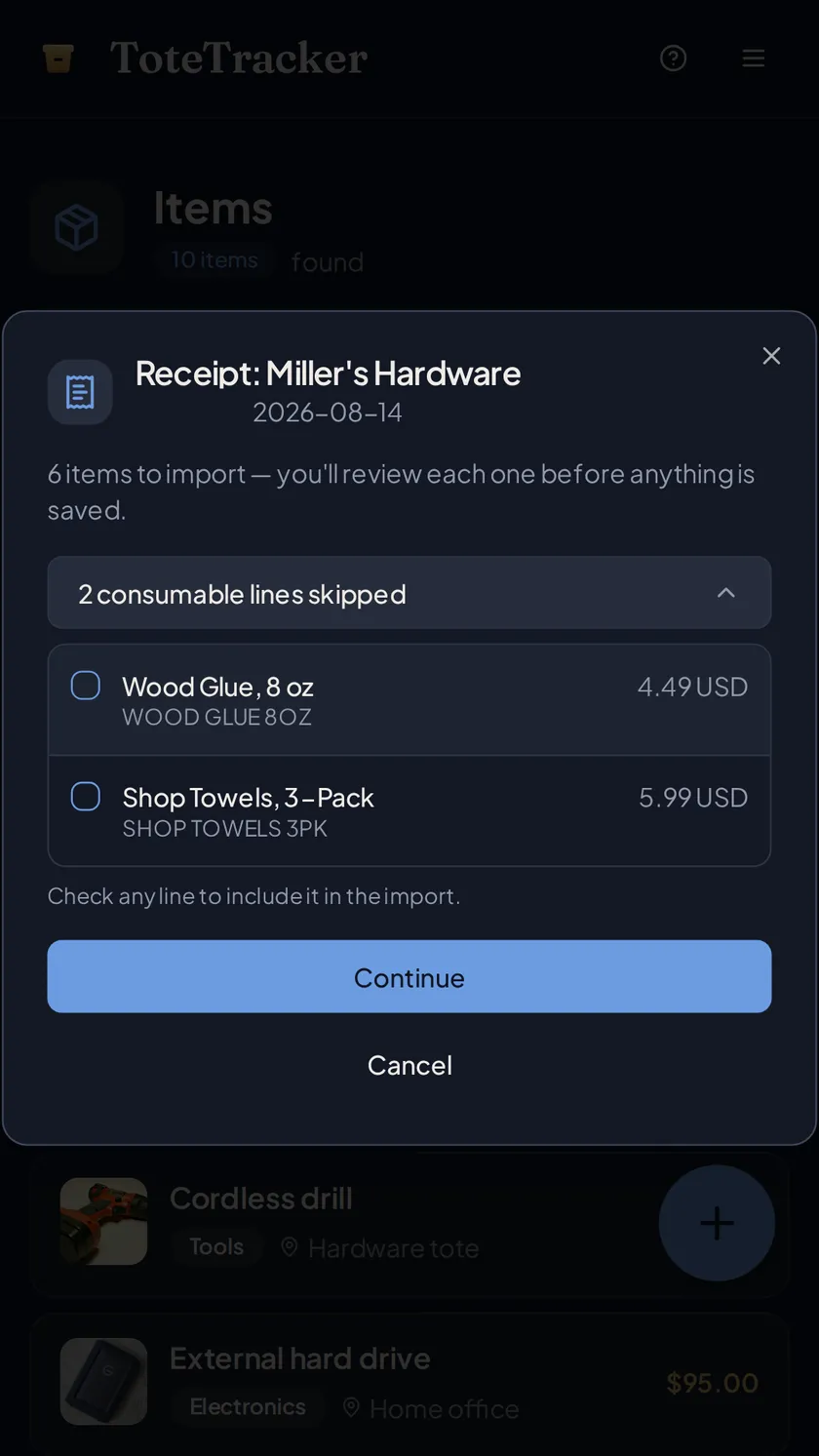
Photograph a paper receipt, or pick a screenshot or PDF of an order confirmation. The durable goods become drafts; groceries and other consumables are set aside where you can see them, and one tap brings any line back.
- Paper receipts, screenshots, and PDFs
- Skipped consumables stay visible
- Imported items are searchable right away
Barcode lookup
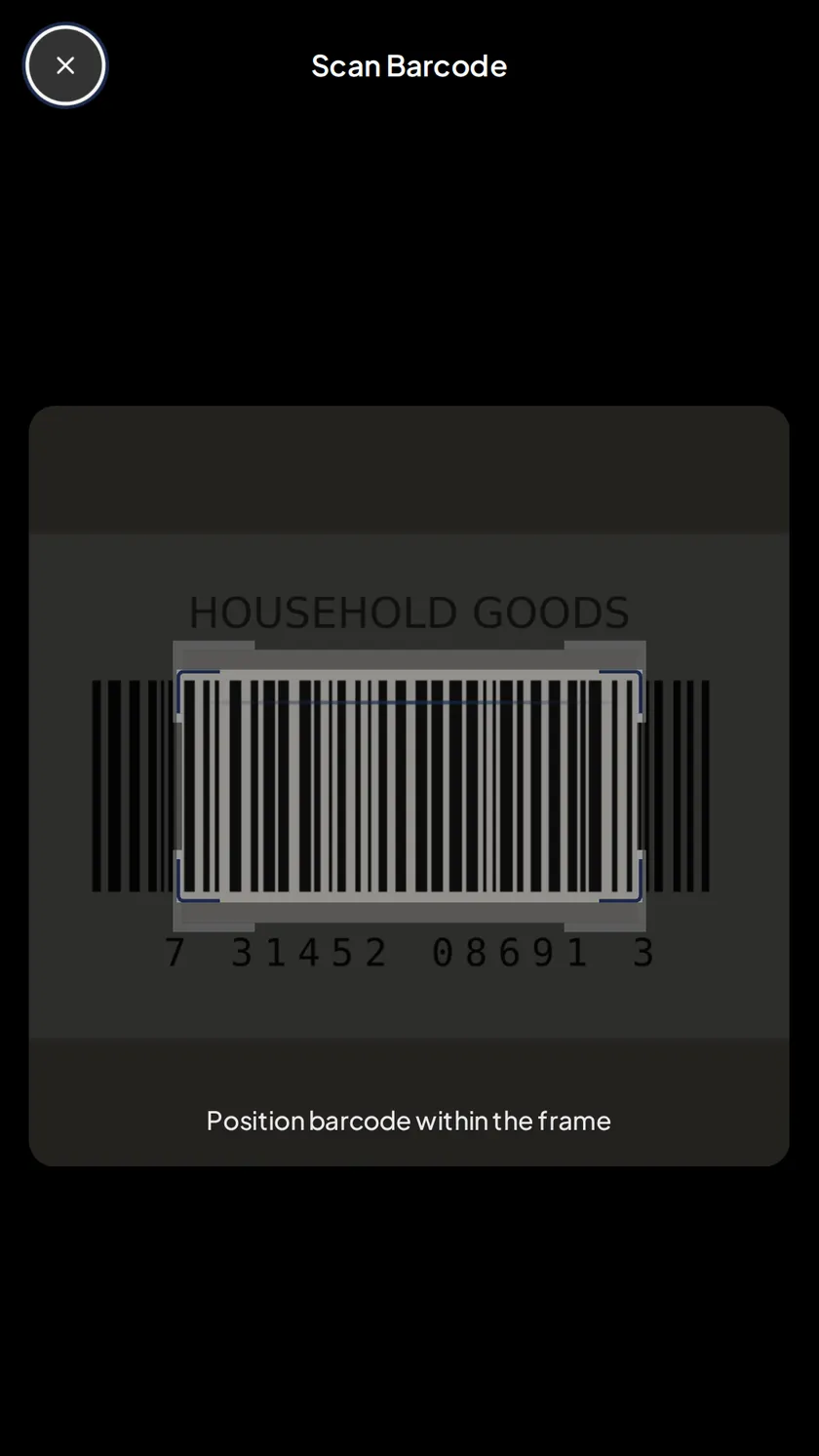
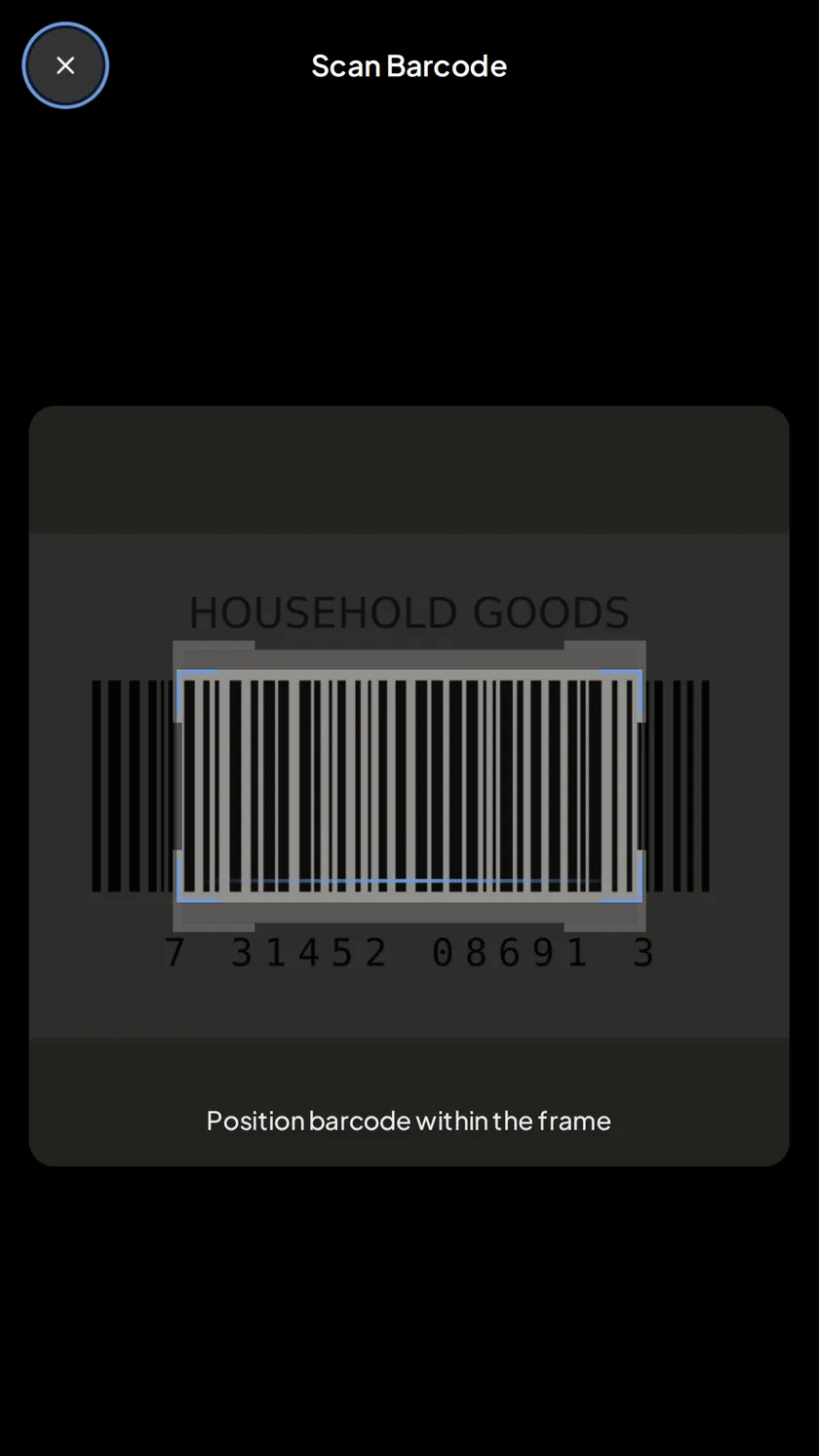
Scan a barcode to fill in the details.
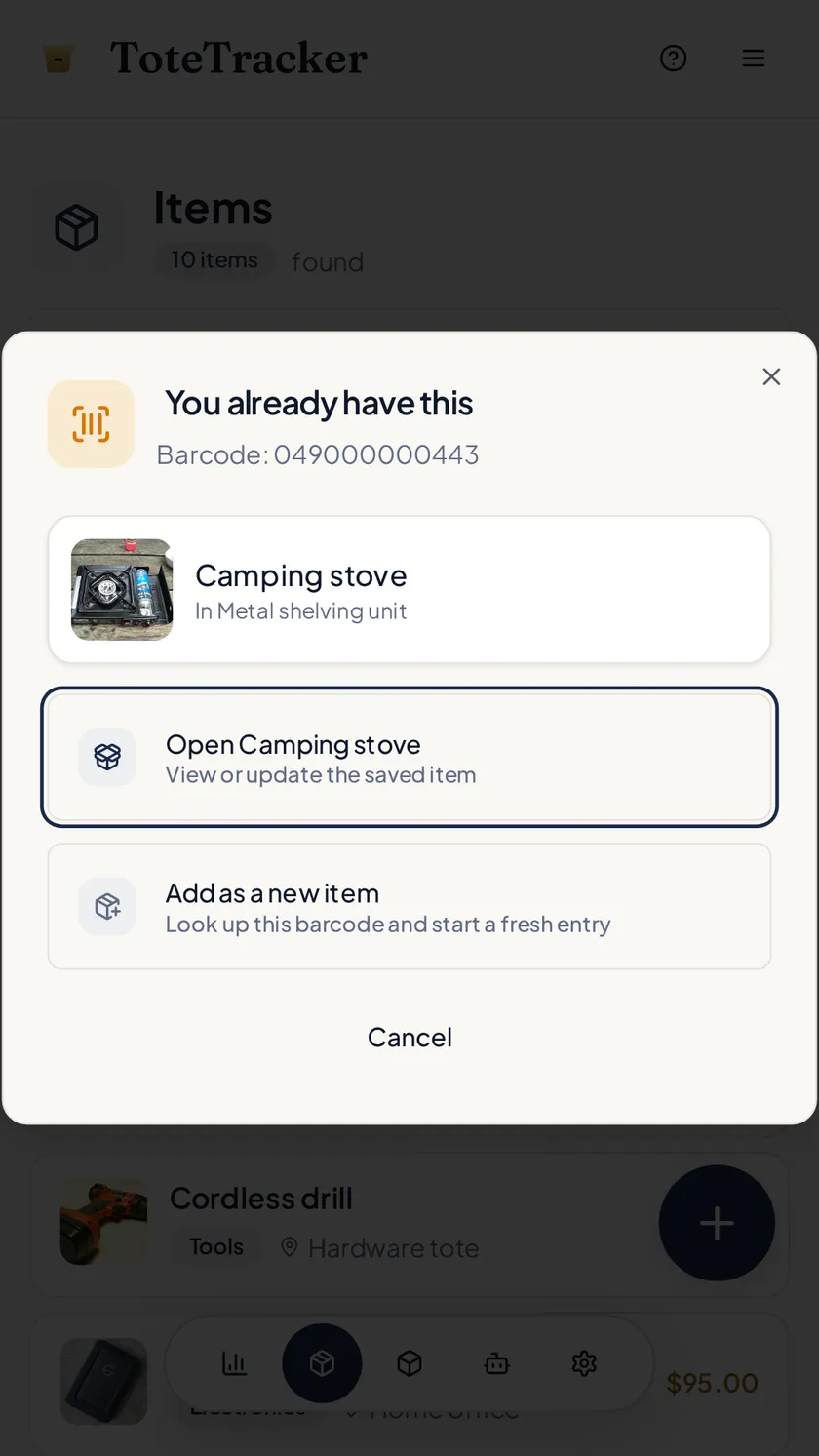
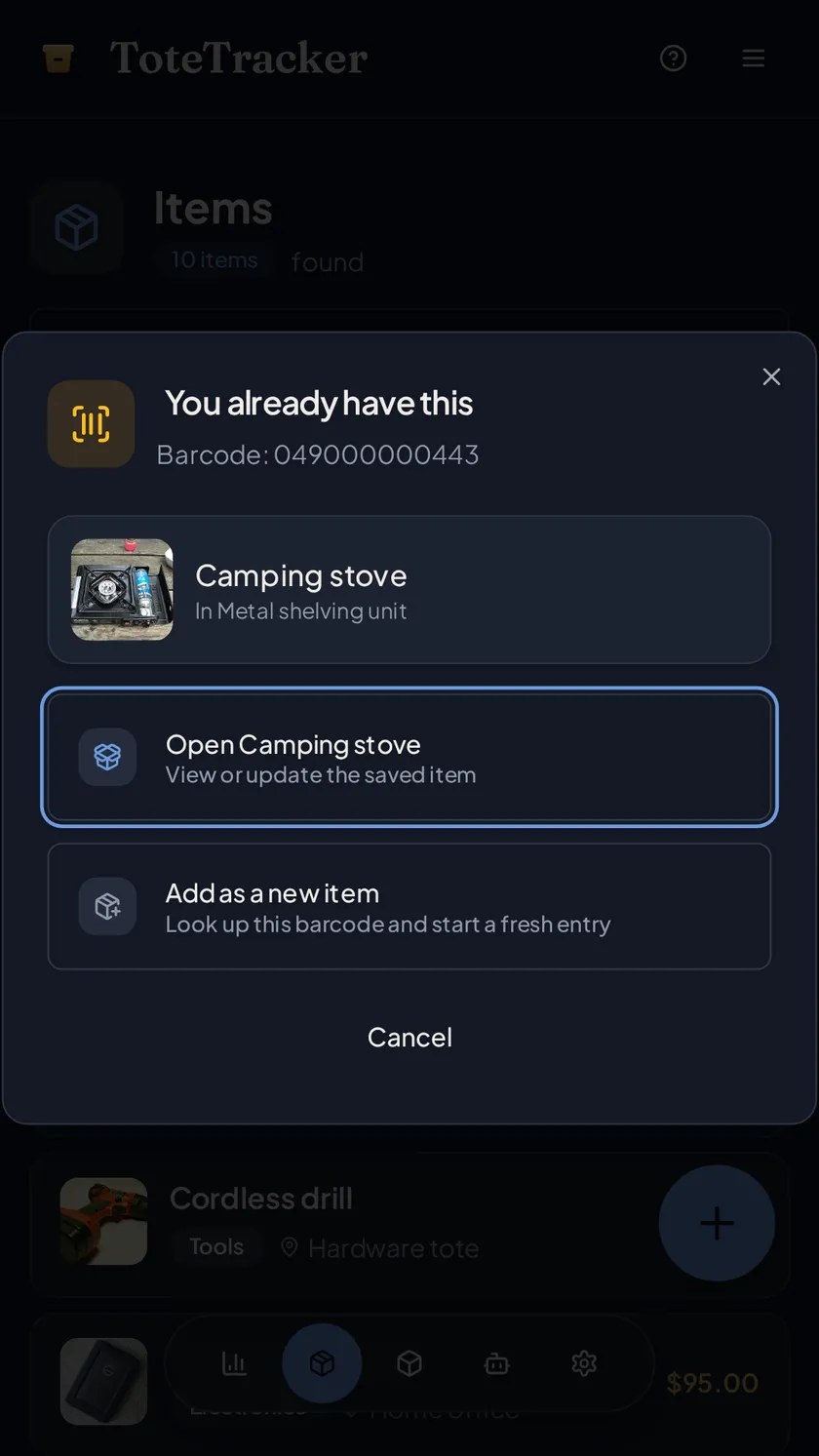
Scan a UPC, EAN, or ISBN and the name, images, and specifications fill in from a database of millions of products. If that barcode is already in your inventory, the saved item opens instead of becoming a duplicate.
- Supports UPC, EAN, and ISBN
- Recognizes barcodes you've already saved
- Scan-to-fill button on the item form
Iris, the voice assistant
Add items while your hands are full.
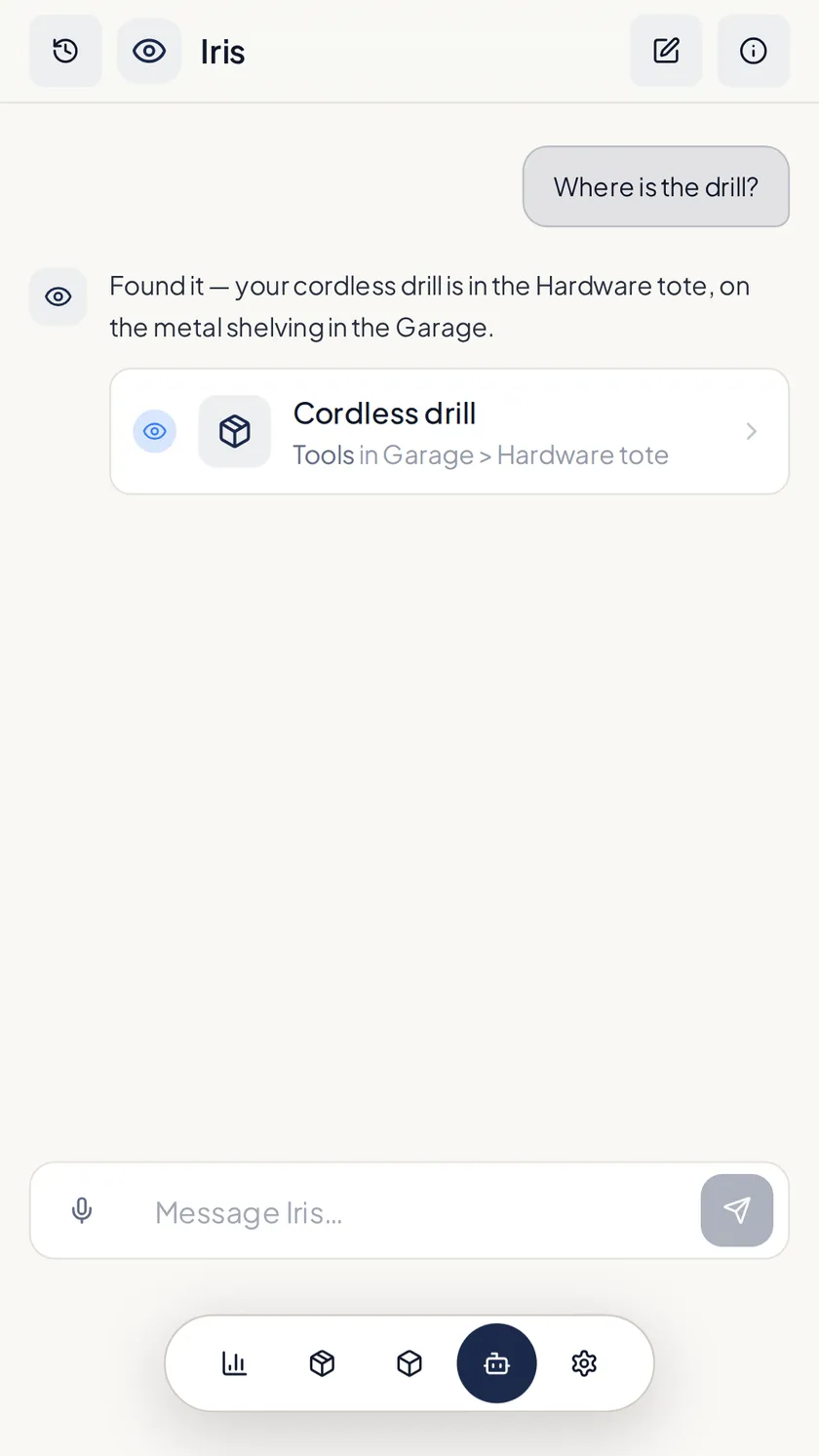
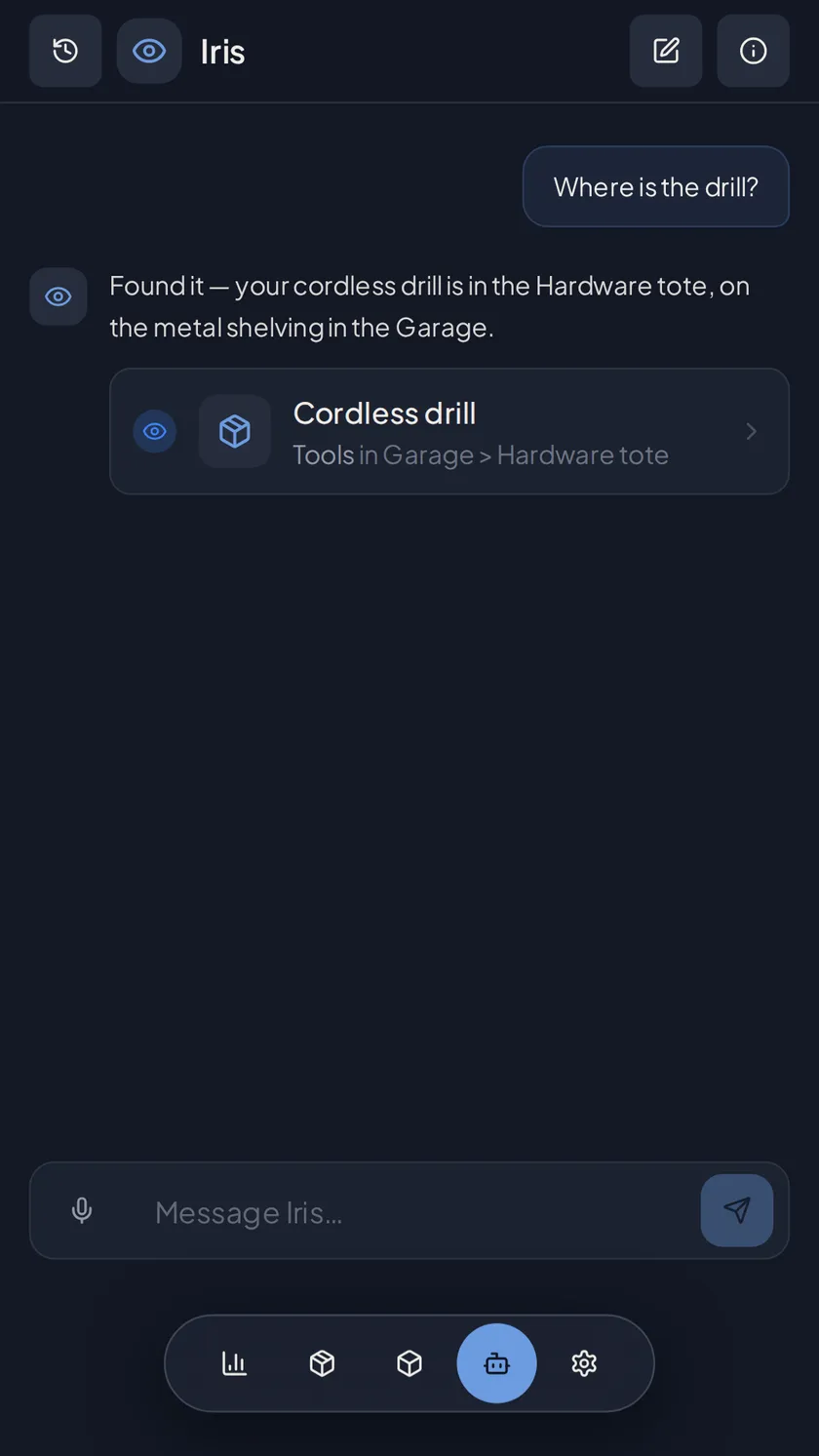
Tell Iris what you're putting away, like "a drill, hammer, and saw in the garage toolbox", and it drafts each item for you to confirm. It takes typed messages too, and it can search the inventory or tell you where something lives. (Beta)
- Hands-free while you pack
- Creates items and containers, and searches
Containers and labels
Nested organization that mirrors your real storage.
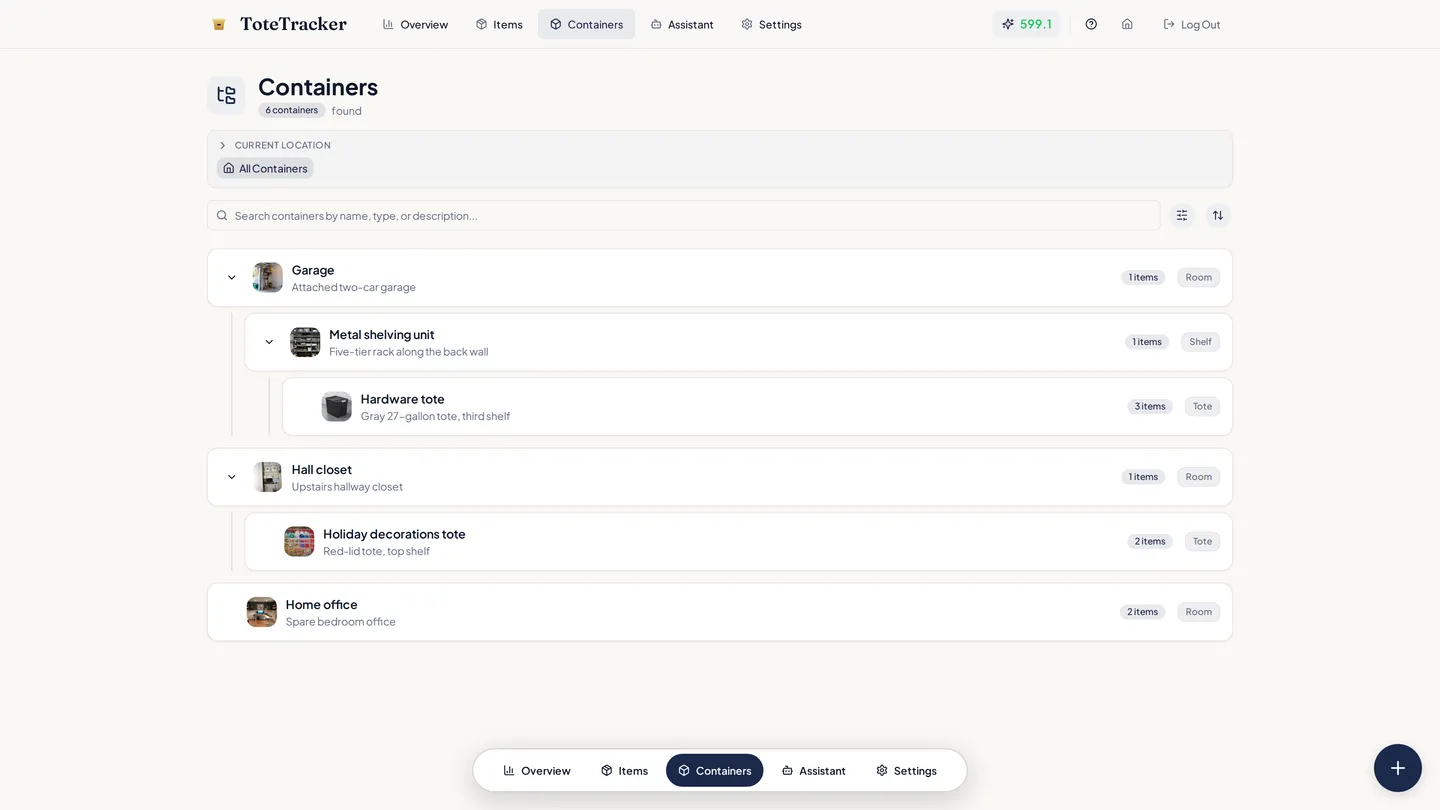
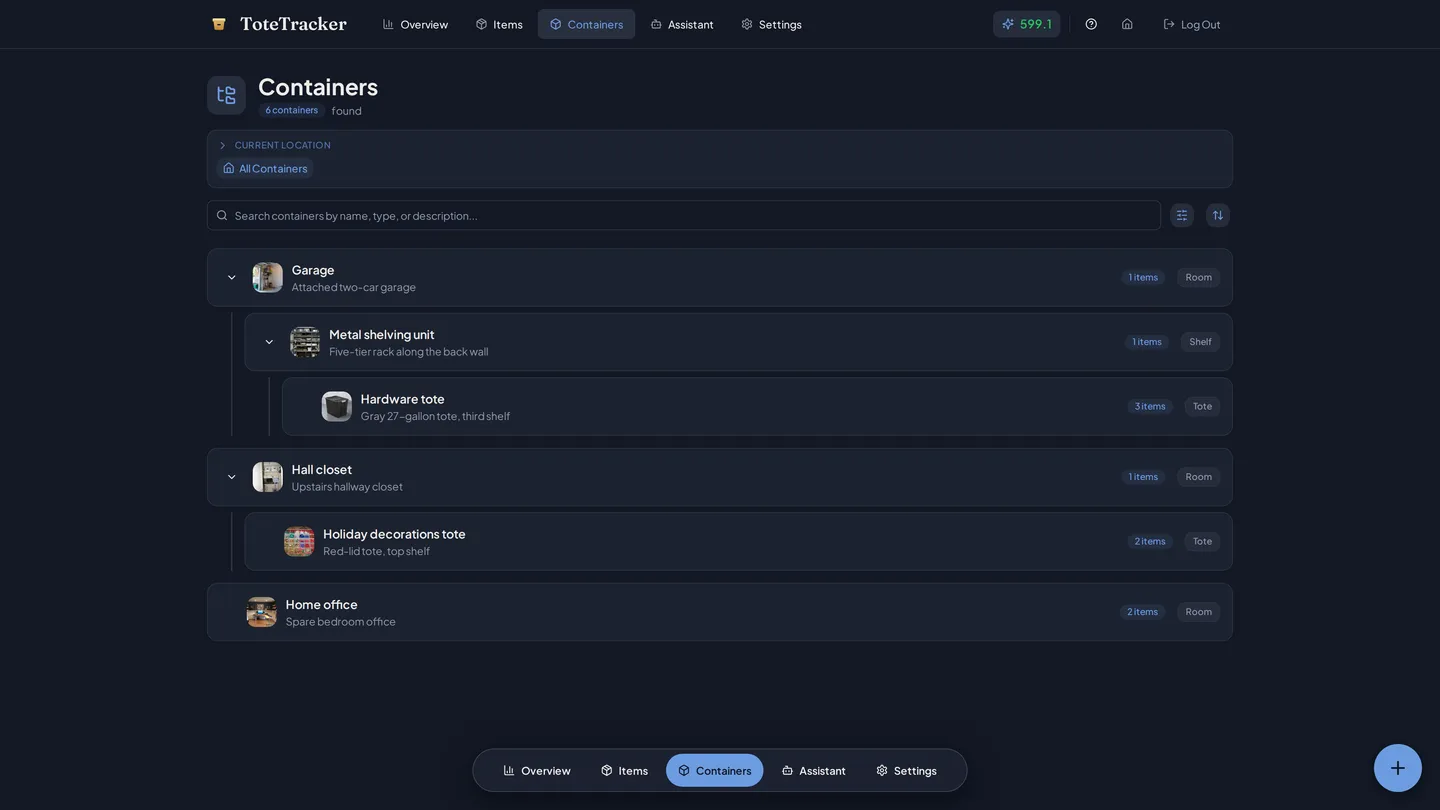
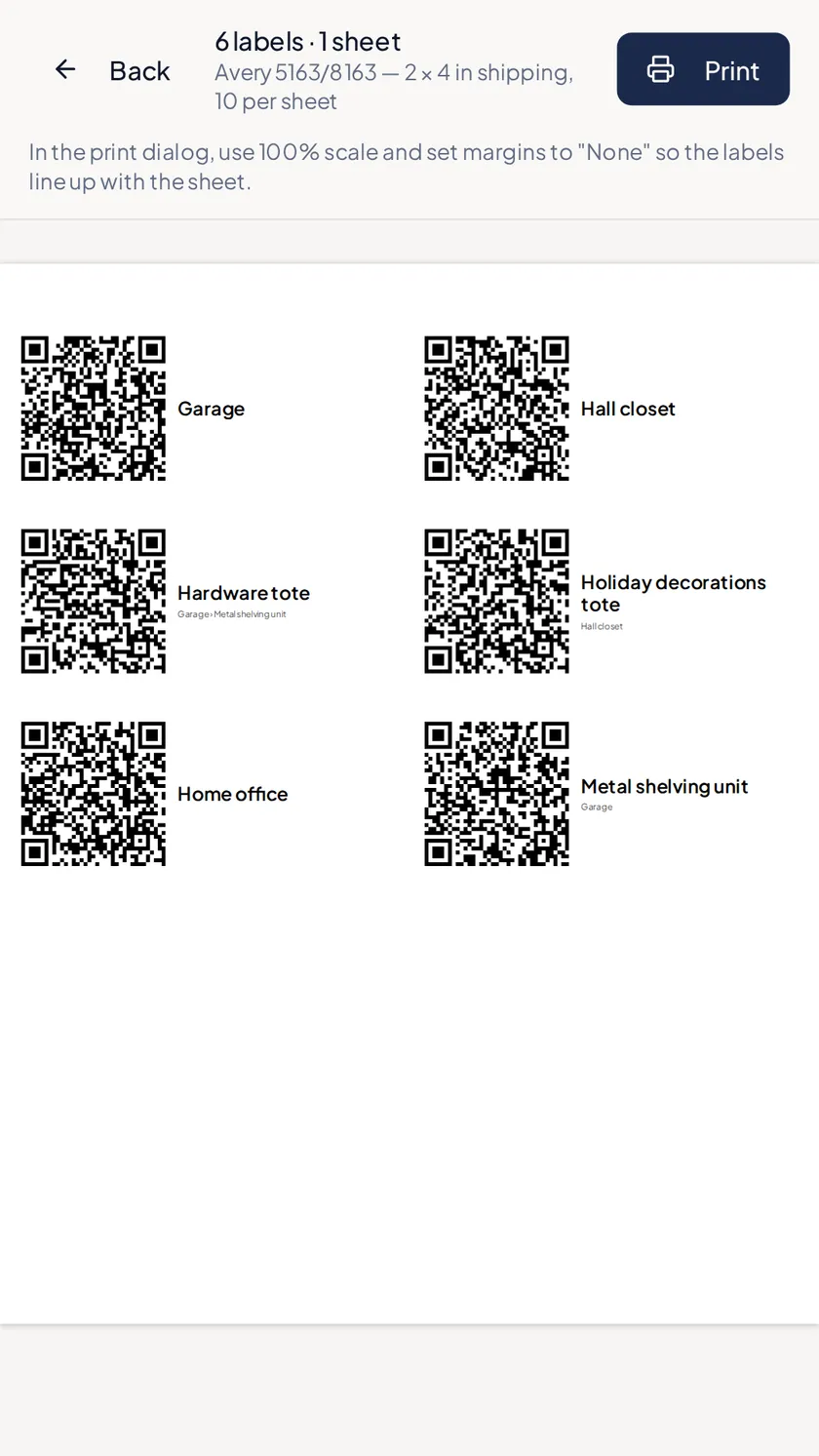
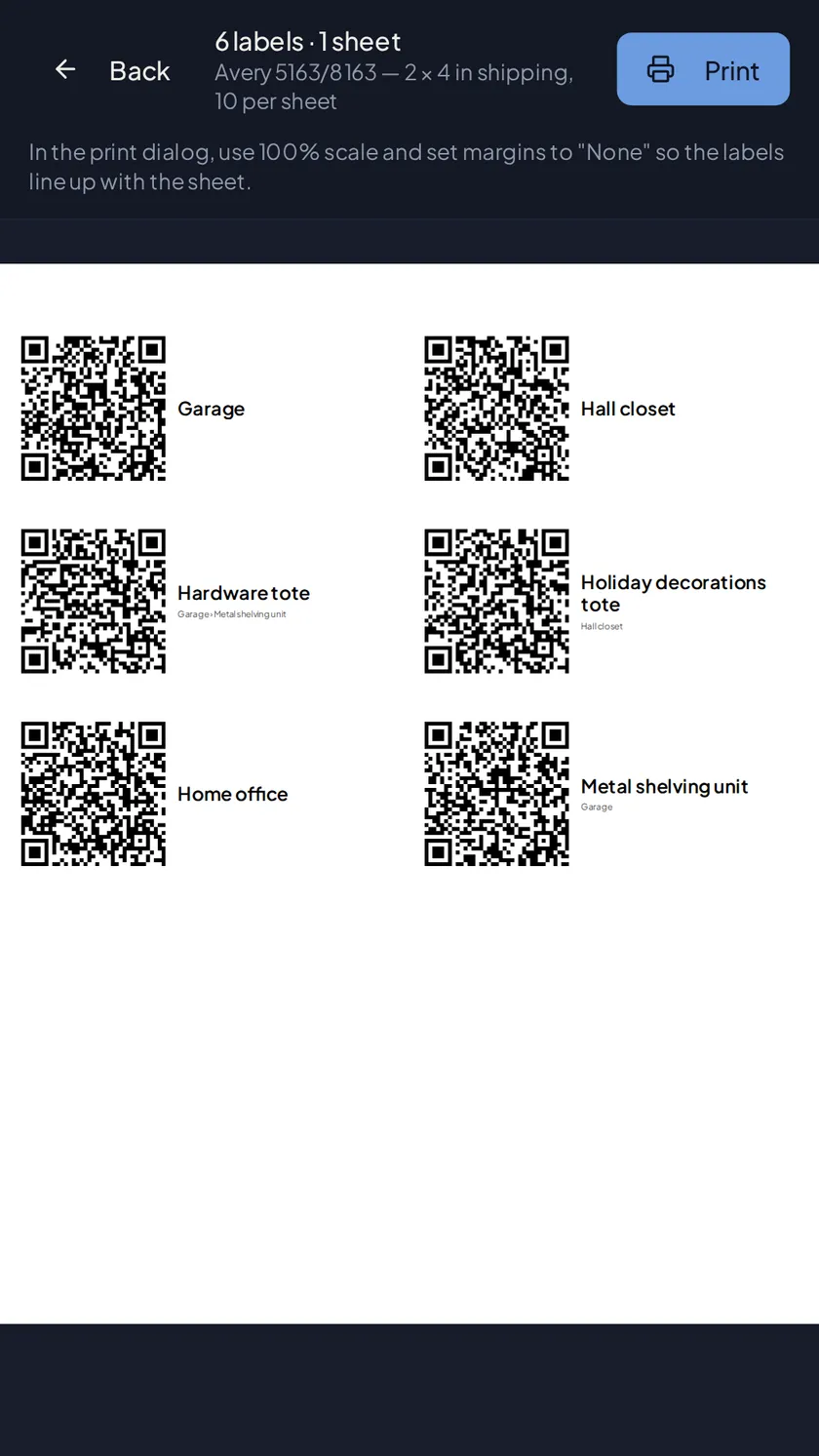
Nest containers to match how your home is actually laid out, then browse the tree or drag things where they belong. Print QR labels for your boxes; scanning one with the app or any phone camera opens exactly what's inside.
- Six container types, nested as deep as you need
- Printable QR label sheets, sized for Avery templates
- Scan a label with any camera app to open the box
- Stick blank labels now and claim them as you pack
Smart Search
Search by what you remember.
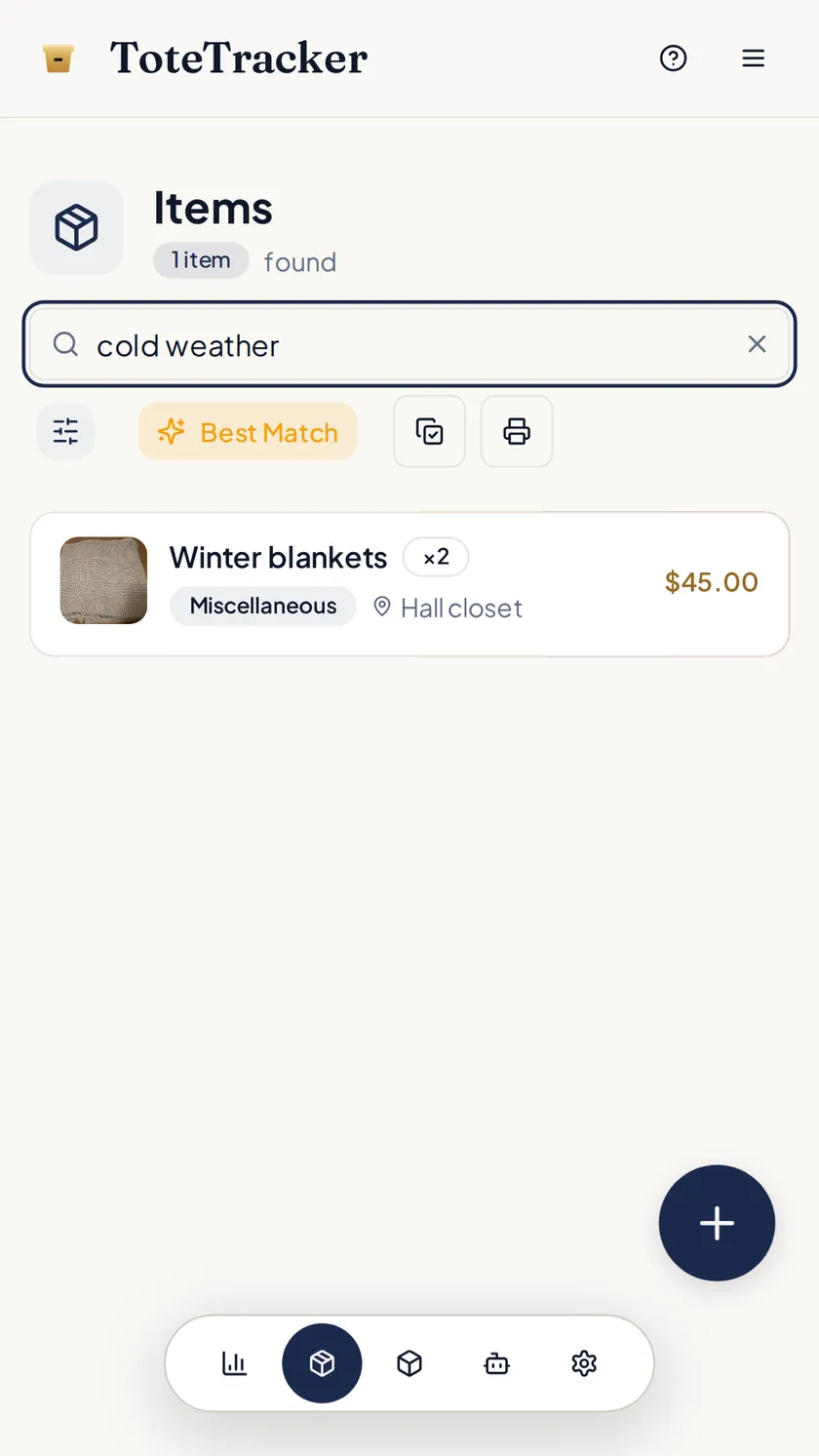
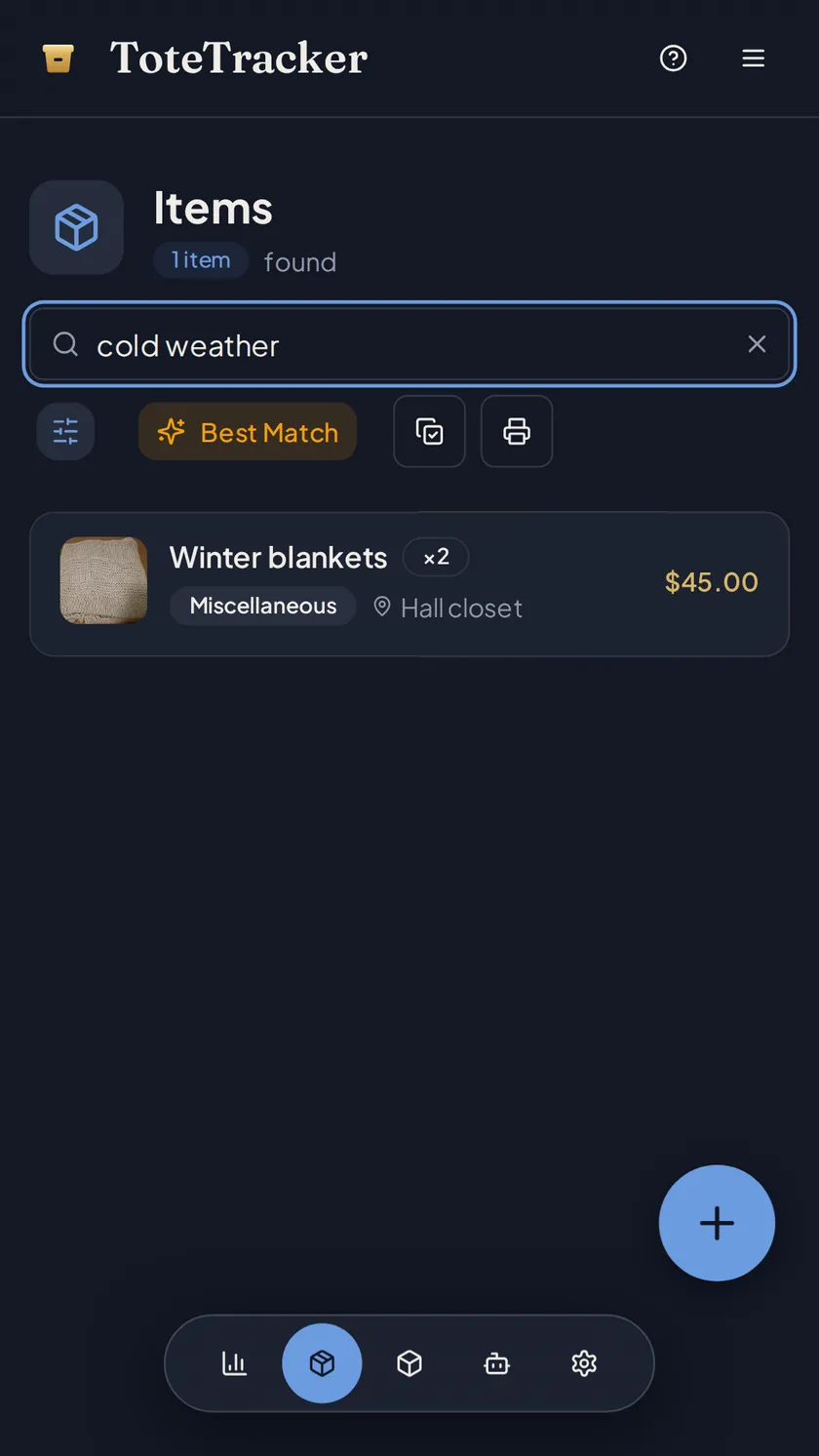
Type "cold weather" and the winter blankets in the hall closet come back, even though neither word is in their name. Or skip words entirely: snap a photo and matching saved items surface.
- Matches meaning, not exact words
- Photo search finds look-alike items
- Results as you type
- Part of Plus, and uses no Smart Actions
Shared inventory
Everyone sees the same inventory.
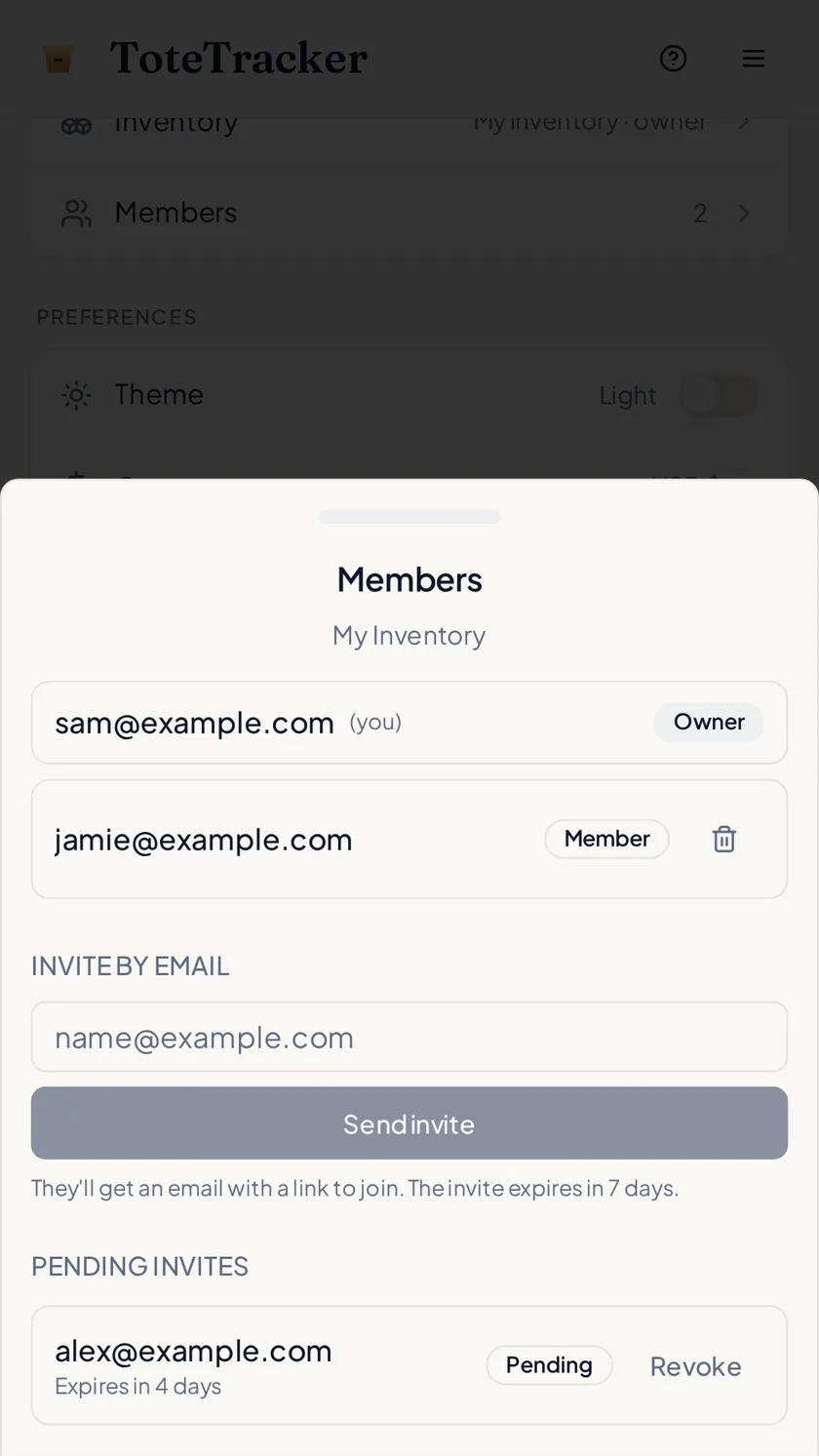
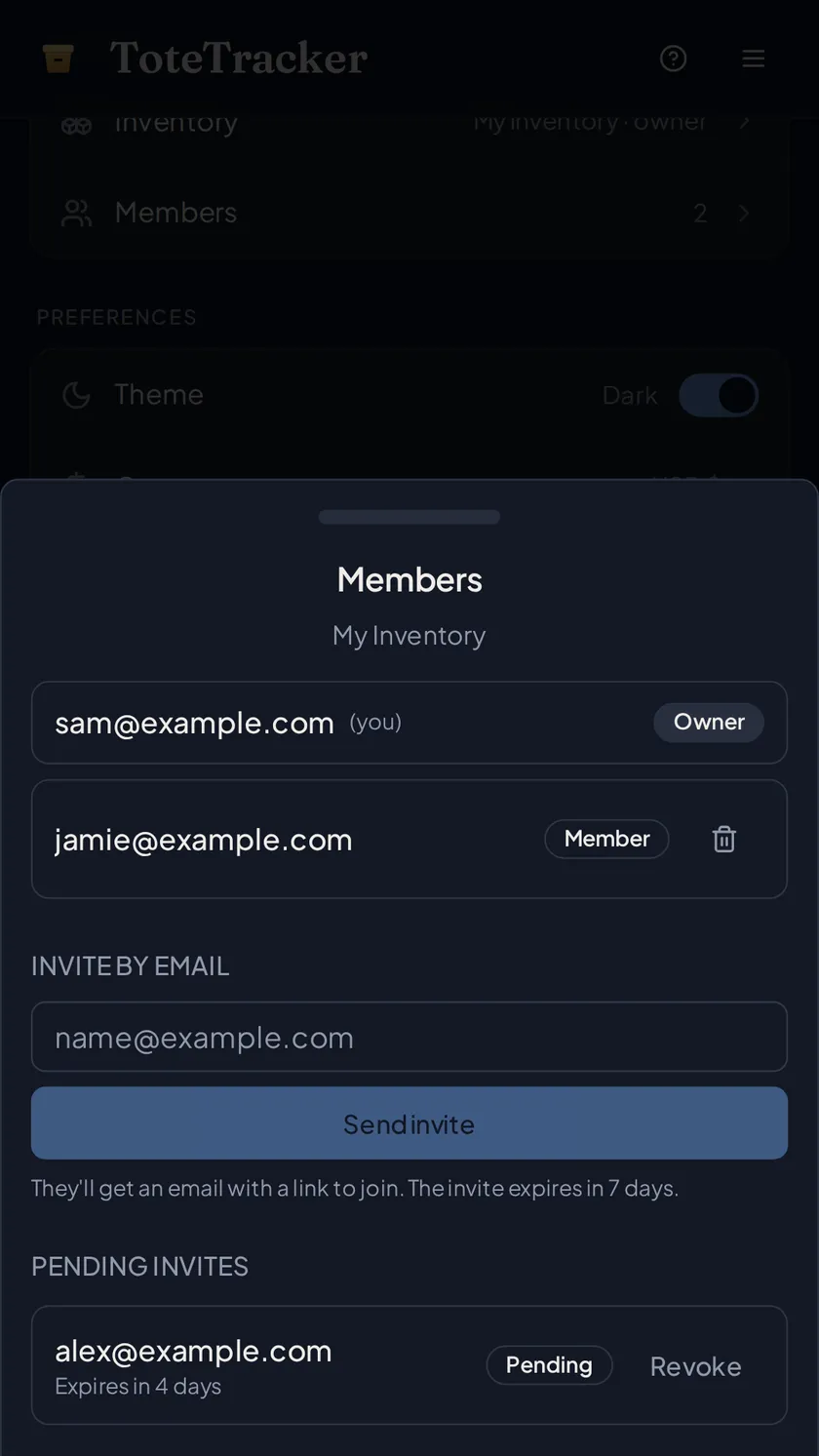
Invite your household, partner, or team by email; they join from a link and can view and edit the same containers and items. Switching inventories scopes the whole app, so Smart Search and Iris answer for whichever inventory is active.
- Invite by email from Settings
- Everyone can add, edit, and delete items
- Switch between your own and shared inventories
- Part of Plus: the owner needs Plus, and invited members can be on any plan
Also included
Everything else that comes with ToteTracker
Manual entry
A plain form when you'd rather type: name, category, quantity, value, and location. Unmetered, works offline, and syncs when you're back.
In-use tracking
Mark an item "in use" when it leaves storage, with a note about where it went. One tap marks it back.
Duplicate detection and merge
A daily sweep flags anything that looks logged twice, with an optional check at save time. Nothing merges until you confirm, and merges can be undone.
Print and export
Print the item list you're looking at — same filters, same sort, photos optional. Your full data exports anytime.
Security
Your data is encrypted in transit and at rest. Row-level security means only you and the people you invite to a shared inventory can read it.
Sync, offline, and backups
Changes sync across phone, tablet, and desktop automatically, with backups handled for you. Offline edits save on the device and sync when you're back.
On every device
One inventory on every device.
Apps on Google Play and the App Store, plus a web app that installs from the browser and keeps working offline.


Know where everything is.
The Free plan covers a small inventory. Plus adds every feature on this page from $3.33/mo.
7-day free trial · No credit card · Cancel anytime